Manage Preferences
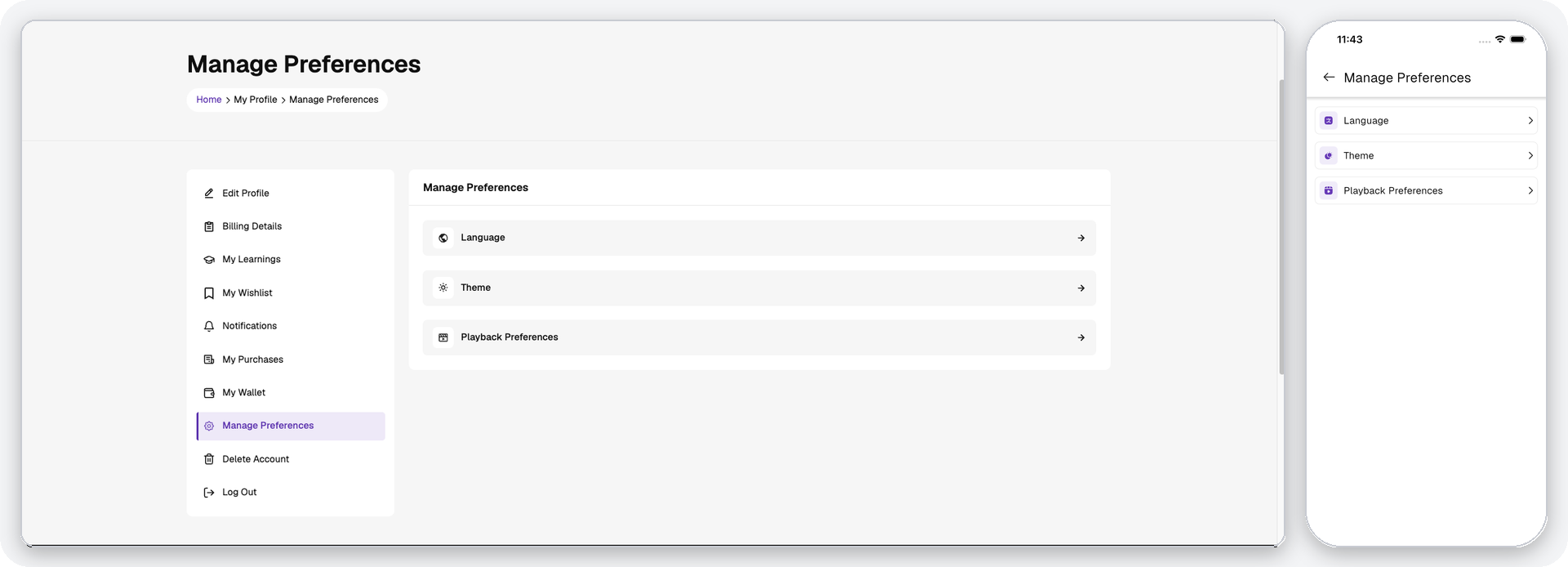
Users can control how the platform looks and behaves from the Manage Preferences section. The same preferences are available in both the mobile application and the website, and each preference is saved to the user's account.
- Application – Available from Profile → Manage Preferences.
- Website – Available from My Profile → Manage Preferences.
Language
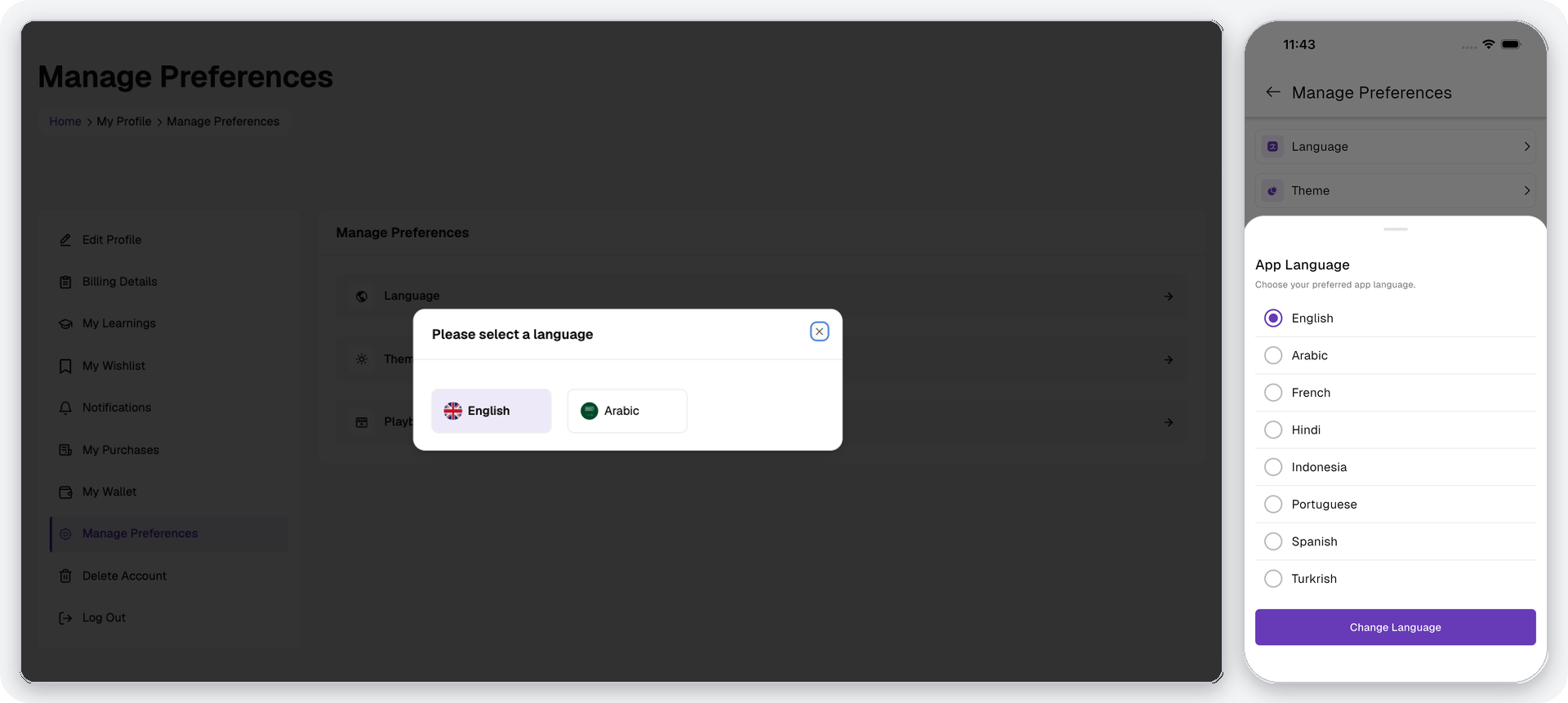
Users can select their preferred language for the interface from the list of languages enabled in the admin panel. Right-to-left layout support is applied automatically for supported languages.
Theme
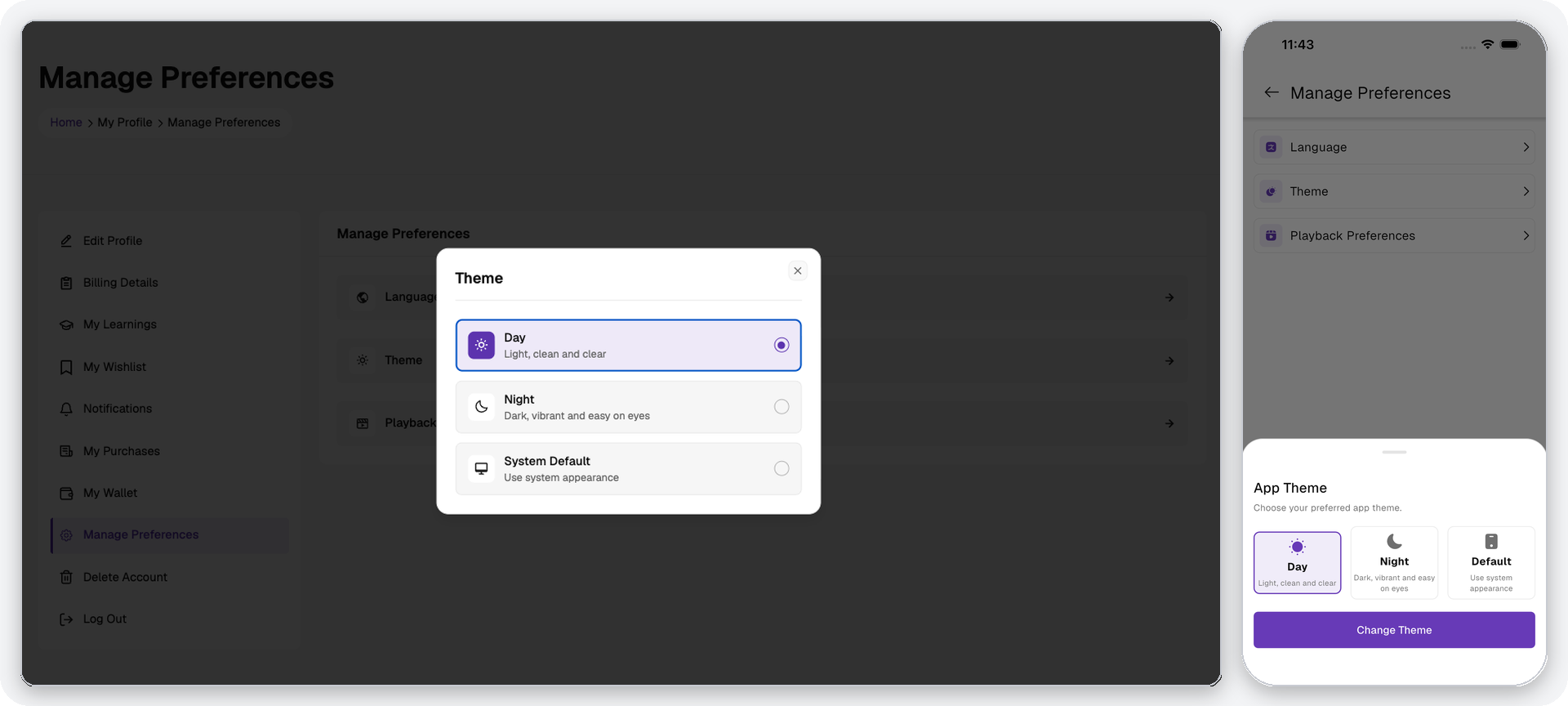
Users can choose how the interface is rendered:
| Option | Behaviour |
|---|---|
| Day | Light appearance — light, clean and clear. |
| Night | Dark appearance — dark, vibrant and easy on the eyes. |
| Default | Follows the device or browser system appearance and switches automatically. |
The selected theme is applied across the application and the website. The colour palette itself is generated from the primary colour configured in the admin panel, so theme changes always stay consistent with the platform branding.
Playback Preferences
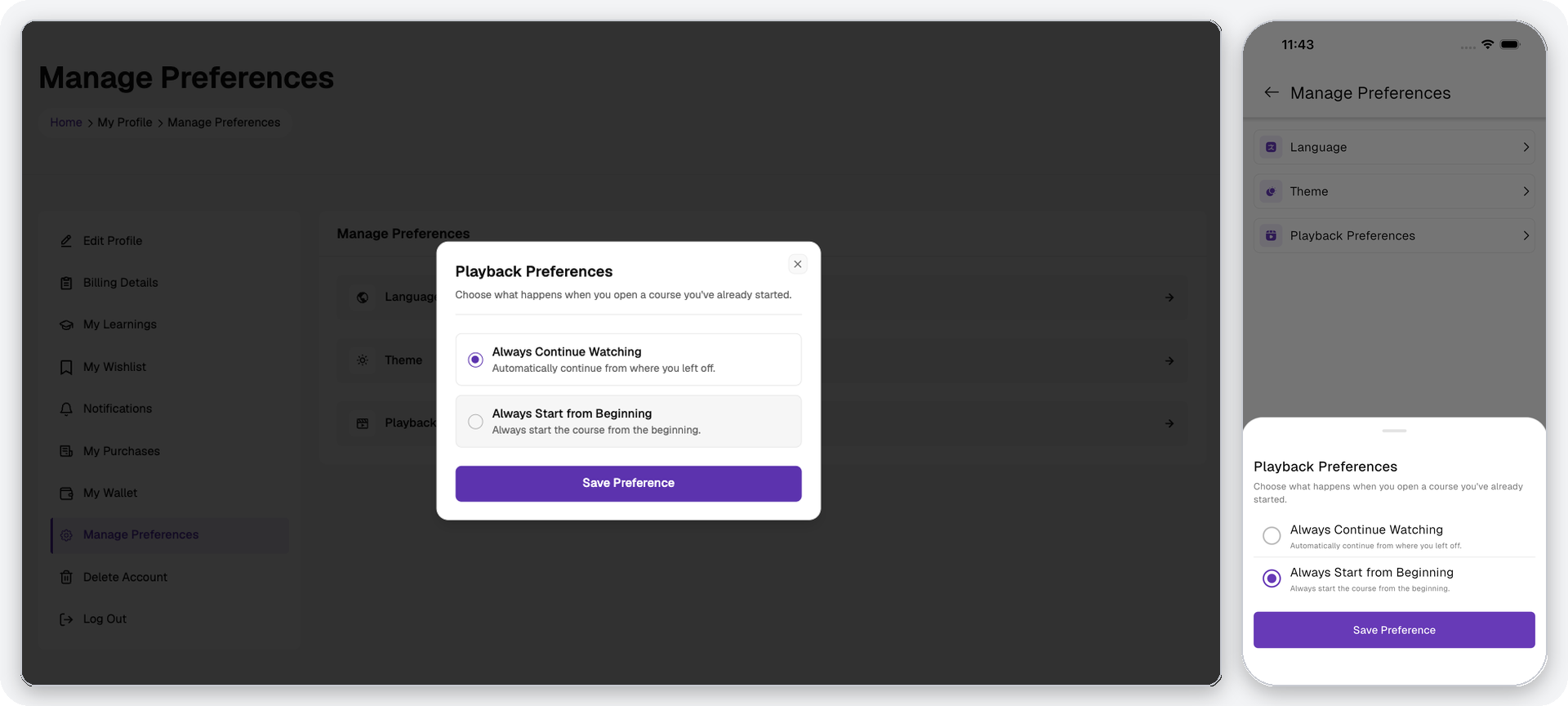
Users can choose what happens when they reopen a course they have already started:
| Option | Behaviour |
|---|---|
| Always Continue Watching | Automatically resumes the course from where the user left off. |
| Always Start from Beginning | Always starts the course from the first curriculum item. |