Integrate with Firebase
1. Create Firebase project in your account
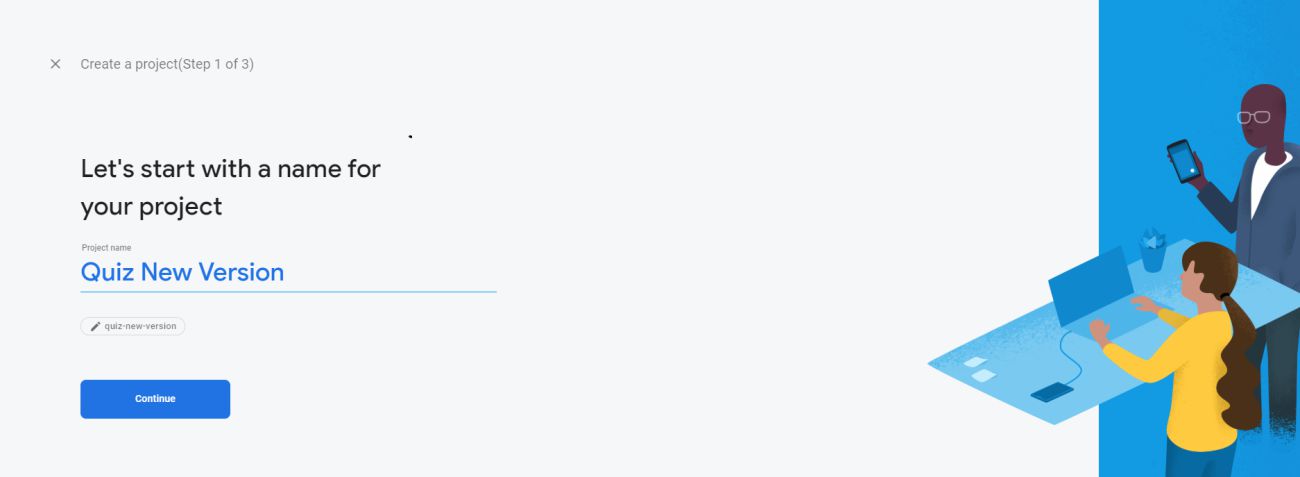
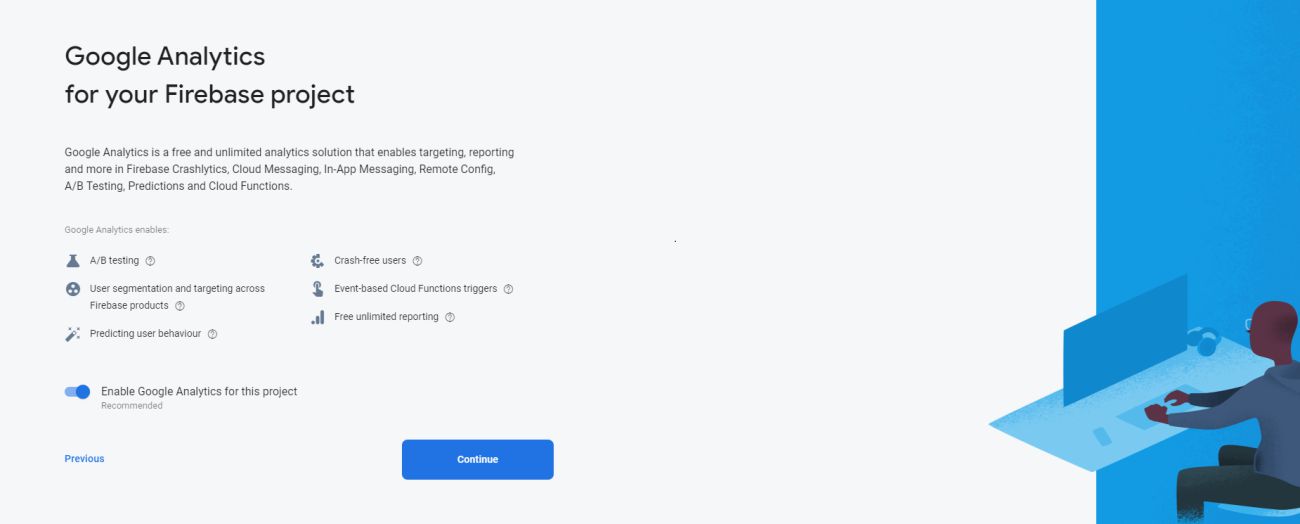
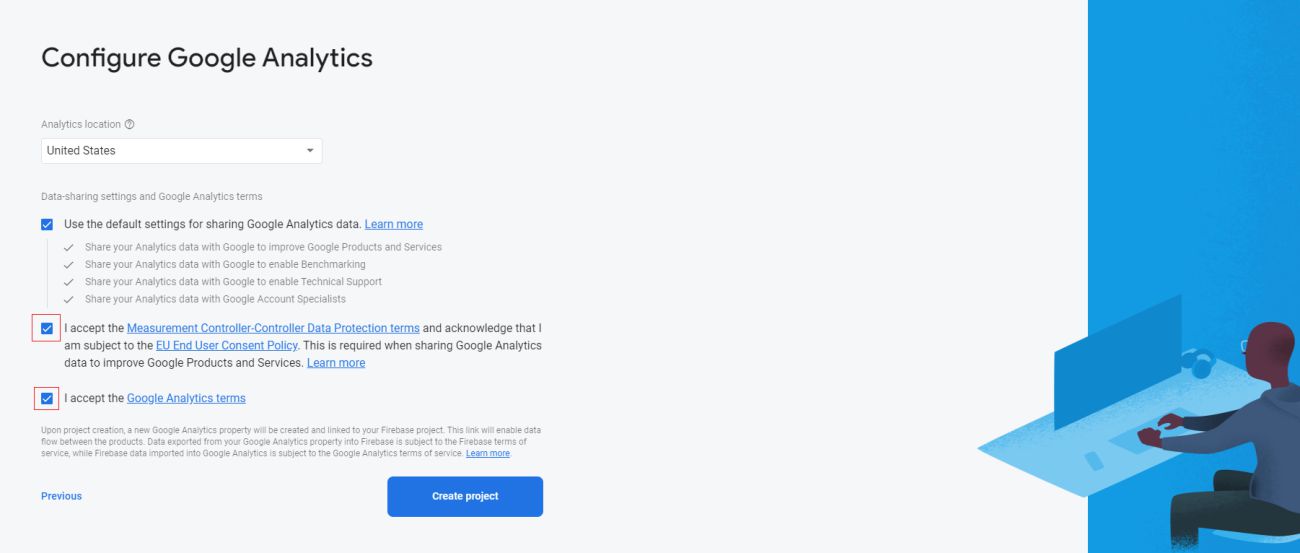
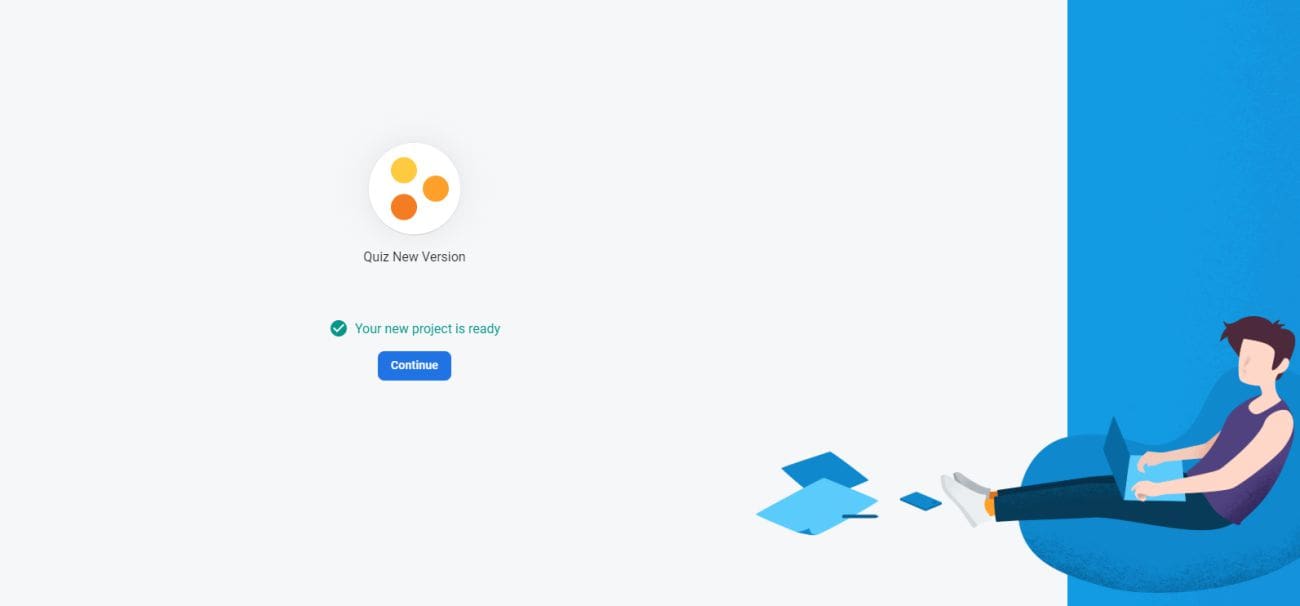
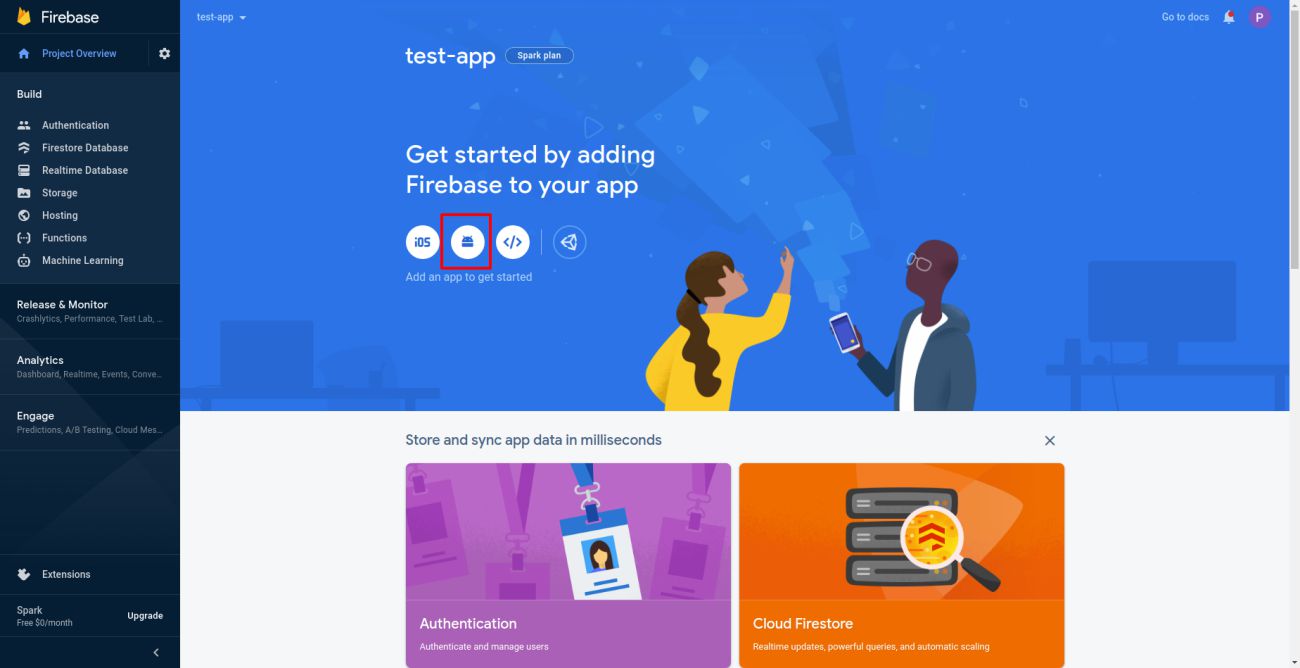
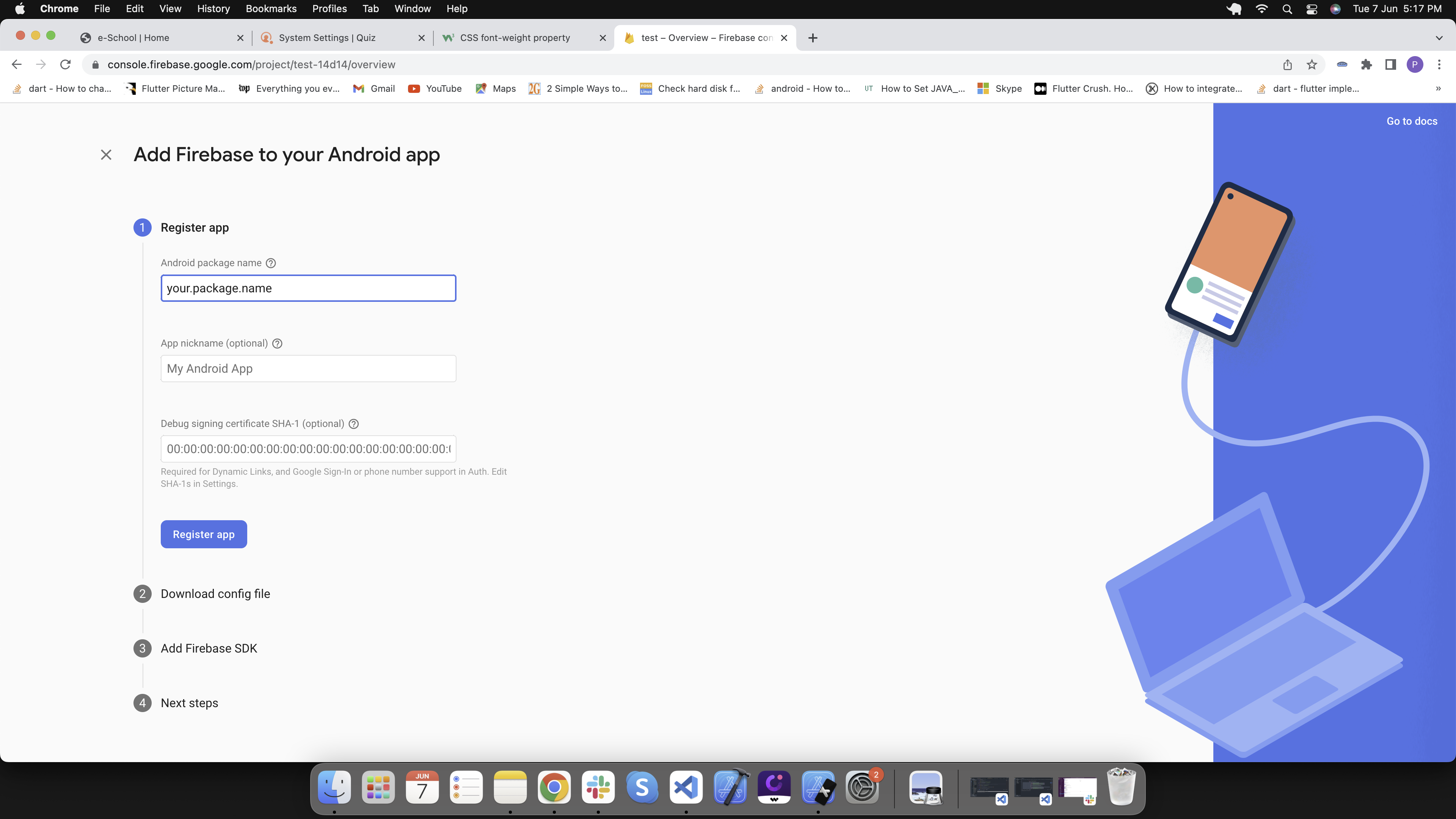
2. Add android application to your Firebase project
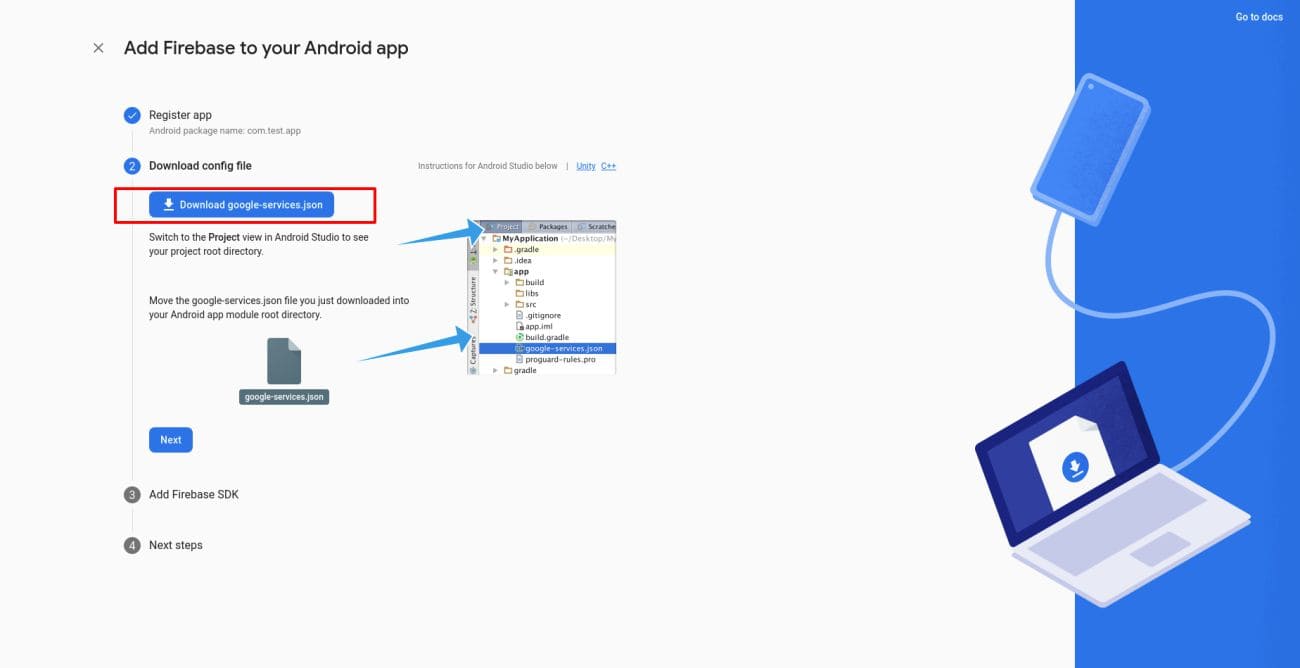
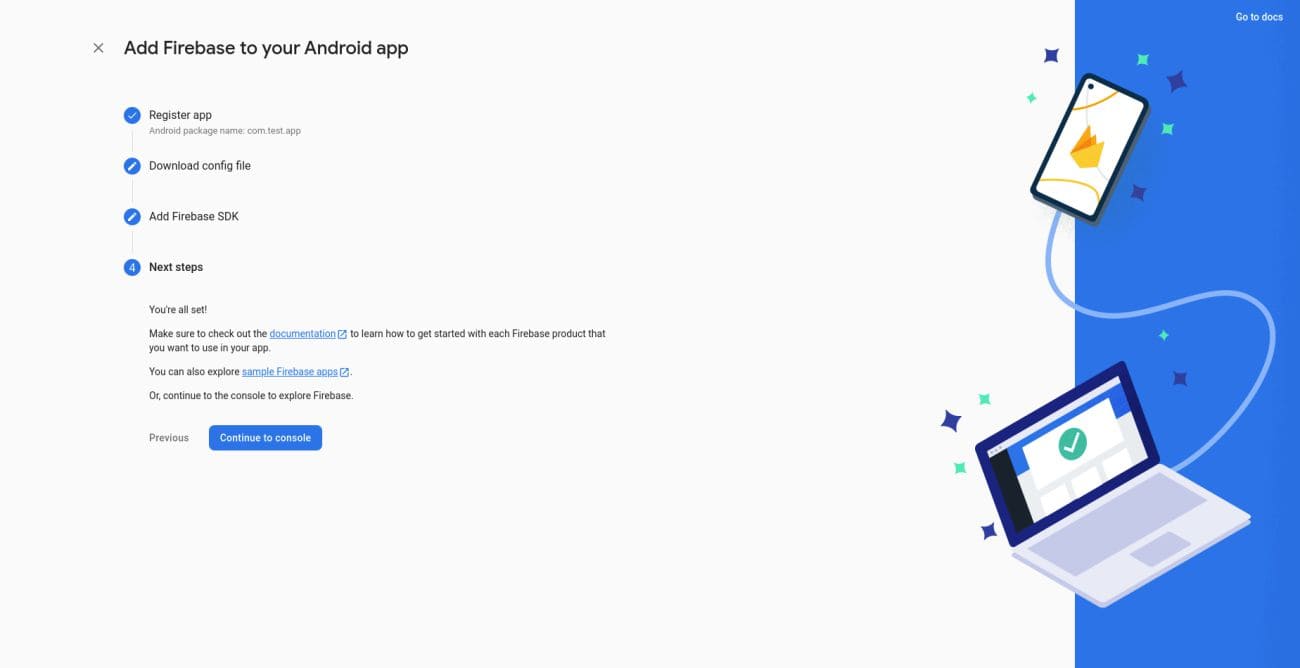
Download the google-service.json file and add in this folder android/app/
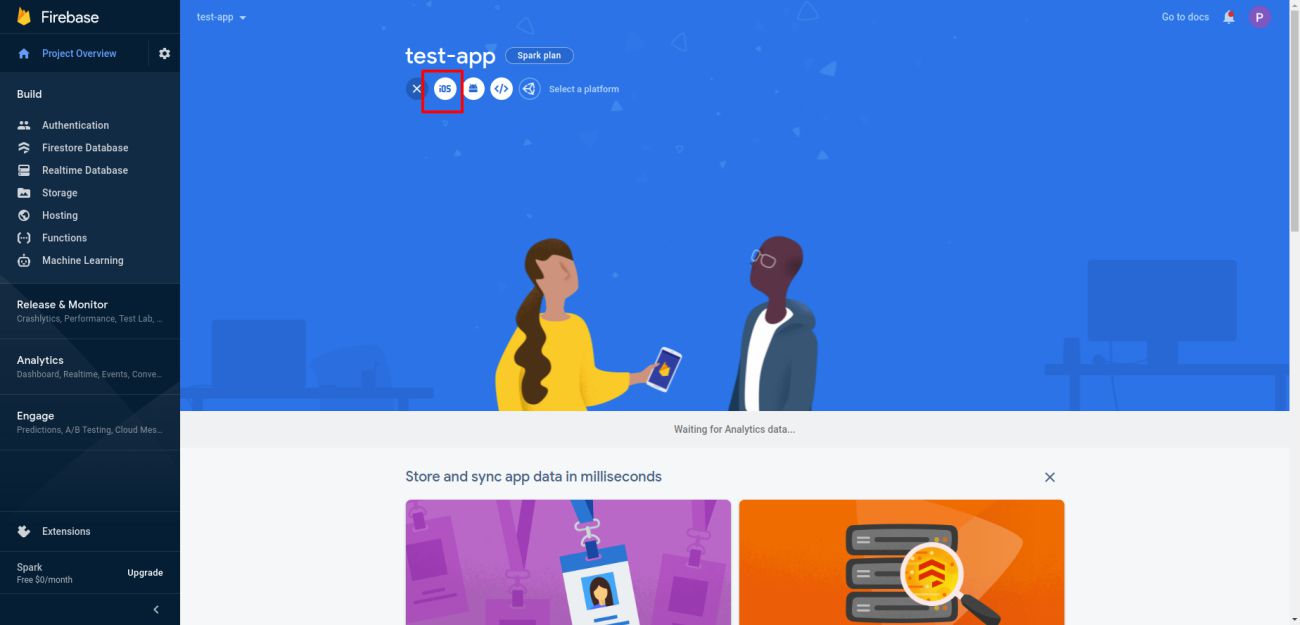
3. Add ios application to your Firebase project
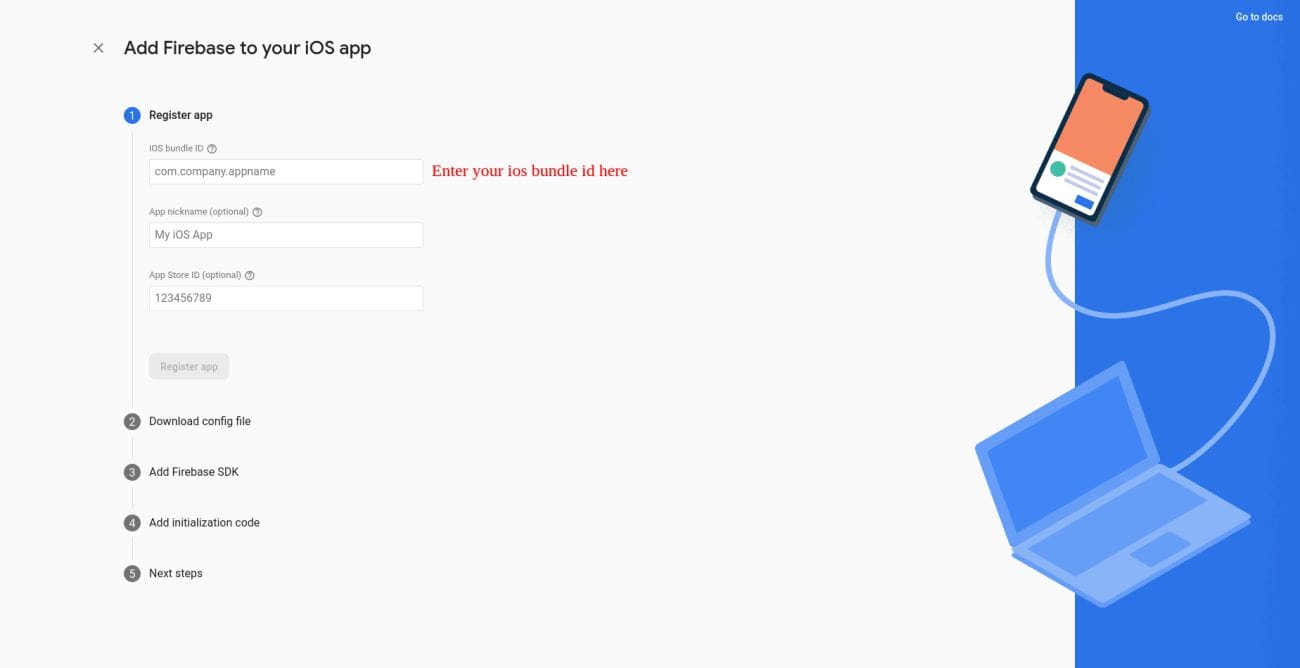
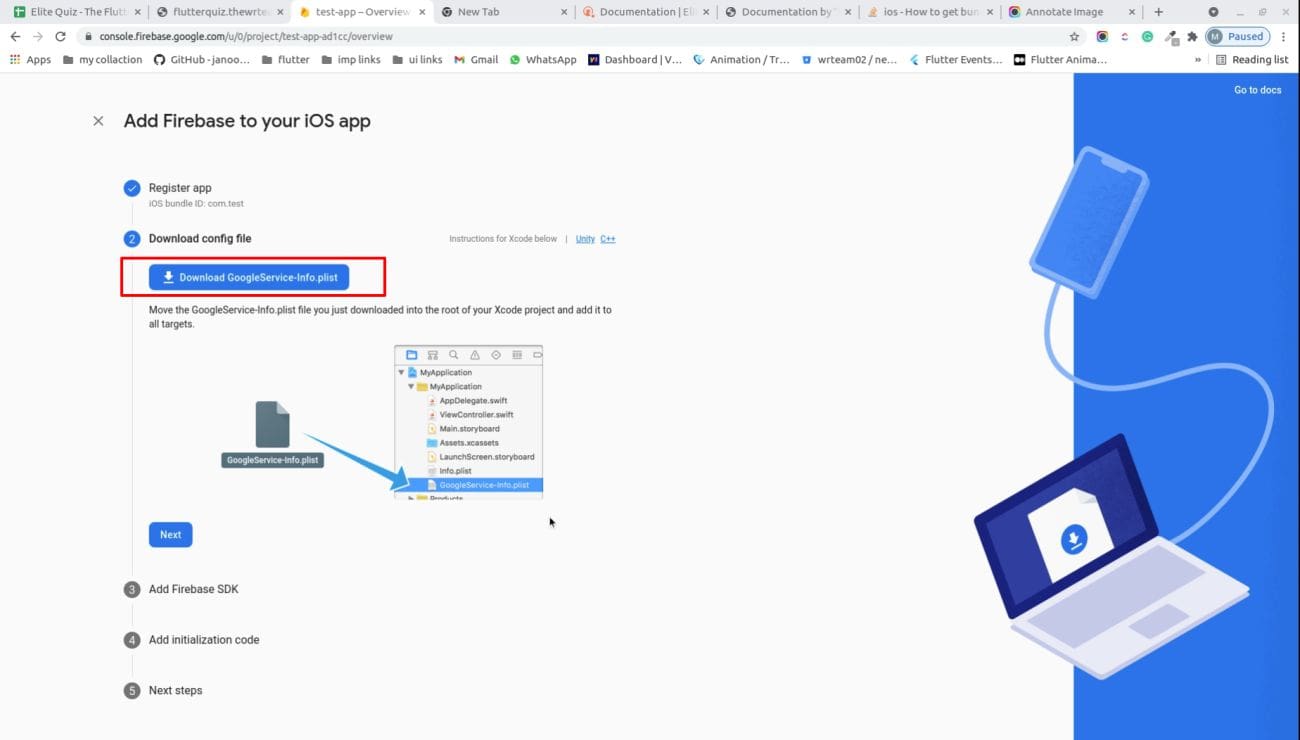
4. Download GoogleService-Info.plist and add in this folder ios/Runner/
5. Please configure this settings in-order to send ios notifications.
https://firebase.flutter.dev/docs/messaging/apple-integration
6. You have configured Firebase in your project successfully
Additional Resources: For detailed Firebase setup and configuration: Firebase Setup Guide