Theme Colors
Customizing your app's theme colors helps align it with your brand identity. Here's how to do it:
Using Admin Panel (Recommended for v1.1.0+)
For version 1.1.0 and newer, you can change theme colors directly from the admin panel:
- Go to Admin Panel → Settings → App Settings
- Locate the theme color change section
- Pick a color by tapping on any of the color options
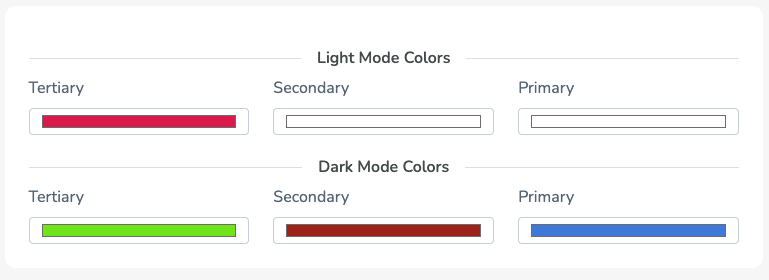
- You'll see a popup like this:
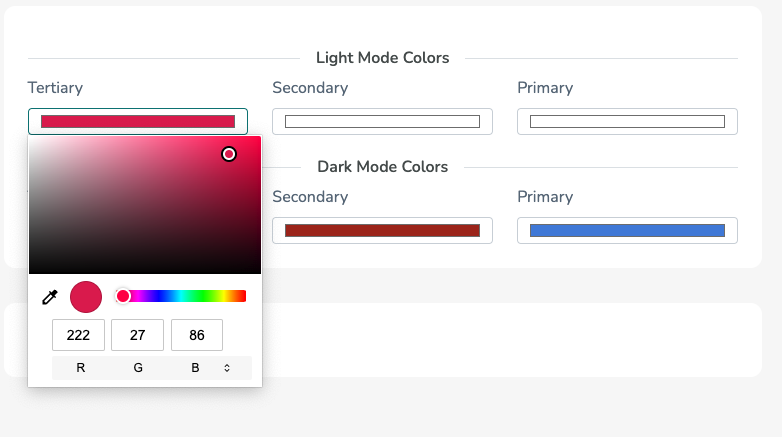
- Tap on R, G, B text to switch to hex mode:
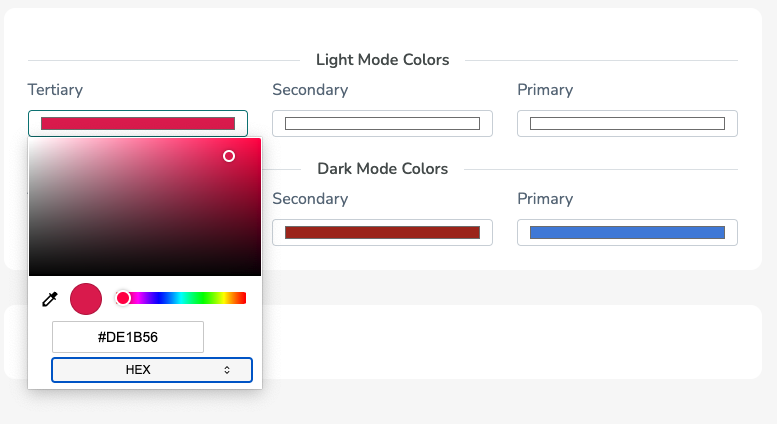
- Enter your desired hex color code and save
- Restart your app to see the updated colors
Setting Fallback Colors (Backup Plan)
In case the colors fail to load from the server, you can set fallback colors in the app code:
- Navigate to the theme.dart file in your project
- Set fallback theme colors as shown below:
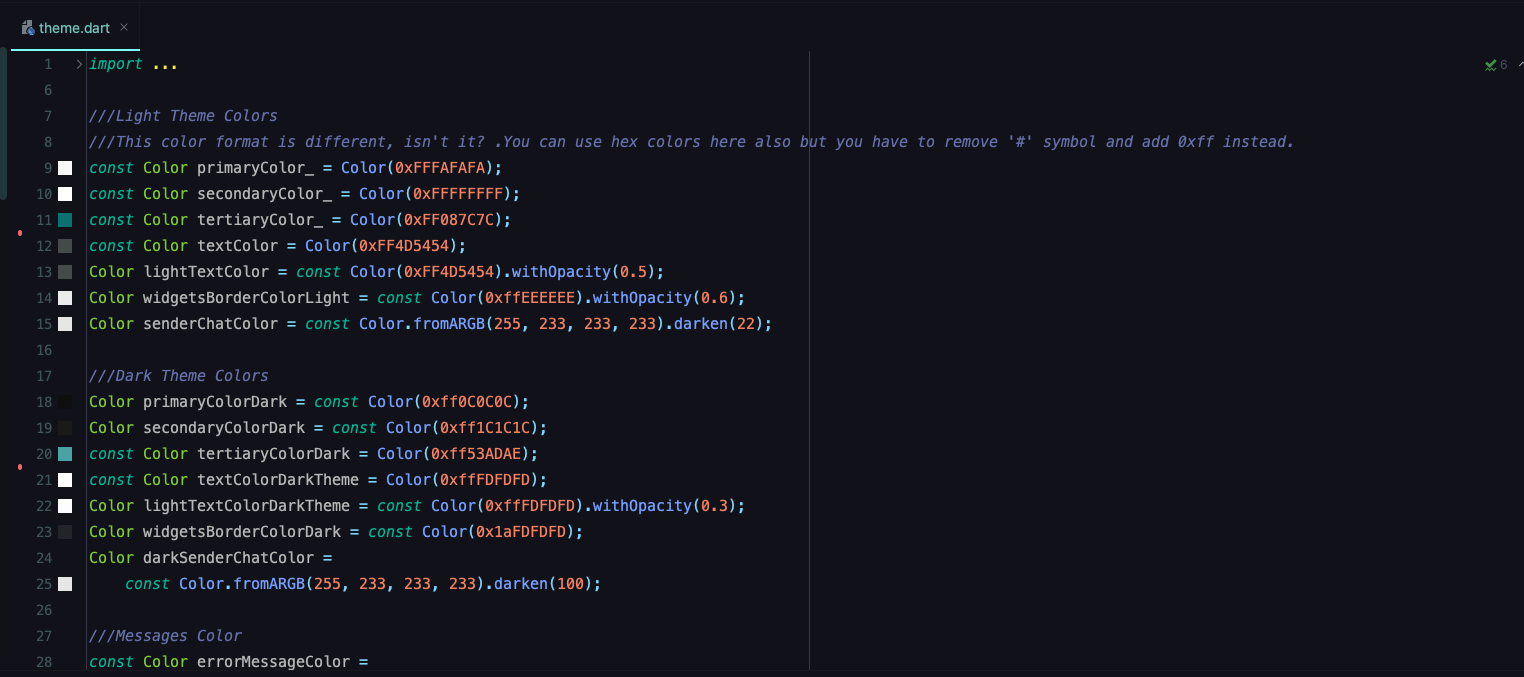
This ensures your app always has consistent styling, even if there are connection issues with the server.