Manage Assignment Submission
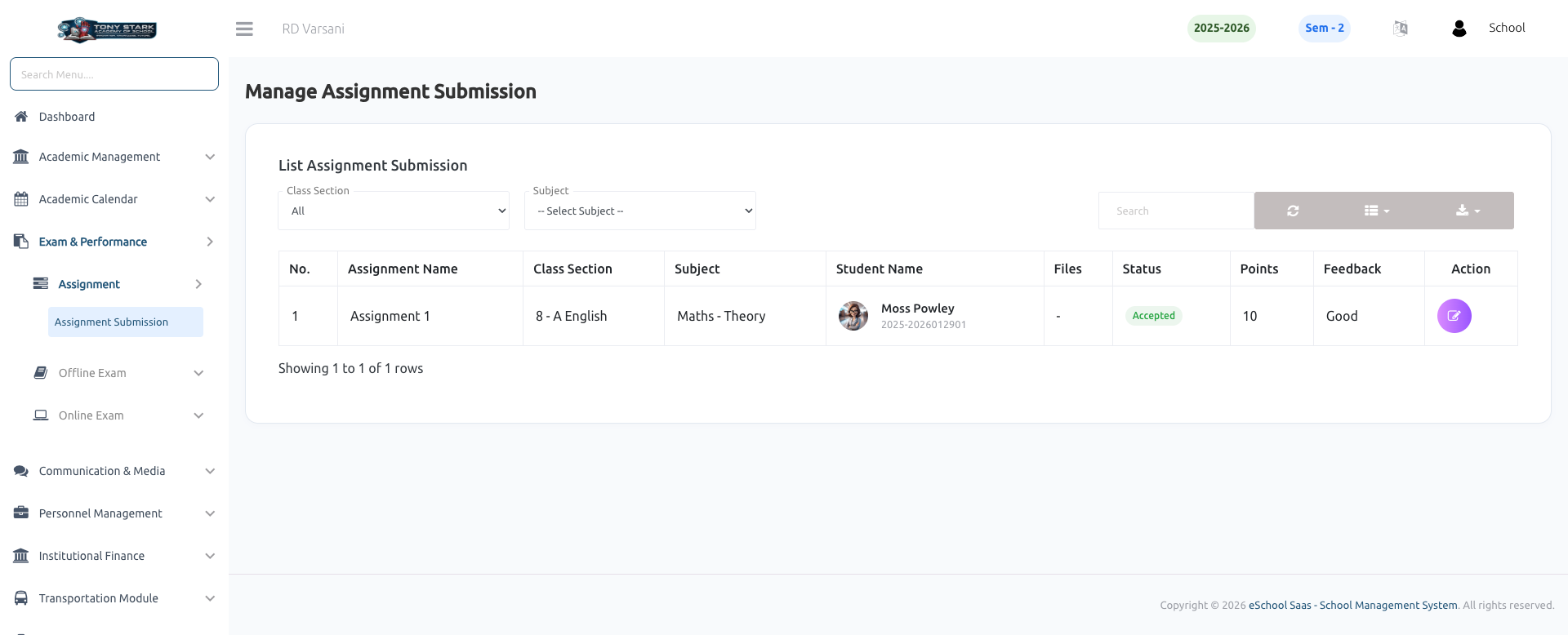
This page allows the School Admin to monitor and review assignment submissions created by subject teachers and submitted by students through the mobile app or web portal.
Key Features:
-
Assignment Workflow Overview
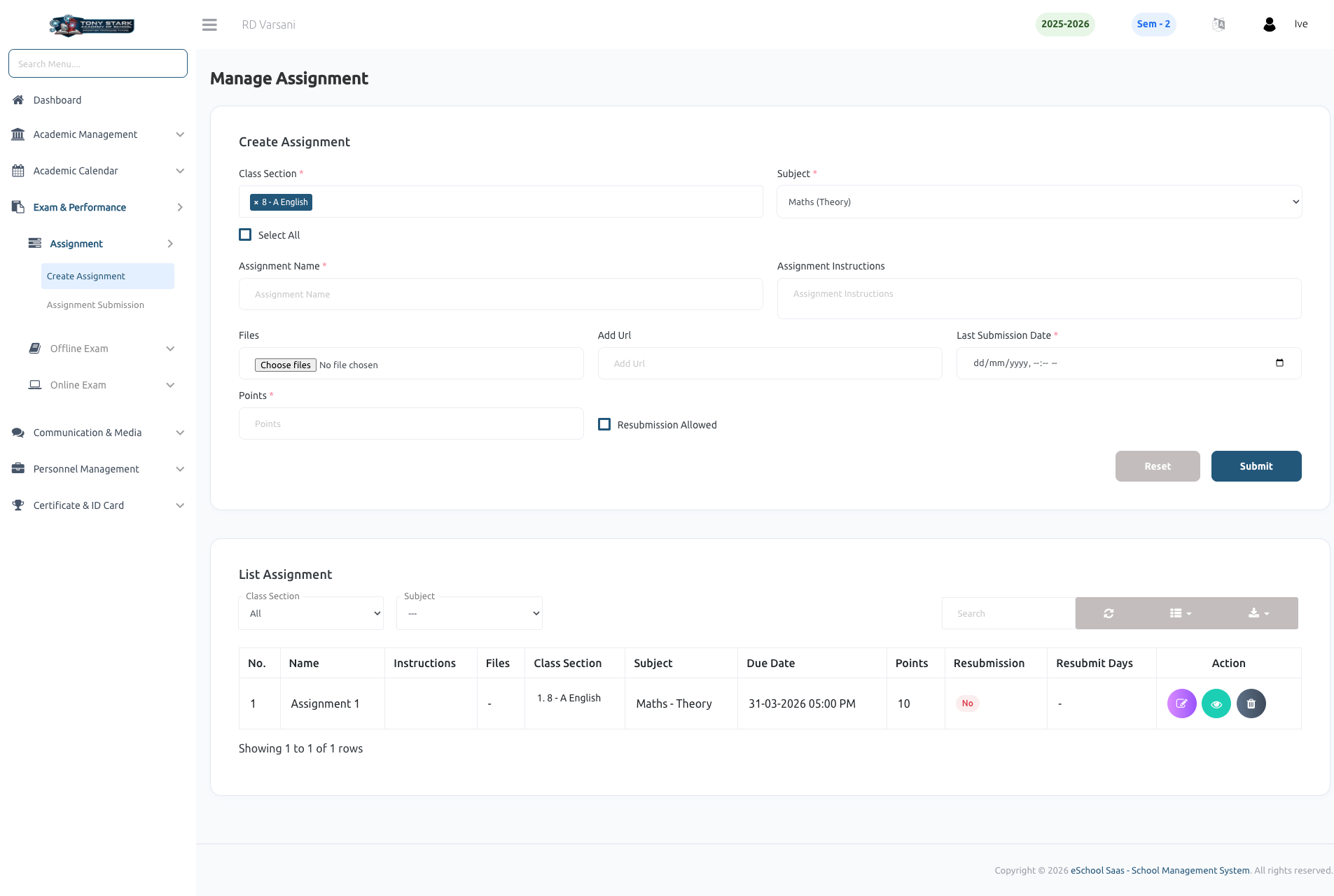
- Subject Teacher creates assignments.
- Students submit assignments via mobile app or web portal.
- Subject Teacher reviews and evaluates submissions.
- Admin can view and monitor the entire process.
-
Class & Subject Filters
- Filter submissions by Class Section.
- Select specific Subject to view relevant assignment records.
-
Assignment Submission List
- Displays detailed information for each submission:
- Assignment Name
- Class Section
- Subject
- Student Name & ID
- Uploaded Files (submitted via app/web)
- Displays detailed information for each submission:
-
Submission Status Tracking
- Displays teacher-reviewed status such as Accepted (Extendable to Pending / Rejected based on workflow).
- Reflects real-time evaluation by the subject teacher.
-
Evaluation Details
- Shows:
- Points/Marks assigned by the teacher
- Feedback/Remarks provided after review
- Shows:
-
Search & Pagination
- Search functionality to quickly find specific student submissions.
- Pagination for efficient handling of large datasets.
-
View Actions
- Action button to view detailed submission and evaluation.
- Admin can audit submissions without modifying teacher decisions.
-
Centralized Monitoring
- Provides a complete overview of assignment lifecycle: Creation → Submission → Evaluation.
- Ensures transparency and academic performance tracking.