Change Website Theme Color
Learn how to customize the theme color and other visual aspects of your eMarket website.
How to change website theme color?
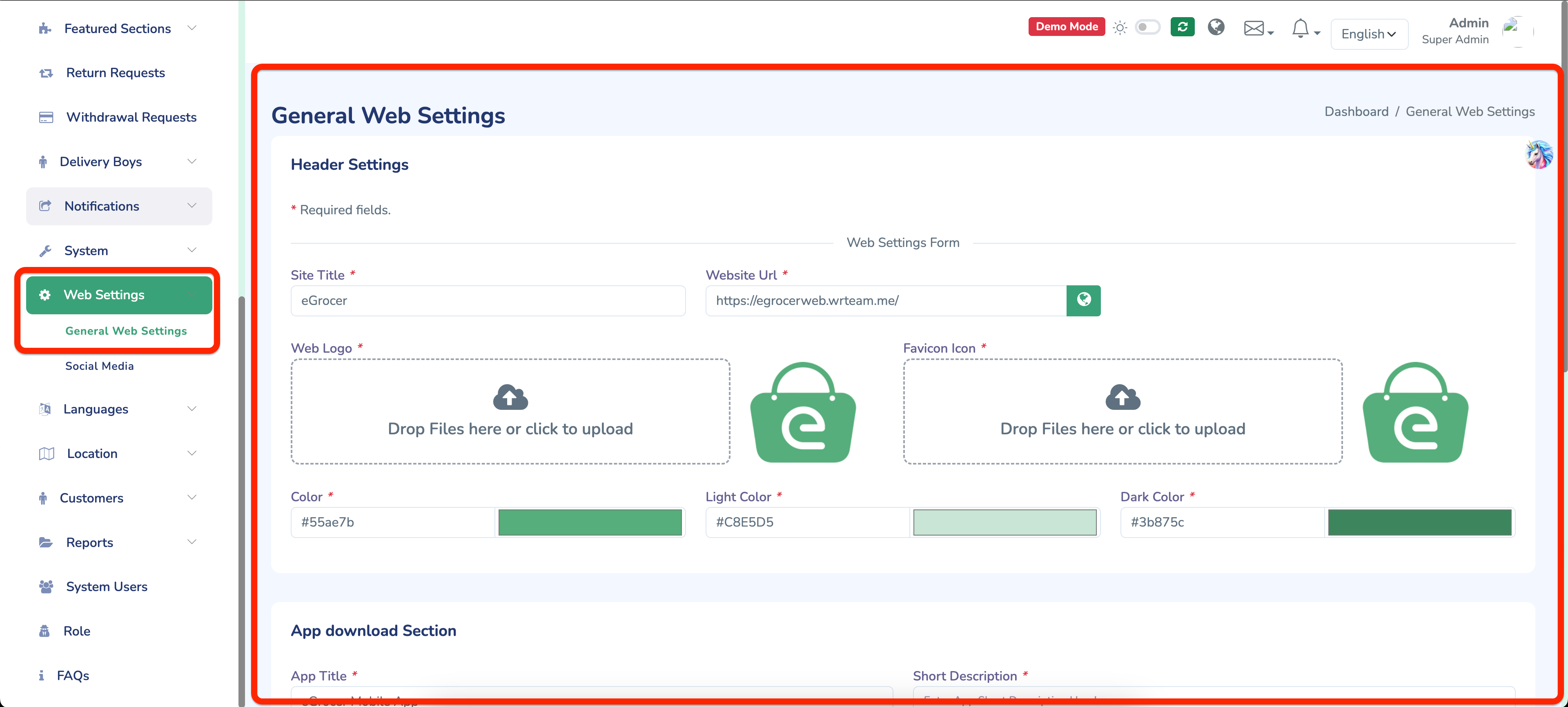
- Open your admin panel
- Go to Web Settings Menu > General Web Settings
- You can change the theme, website title, and website logo from here. Explore the entire admin panel page for more customization options.
- To handle social media links in the website, open admin panel > Go to Web Settings Menu > Social Media
How to change website favicon
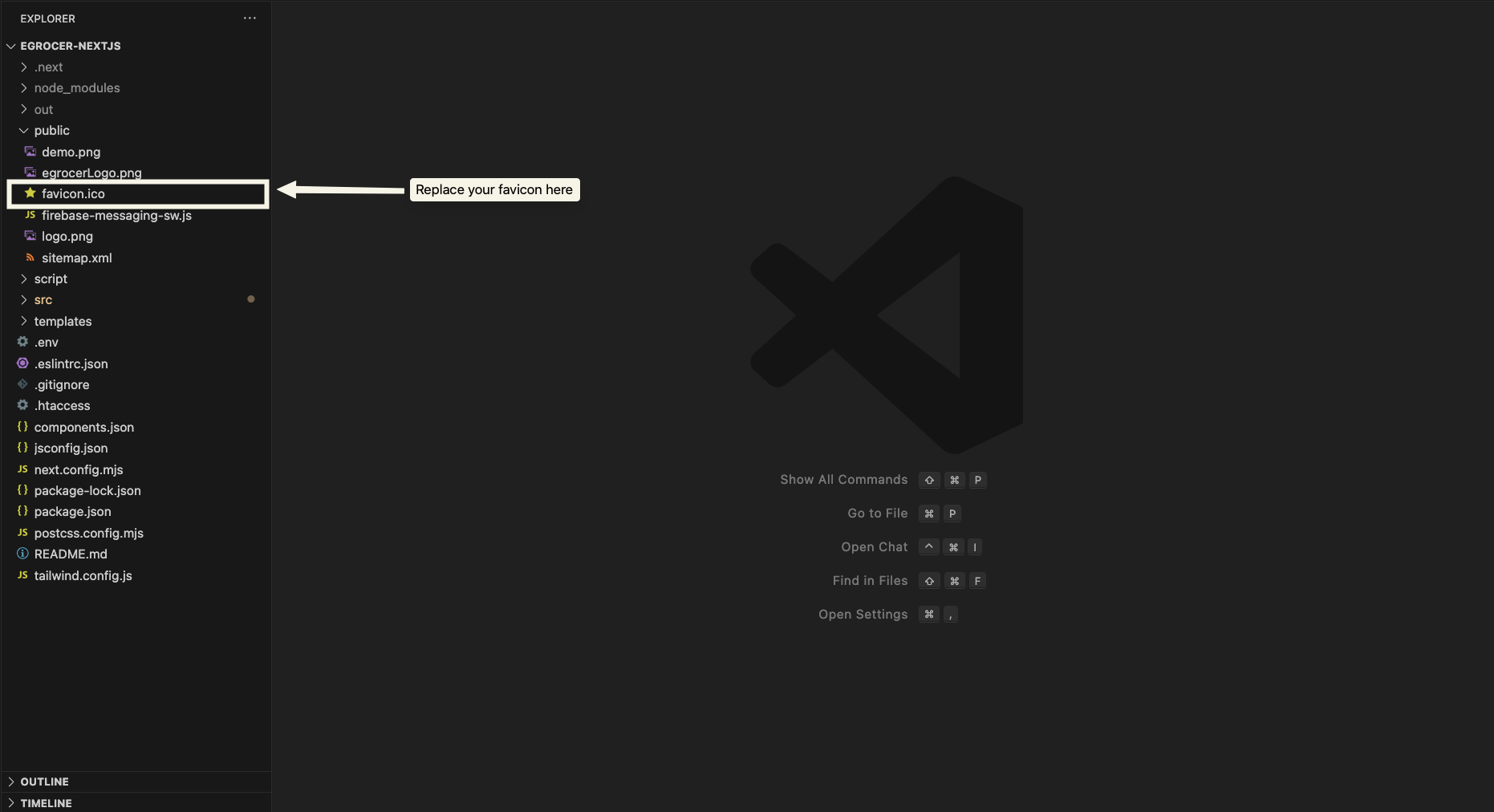
-
Open the
publicfolder in your project directory and replace thefavicon.icofile with your own favicon image. -
You can convert your brand logo into favicon icon formats using an online tool:
Recommended Tool: https://favicon.io/favicon-converter/