Setup Microsoft Clarity
- Go to Microsoft Clarity.
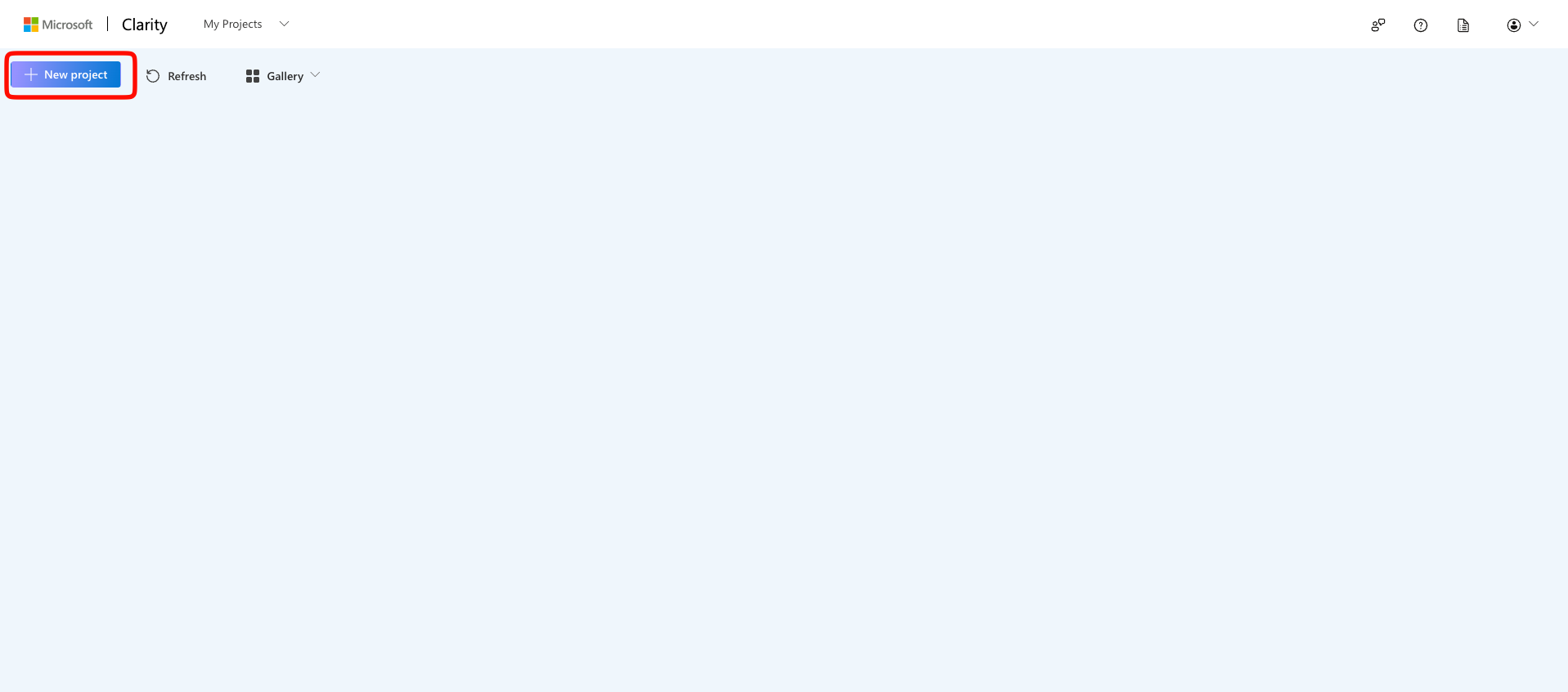
- Create a new project.
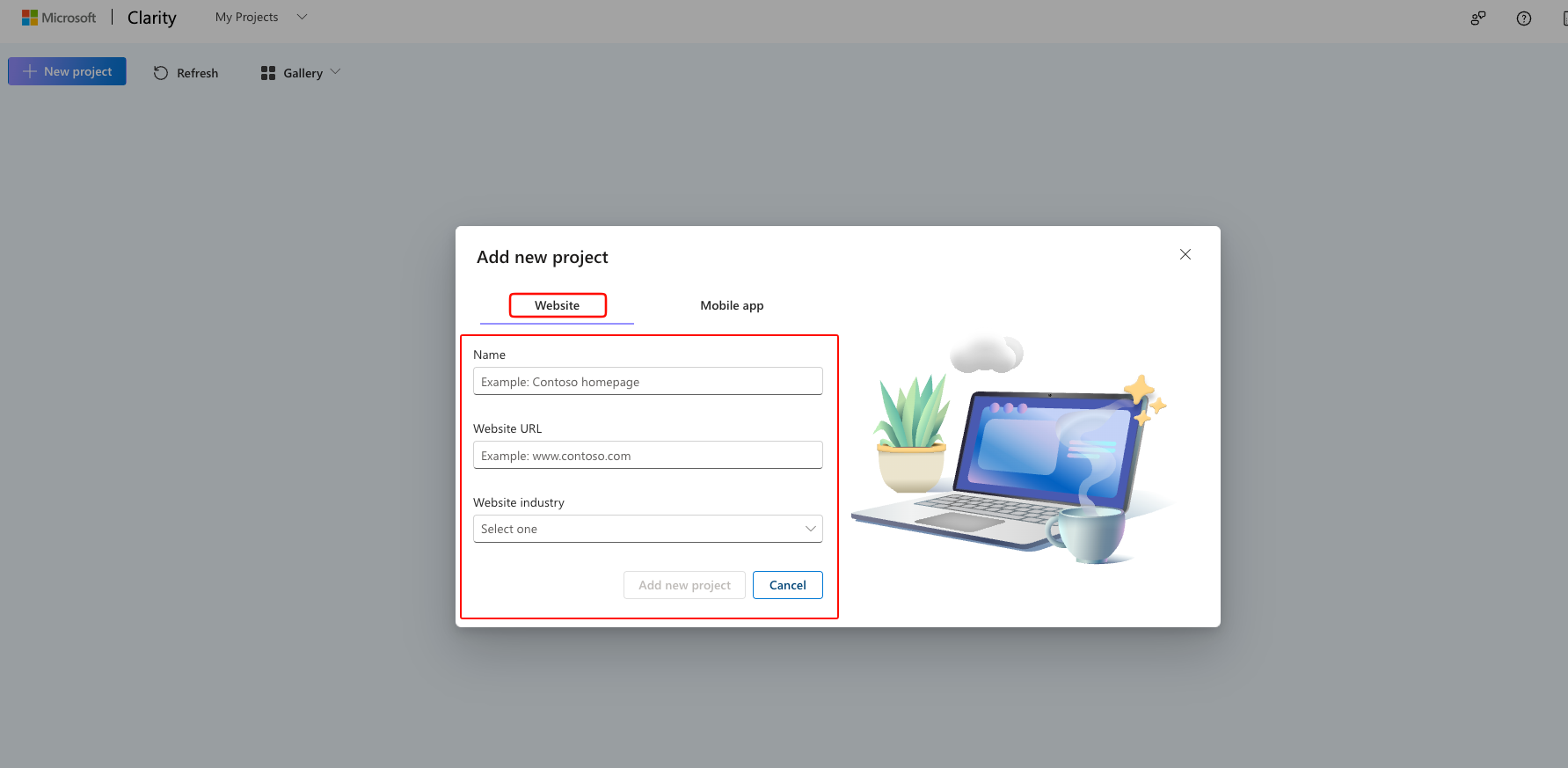
- Enter:
- Project Name
- Website URL
- Industry (e.g. Travel & Transportation)
- Get the Project ID
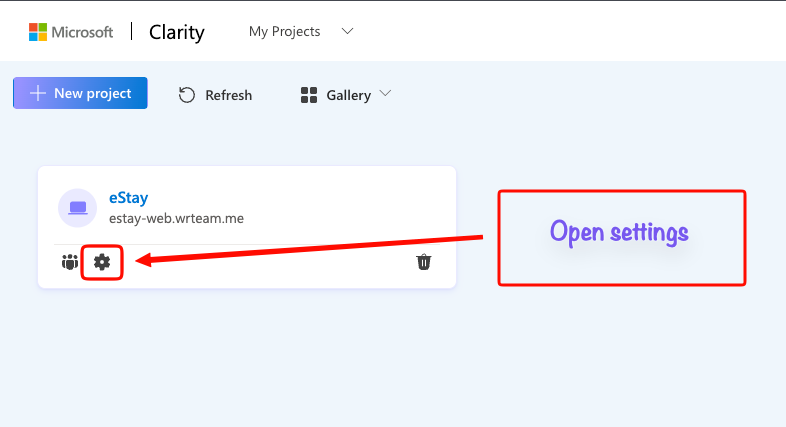
- Click of the settings icon.
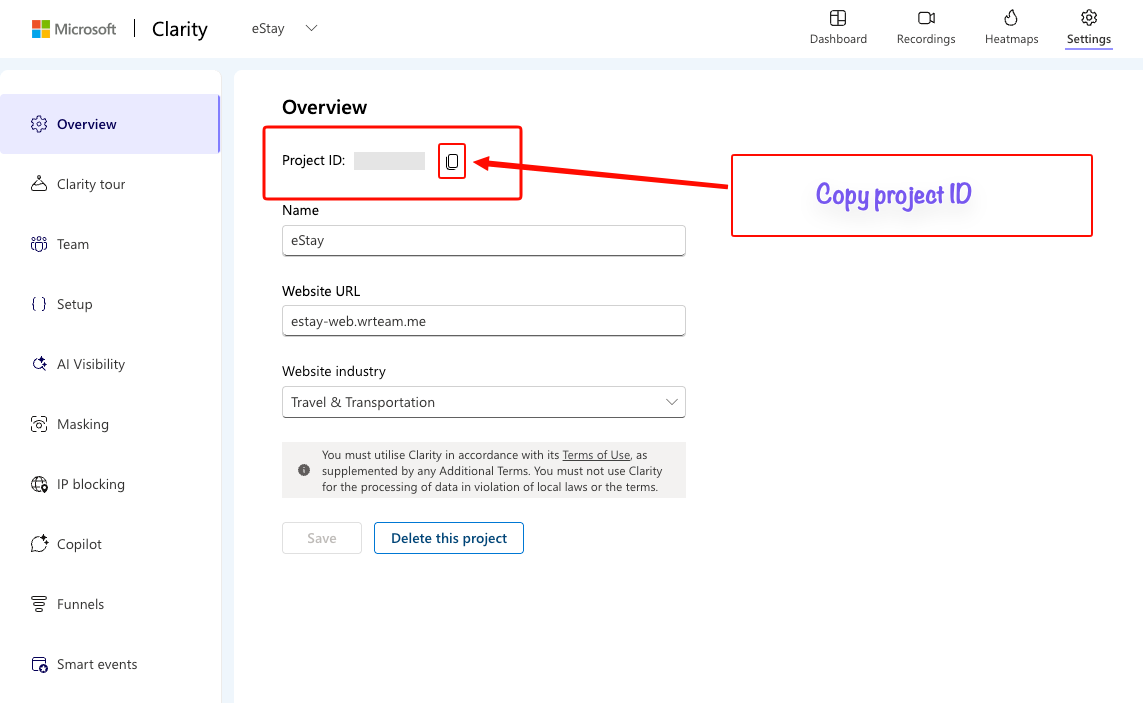
- Copy the Project ID.
- Now open your web code .env file and paste your project id in NEXT_PUBLIC_CLARITY_PROJECT_ID as show in below image.
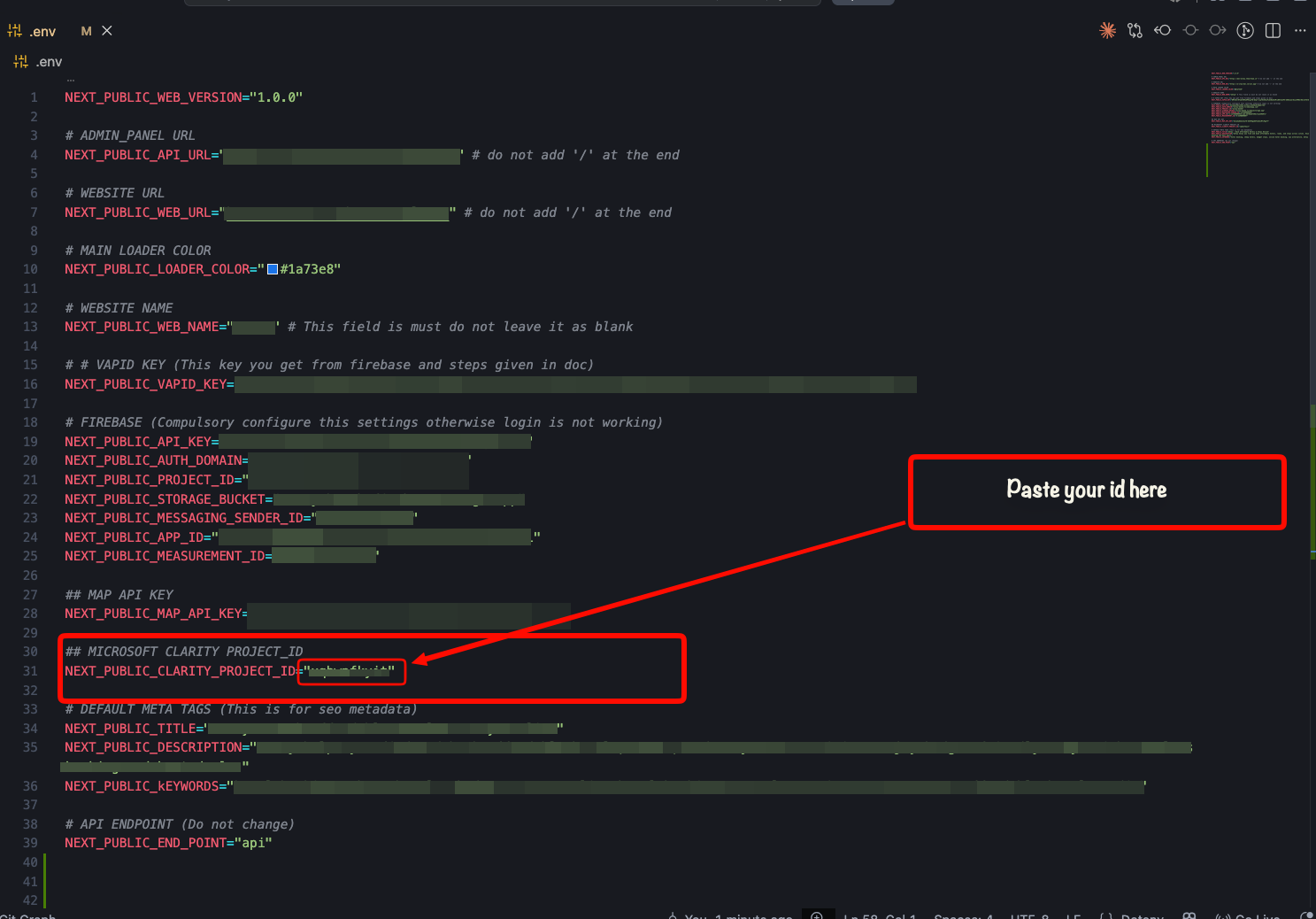
info
In case you dont see .env file then please enable show hidden files on your system