Add Bulk Questions
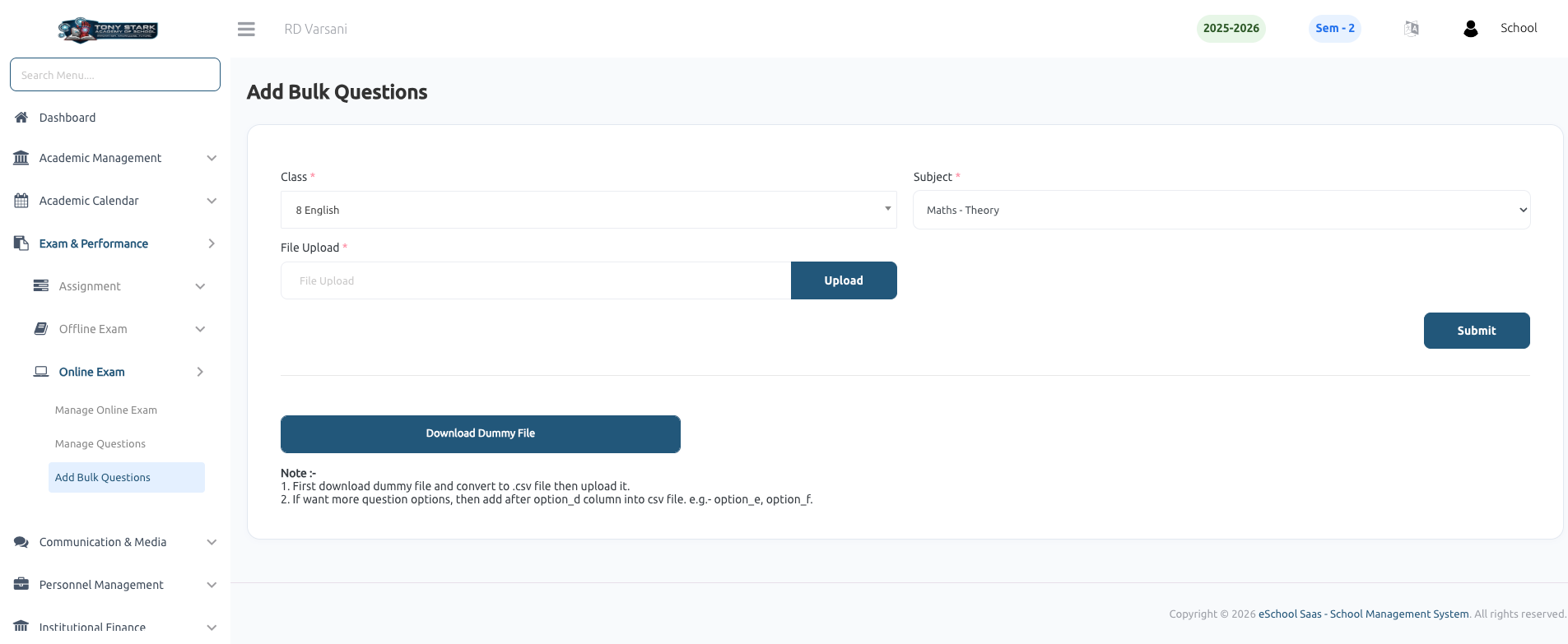
The Add Bulk Questions feature allows users to upload multiple Multiple Choice Questions (MCQs) for online exams in a single action. This is particularly useful for quickly populating question banks for specific subjects and classes.
Key Features:
- Bulk Upload: Import a large number of questions using a CSV file, saving significant time compared to manual entry.
- Class & Subject Mapping: Easily assign uploaded questions to the relevant class section and subject.
- Sample File Integration: Provides a Download Dummy File option to ensure users have the correct template for data entry.
- Flexible Options: Supports standard MCQs and allows for additional answer options (e.g., Option E, Option F) by simply adding extra columns to the CSV template.
How to Add Bulk Questions:
- Download the Template: Click the Download Dummy File button to get the sample CSV.
- Prepare Data: Fill in the question details in the CSV. Ensure the file is saved in
.csvformat before uploading. - Select Details: Choose the appropriate Class and Subject from the dropdown menus.
- Upload File: Select your prepared CSV file in the File Upload field and click the Upload button.
- Submit: Click Submit to finalize the bulk import process.