Payment Gateway Settings
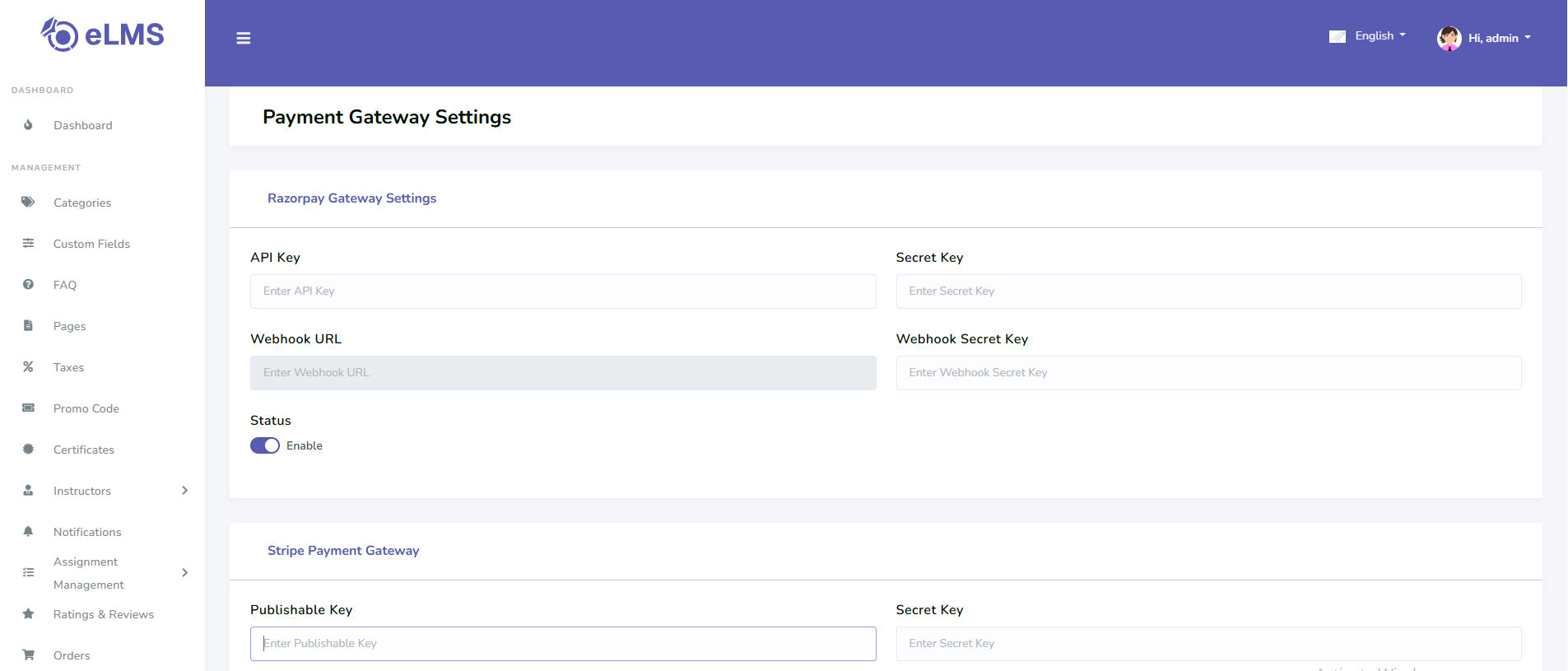
Stripe
- Log in to the Stripe dashboard — https://dashboard.stripe.com/
- You will find your Publishable key and Secret key in the dashboard.
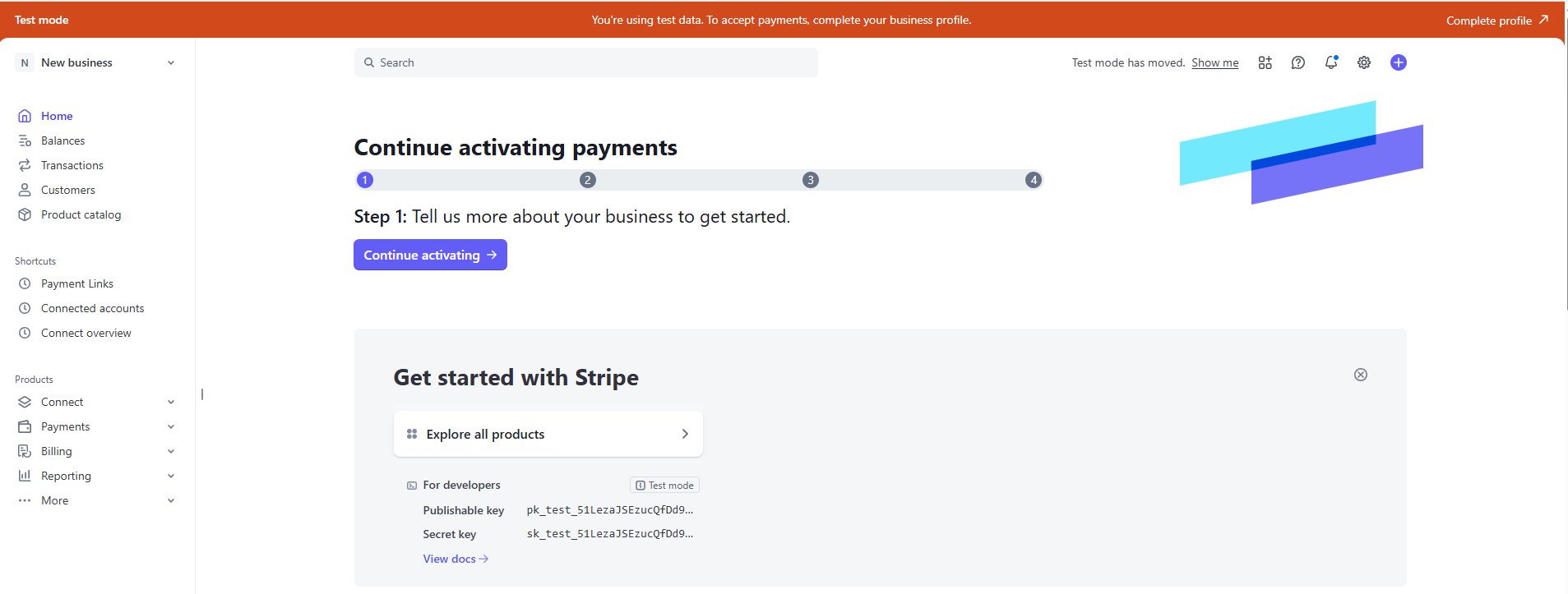 3. Docs - https://docs.stripe.com/payments?payments=popular
Razorpay
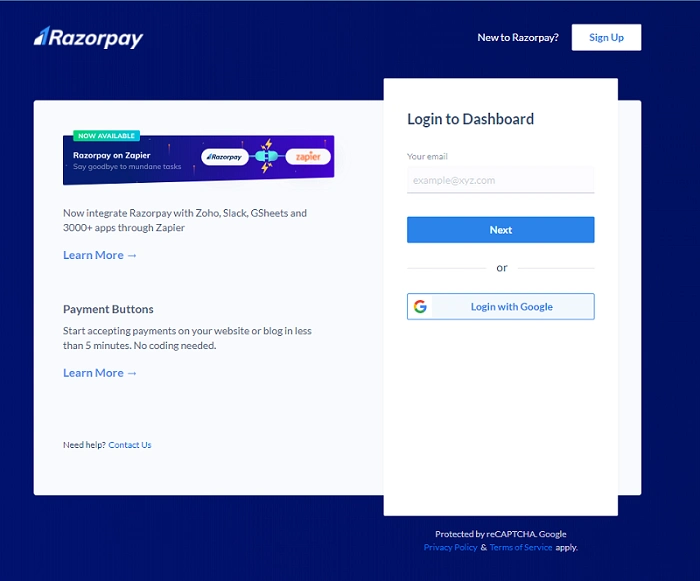
- Go to https://dashboard.razorpay.com/ and sign in with your Razorpay account
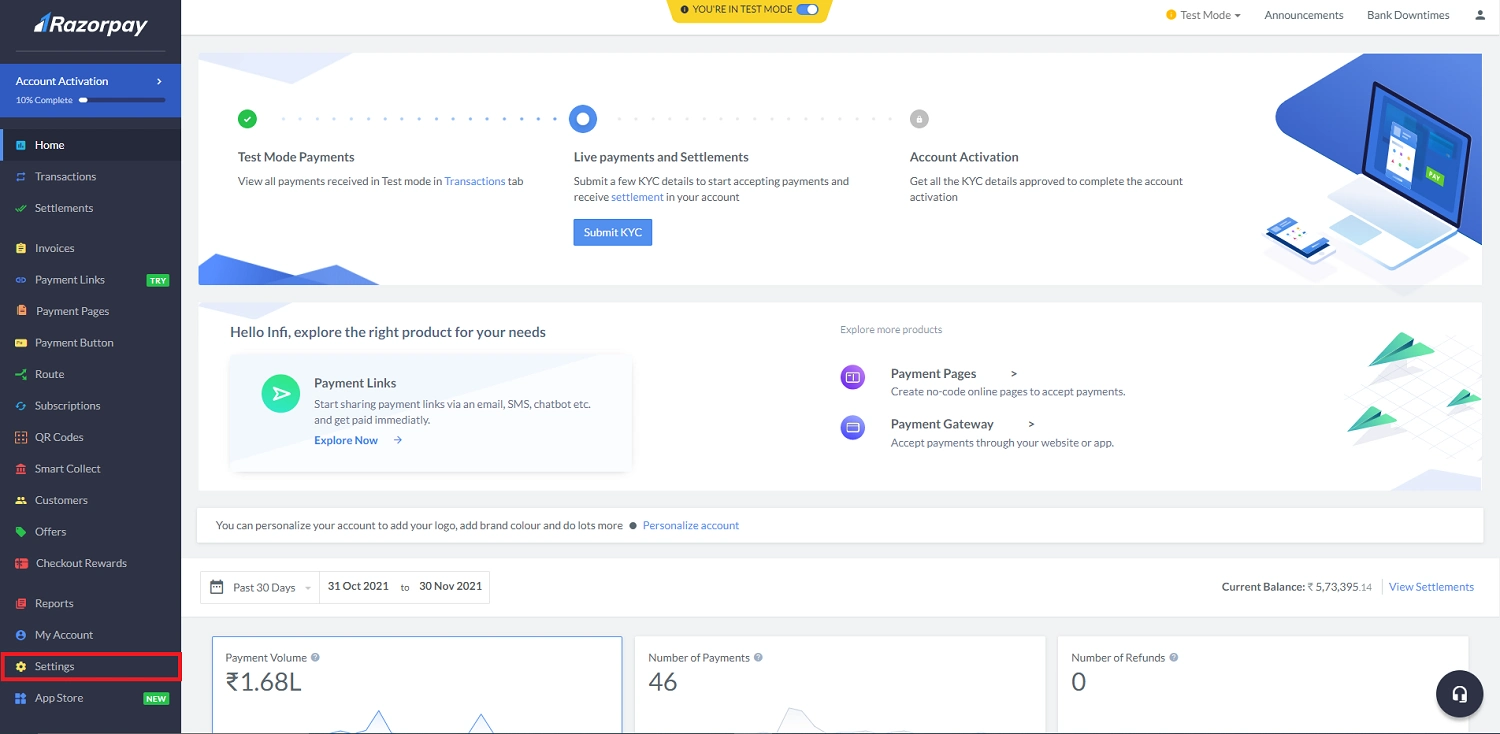
- Click Settings
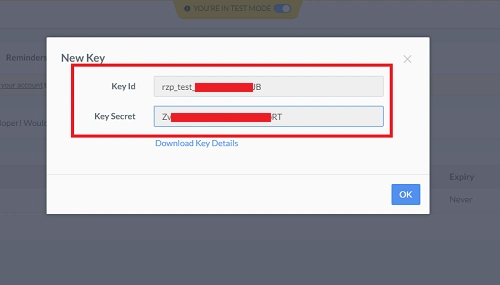
- Click Api keys

- Genetare new key or regenerate key and copy it.
Flutterwave
- Log in to the Flutterwave dashboard — https://app.flutterwave.com/login
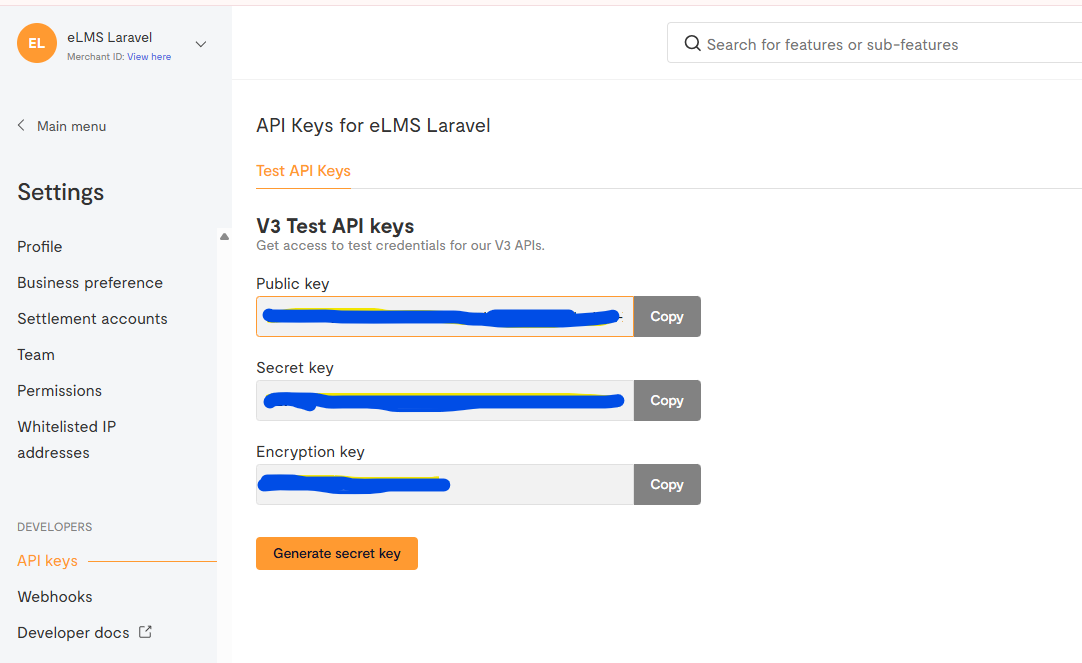
- In Settings → Developers → API Keys, you can find your keys.
- Docs - https://developer.flutterwave.com/docs/getting-started?_gl=1*1xkvvzx*_gcl_au*MTQxNjg3NzkzOC4xNzY0MjU2Nzg1*_ga*MTg3MTEwMDMzNy4xNzY0MjMwNzI5*_ga_KQ9NSEMFCF*czE3NjQyNTY3NDgkbzEkZzEkdDE3NjQyNTY3ODUkajIzJGwwJGgw