System Settings
Go to Settings → System. System Settings is split into tabs, each with its own Submit button. Changes in one tab are saved only when you submit that tab.
General
Basic platform configuration.
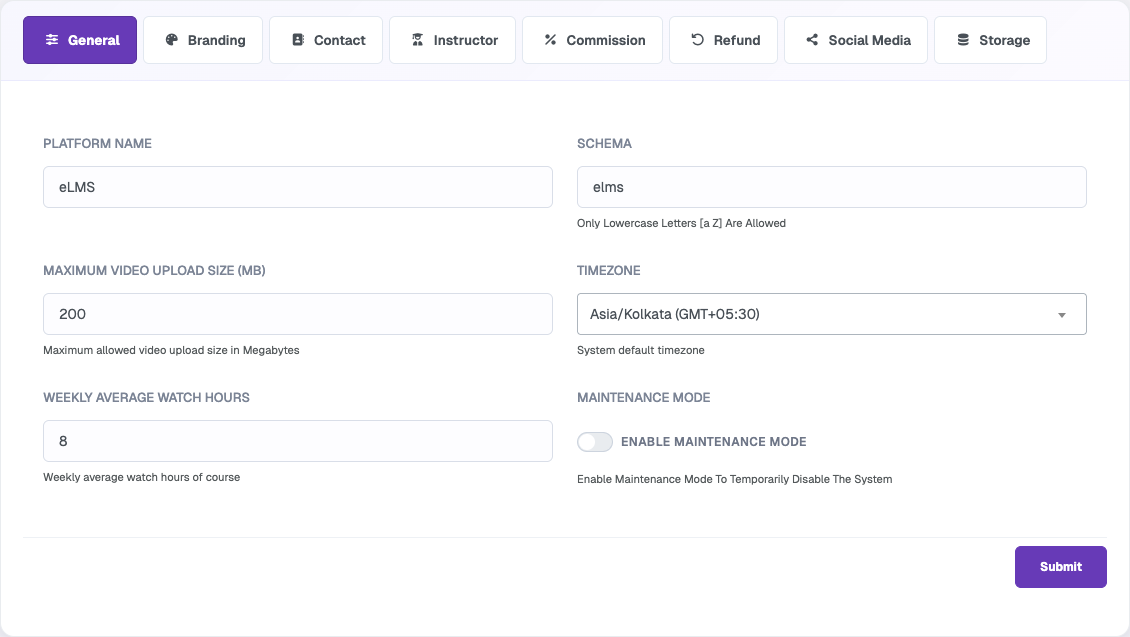
- Platform Name – name of your platform.
- Schema – lowercase letters (a–z) only.
- Maximum Video Upload Size (MB) – largest video file that can be uploaded.
- Timezone – default timezone for dates and times across the system.
- Weekly Average Watch Hours – weekly average watch hours of a course.
- Maintenance Mode – temporarily disables the system for visitors while you make changes.
Branding
Upload the images used to brand your platform.
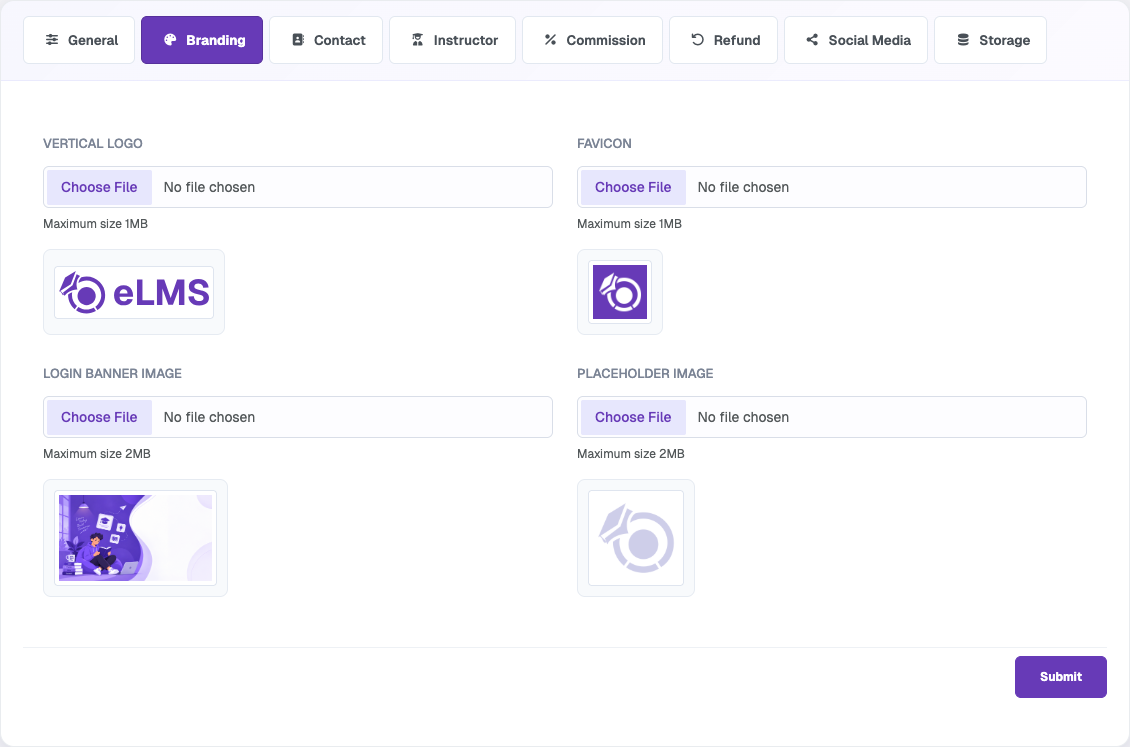
- Vertical Logo (max 1MB)
- Favicon (max 1MB)
- Login Banner Image (max 2MB) – shown on the login page.
- Placeholder Image (max 2MB) – shown where an image is missing.
The website logo is now set in Web Settings, and colors in Theme Settings.
Contact
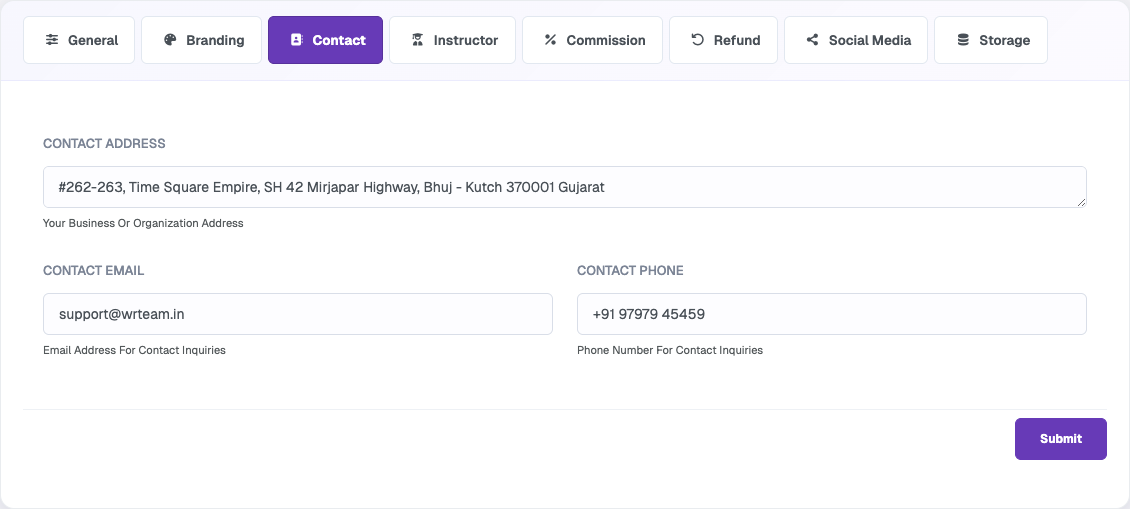
Business address, email and phone number displayed to users on the frontend.
Instructor
Controls how instructors work on the platform.
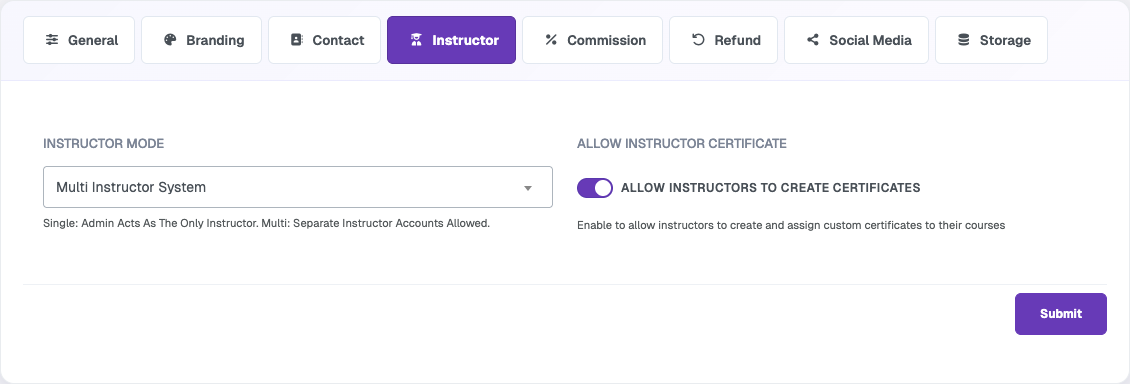
- Instructor Mode – Single Instructor (admin acts as the only instructor) or Multi Instructor System (separate instructor accounts are allowed).
- Allow Instructor Certificate – lets instructors create and assign custom certificates to their courses.
Commission
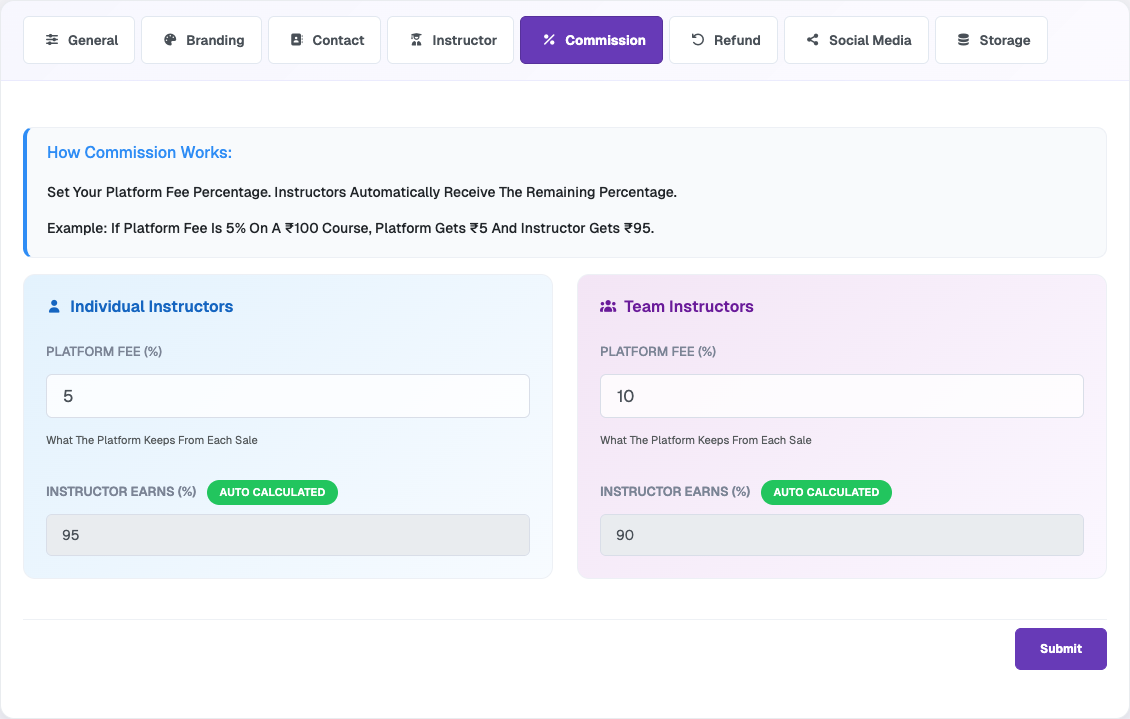
Set how revenue is shared. Enter the Platform Fee (%) and the instructor share is calculated automatically (100 − platform fee). Separate rates can be set for Individual Instructors and Team Instructors.
Refund
Set the refund rules for course purchases.
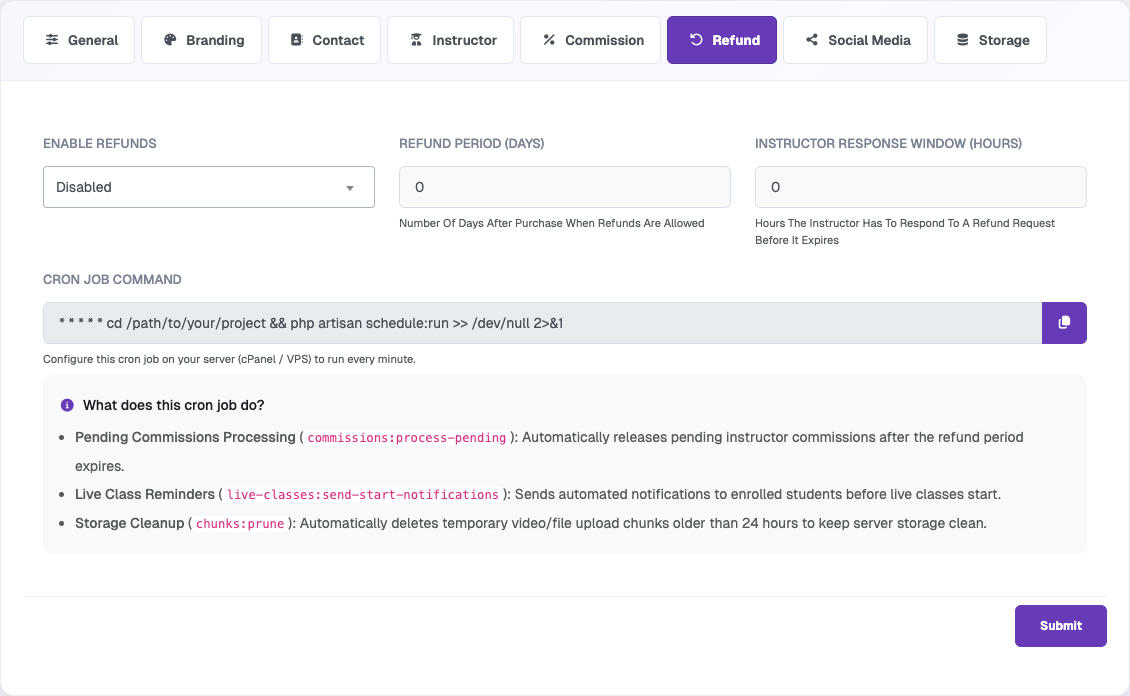
- Enable Refunds – turn refunds on or off.
- Refund Period (Days) – days after purchase in which a refund can be requested.
- Instructor Response Window (Hours) – time the instructor has to respond before the request expires.
- Cron Job Command – add this command to your server's cron (cPanel / VPS) to run every minute. It processes pending commissions after the refund period, sends live class reminders, and removes temporary upload chunks older than 24 hours.
Social Media
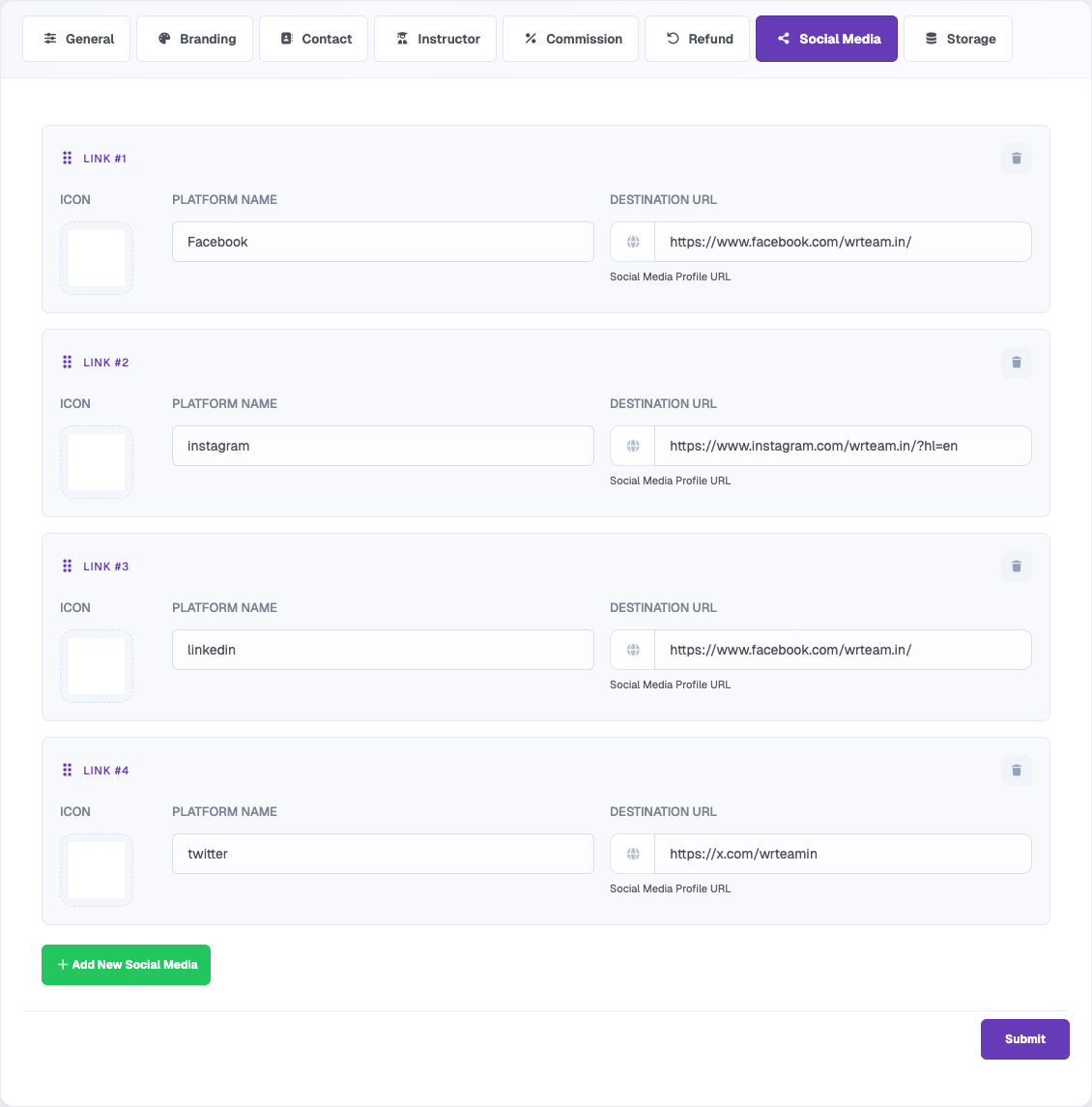
Add links to your social profiles. Each link has an icon, platform name and destination URL. Use Add New Social Media to add more links.
Storage
Choose where newly uploaded videos, attachments, images and documents are saved.
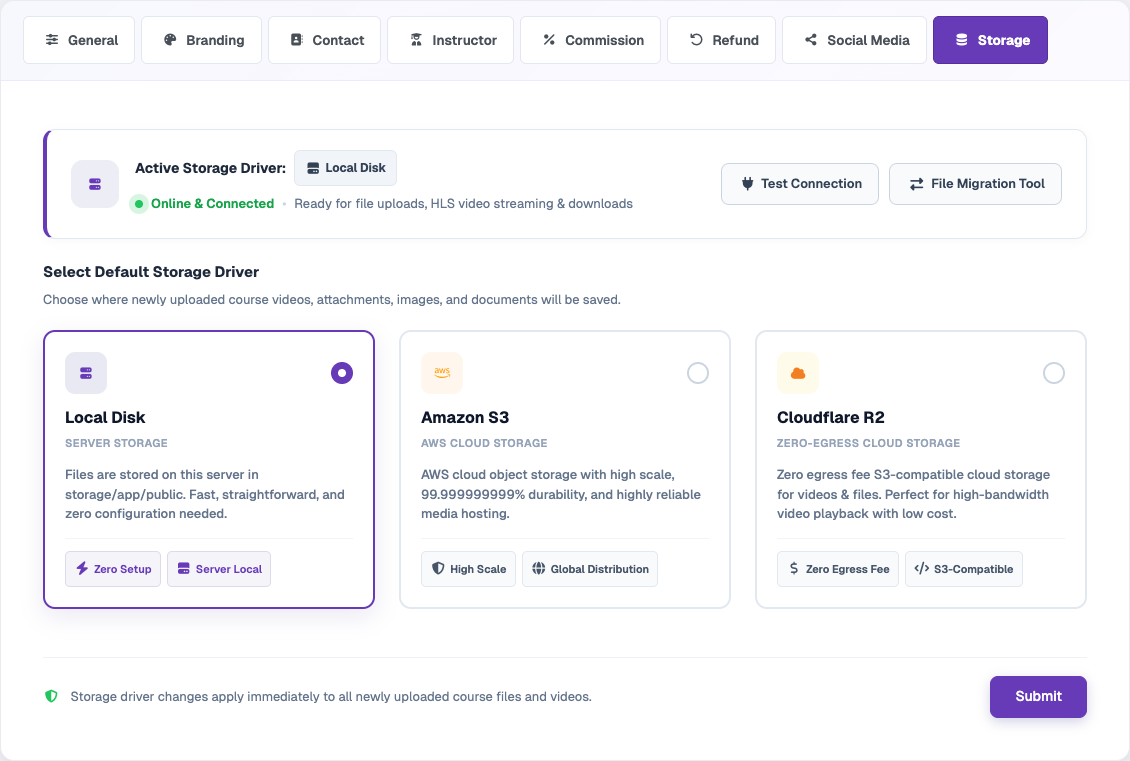
- Local Disk – files stay on your server. No setup needed.
- Amazon S3 – AWS cloud object storage.
- Cloudflare R2 – S3-compatible storage with zero egress fees.
The status card at the top shows the active driver. Use Test Connection to confirm it is working, and File Migration Tool to move existing files to another driver. The new driver applies to newly uploaded files.