Web Settings
Go to Settings → Web to manage the general settings of your website and the Instructor Panel.
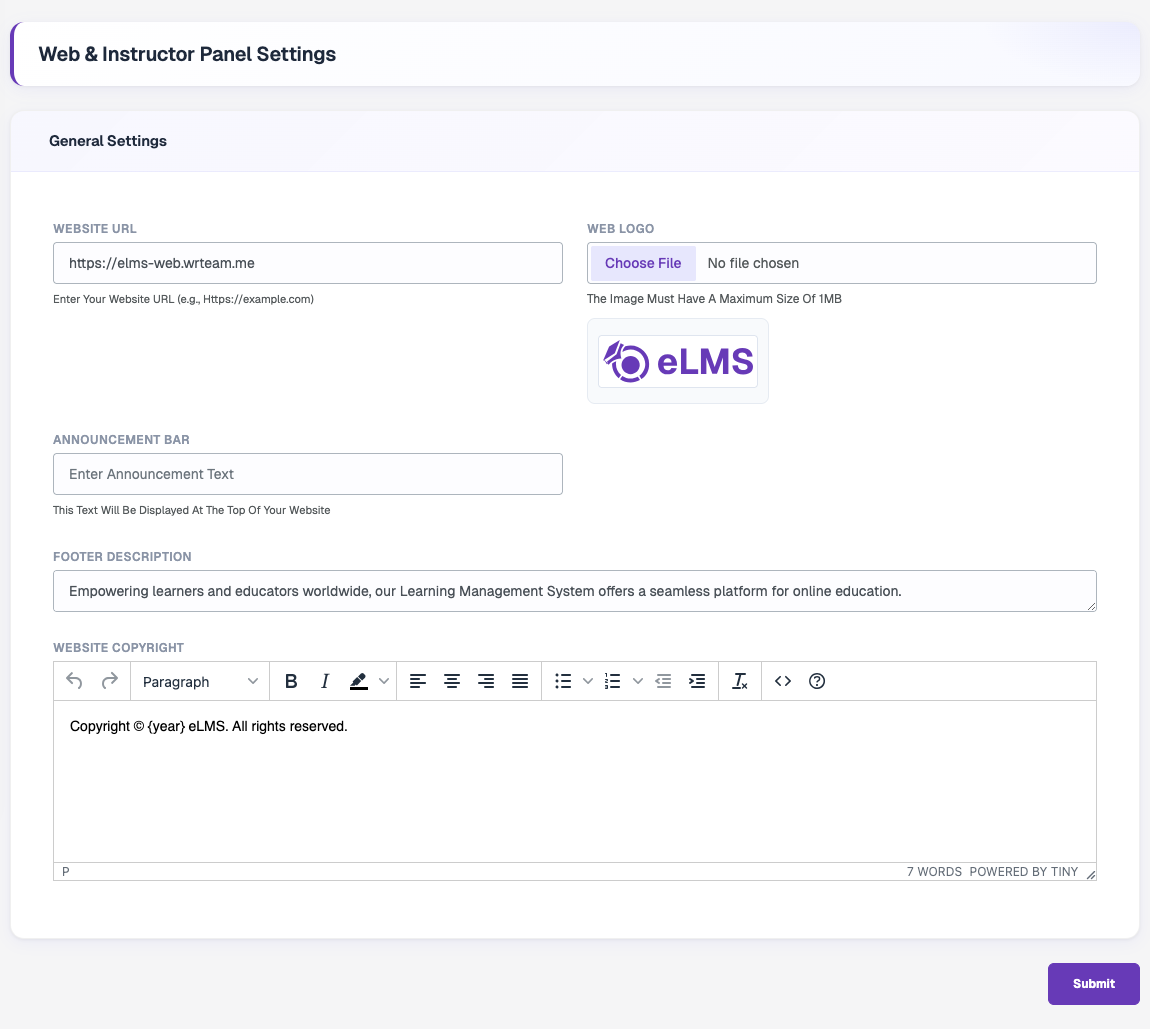
| Field | Description |
|---|---|
| Website URL | Full URL of your website (for example https://example.com). |
| Web Logo | Logo shown on the website. Maximum size 1MB. |
| Announcement Bar | Text shown in a bar at the top of the website. Leave empty to hide it. |
| Footer Description | Short description displayed in the website footer. |
| Website Copyright | Copyright text for the footer. Use {year} to show the current year automatically. |
Click Submit to save your changes.