Email Configuration
Go to Settings → Email Configuration to set up the mail server used for system emails such as password resets and notifications.
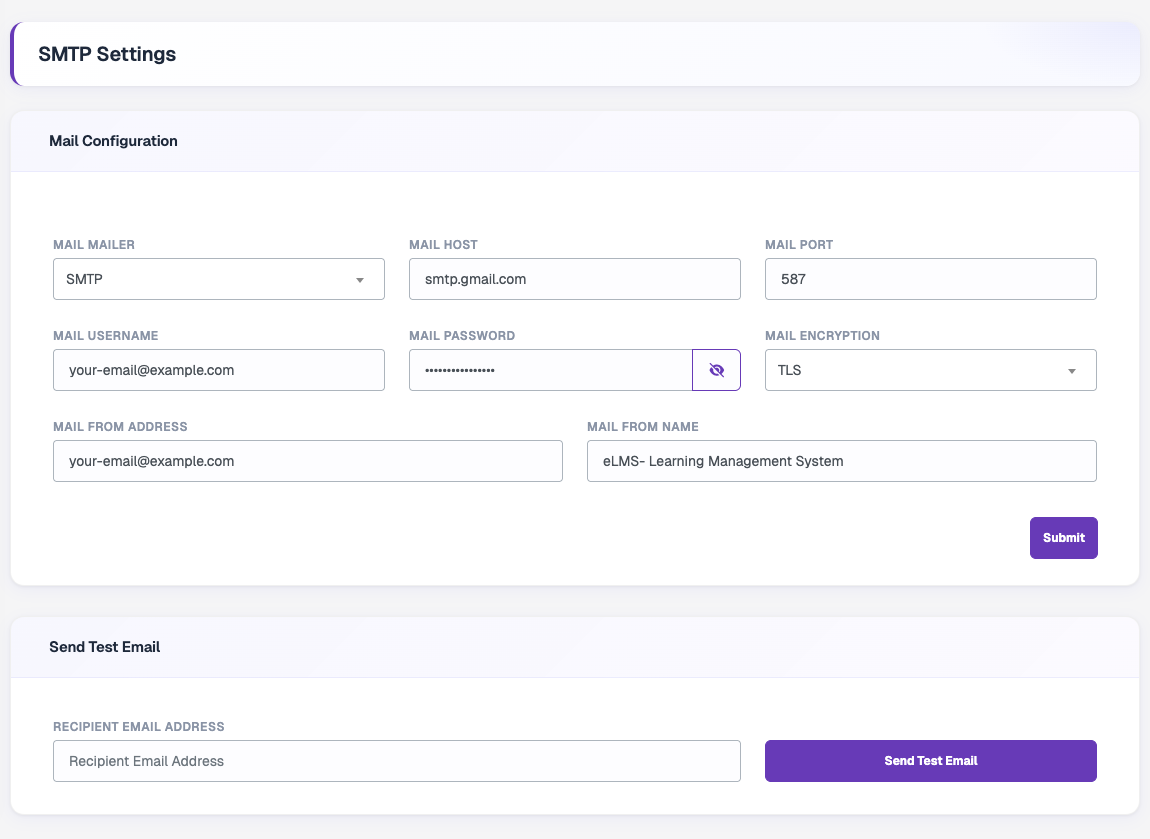
Mail Configuration
| Field | Description |
|---|---|
| Mail Mailer | Mail driver: SMTP, Send Mail, Mailgun or Postmark. |
| Mail Host | Your mail server host, for example smtp.gmail.com. |
| Mail Port | SMTP port, for example 587 for TLS. |
| Mail Username | Username of your mail account. |
| Mail Password | Password or app password of your mail account. Use the eye icon to show or hide it. |
| Mail Encryption | TLS or SSL. |
| Mail From Address | Email address emails are sent from. |
| Mail From Name | Sender name users see, for example your platform name. |
Click Submit to save.
tip
If you use Gmail, create an App Password in your Google account and use it as the mail password instead of your normal password.
Send Test Email
After saving, enter a Recipient Email Address and click Send Test Email to confirm the settings work. If sending fails, an SMTP Debug Log is shown to help you find the problem.