Firebase Settings
Set here Firebase settings. You can get full tutorial from the Flutter App documentation.
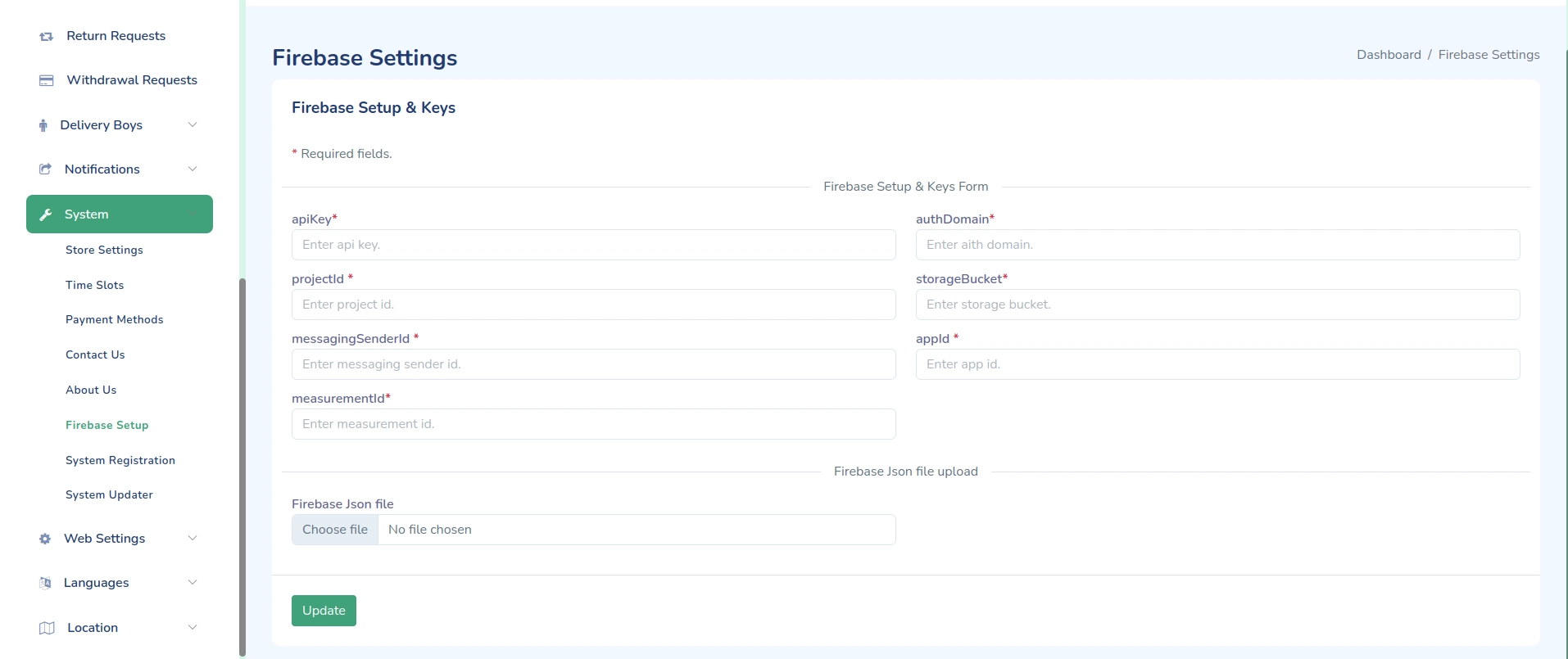
Firebase Integration
Configure Firebase for your eMarket store to enable features like authentication, cloud messaging, and more.
Prerequisites
- Firebase Account
- Google account
- Firebase project
Configuration Steps
-
Create Firebase Project
- Go to Firebase Console
- Create new project
- Set up app
-
Set up Services
- Authentication
- Cloud Messaging
- Analytics
- Crashlytics
Authentication Setup
- Enable Auth Methods
- Email/Password
- Phone
Cloud Messaging
- Configure FCM
- Get server key
- Set up Android
- Set up iOS
Important Notes
- Keep credentials secure
- Follow Firebase best practices
- Regular monitoring
- Stay updated with Firebase changes