Set up Unity Ads in App
-
Go to Unity Ads Dashboard, Sign in & Create New Project
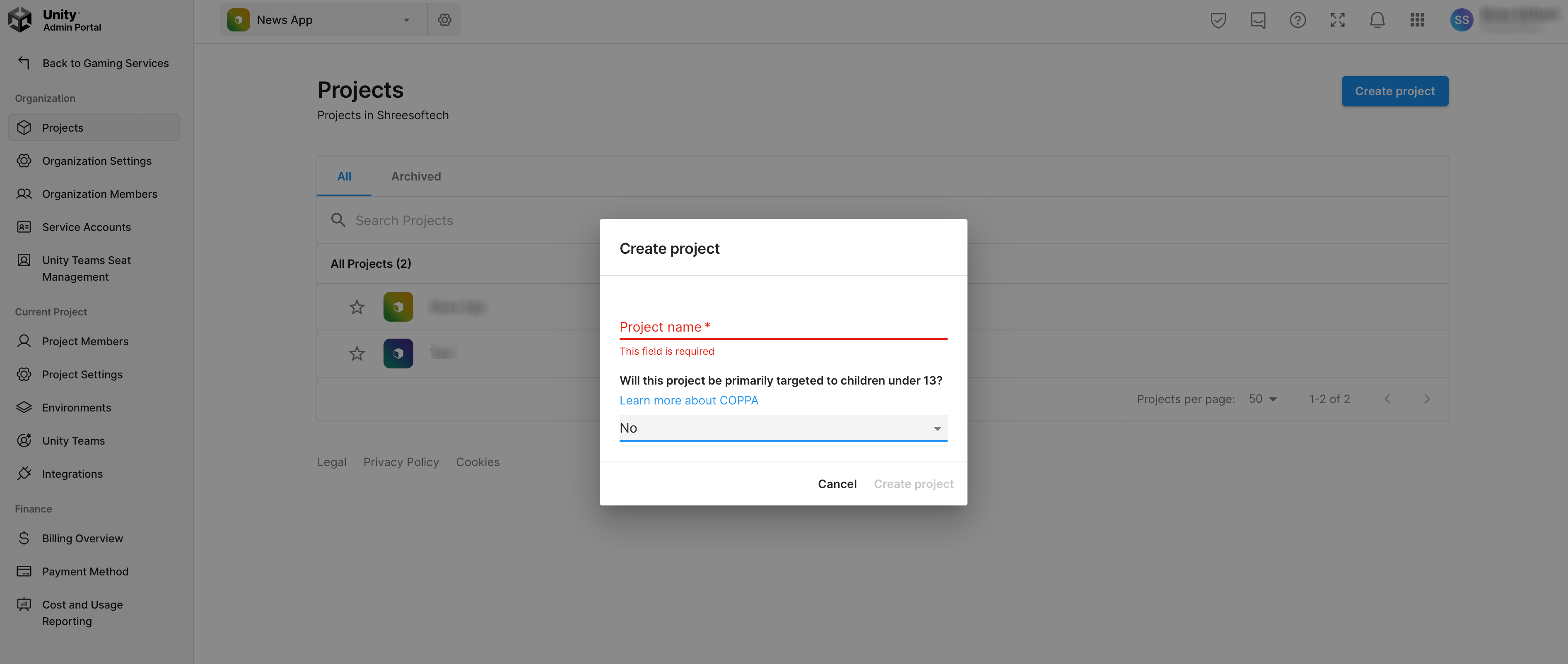
-
Go to Monetization > Setup Project & find Ad Units for both Android & iOS Apps
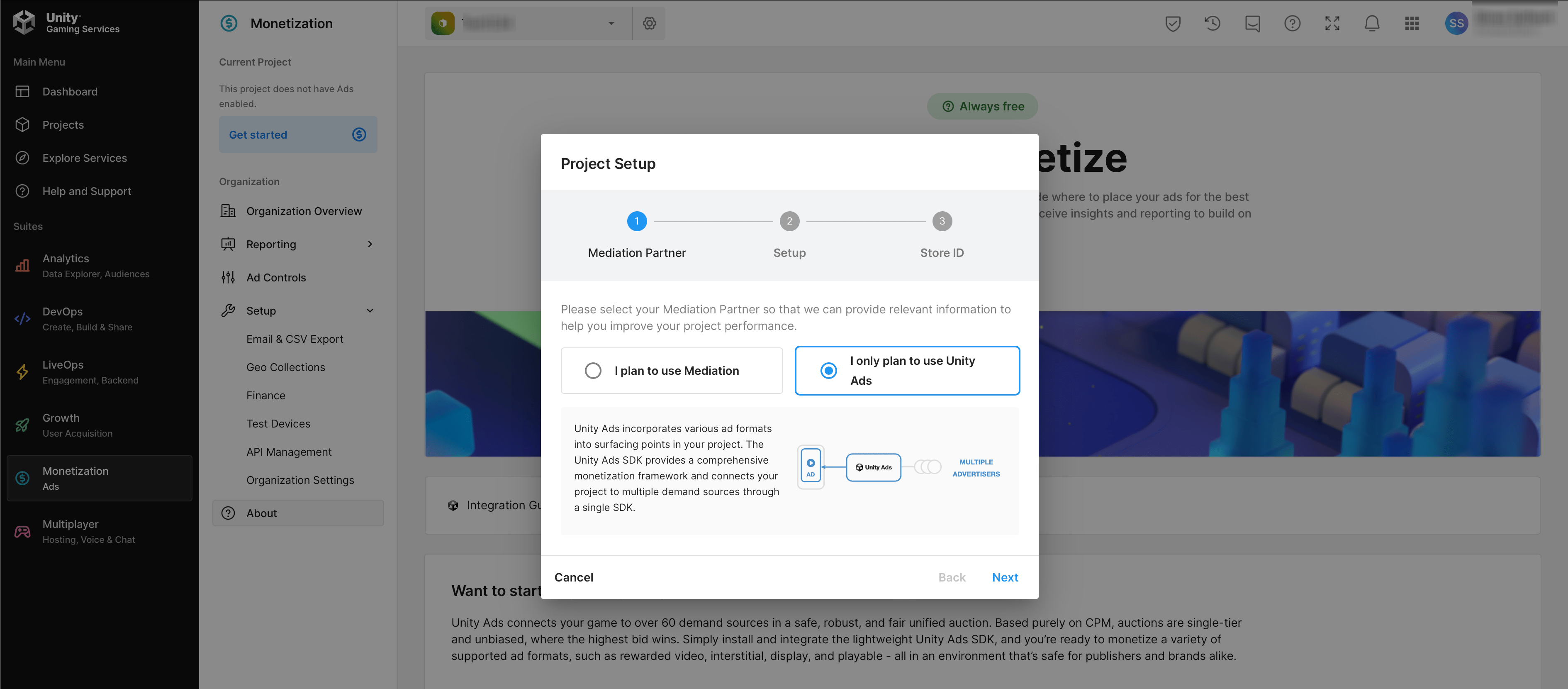
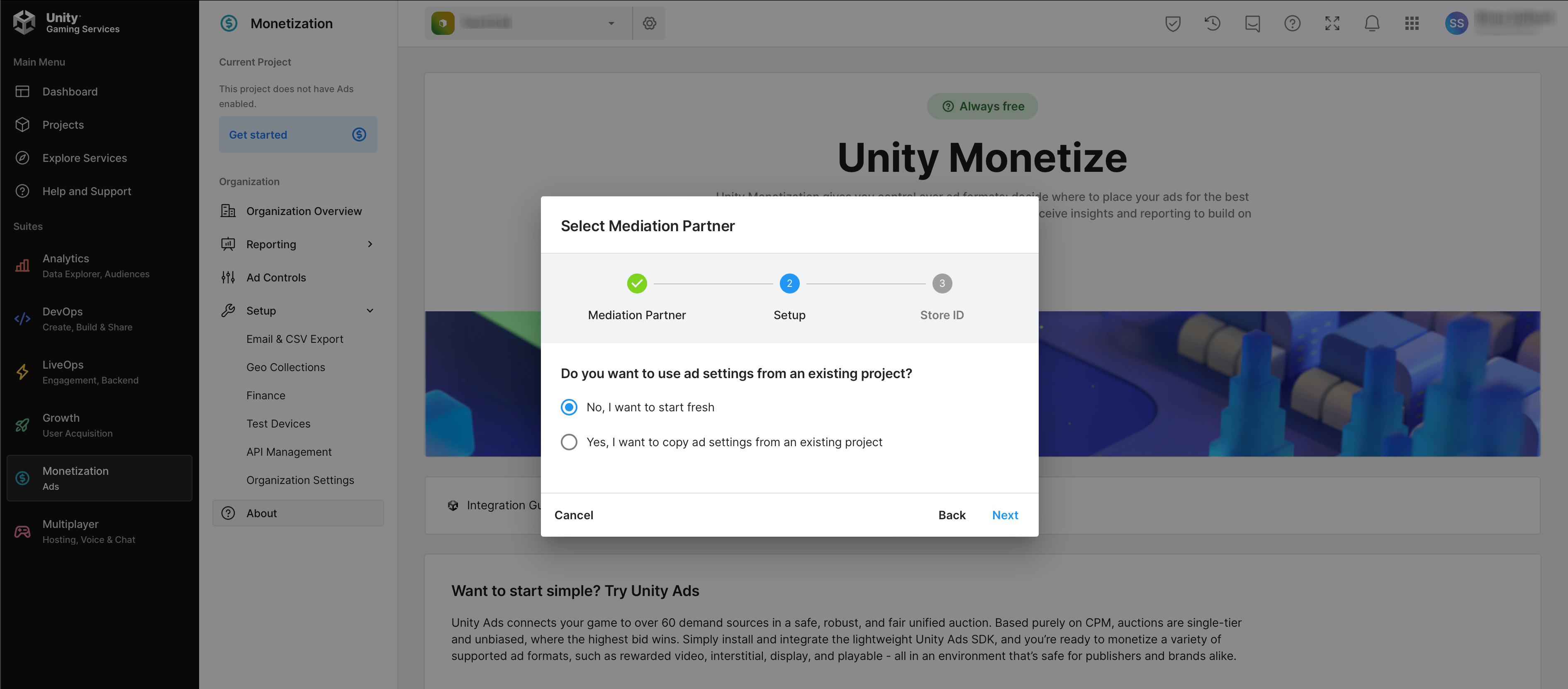
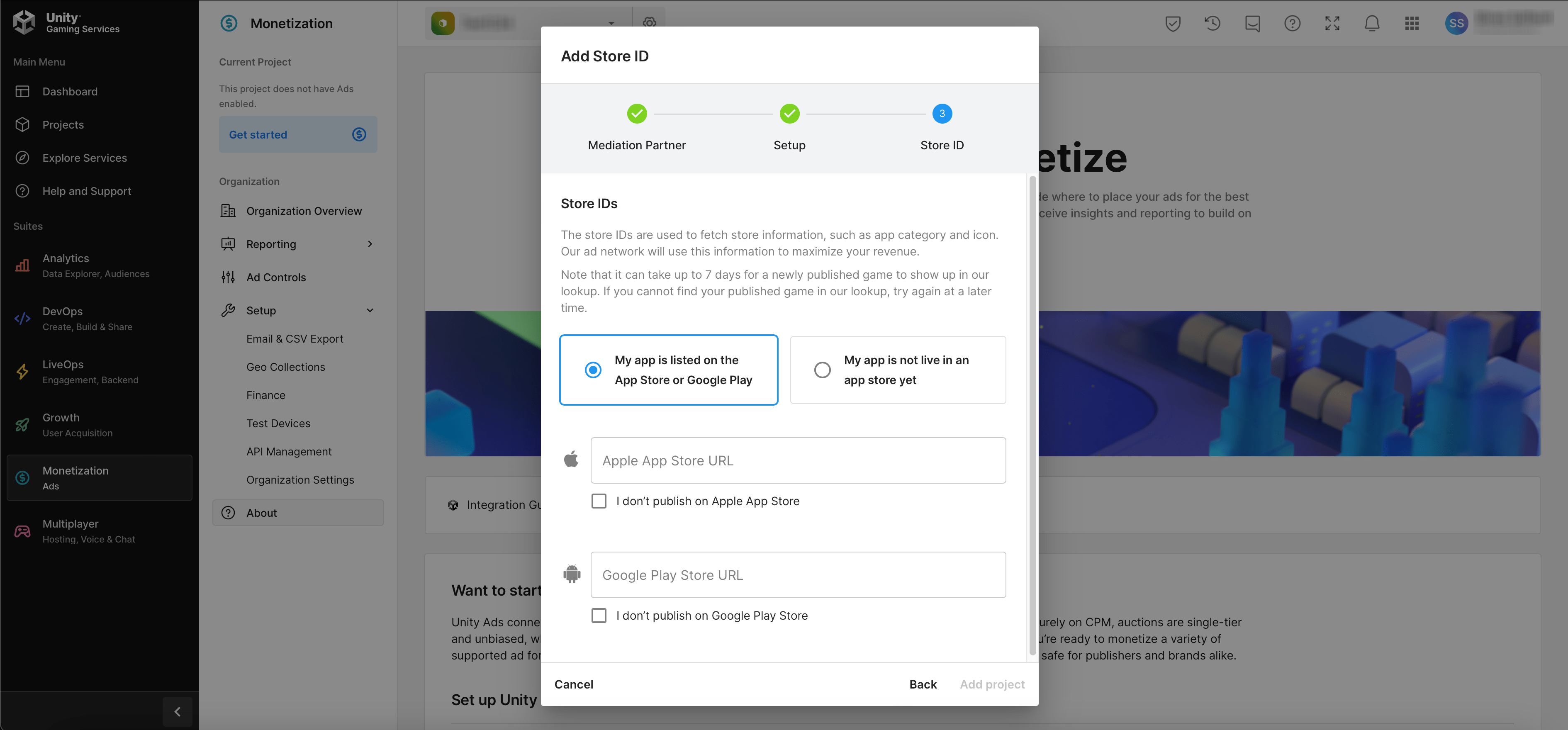
OR
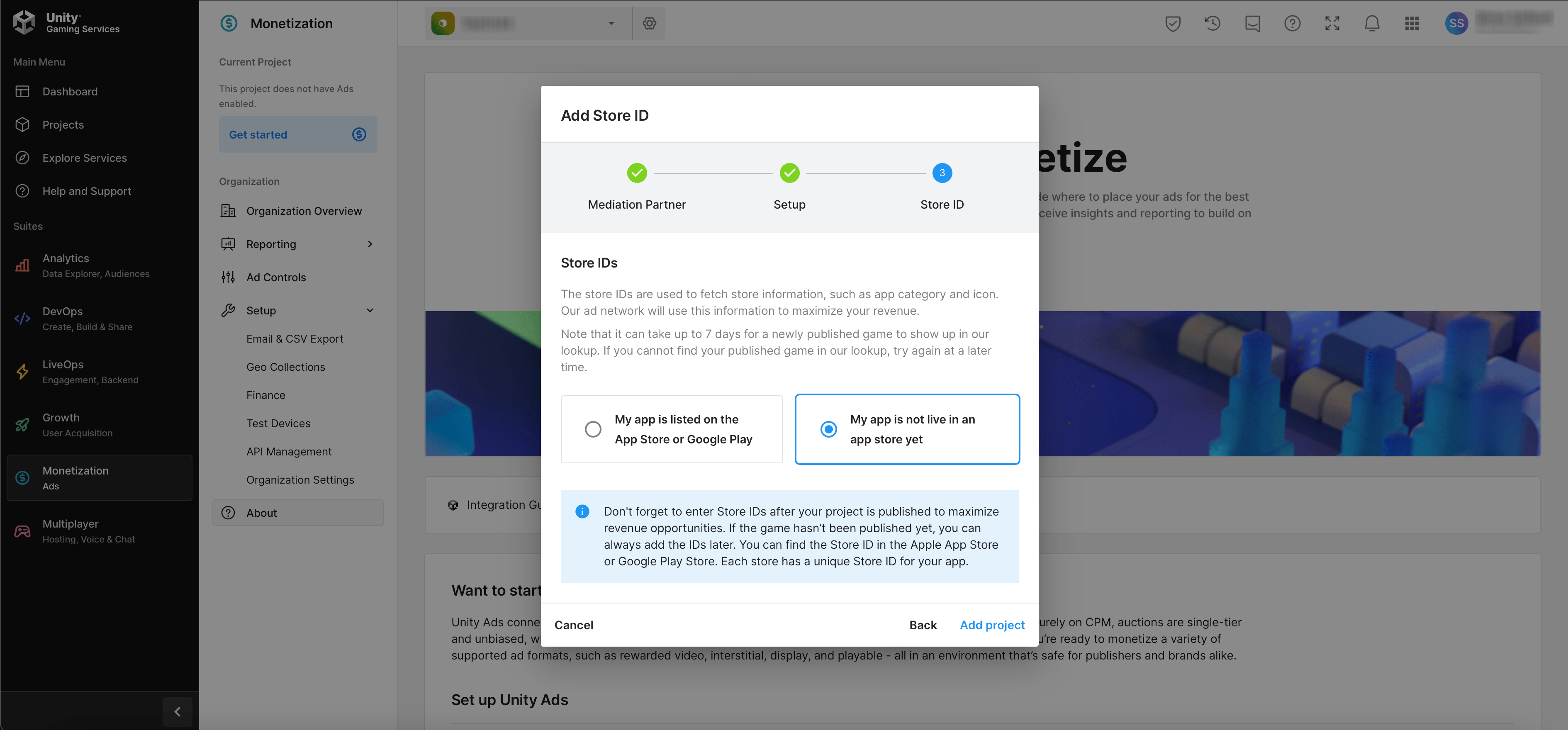
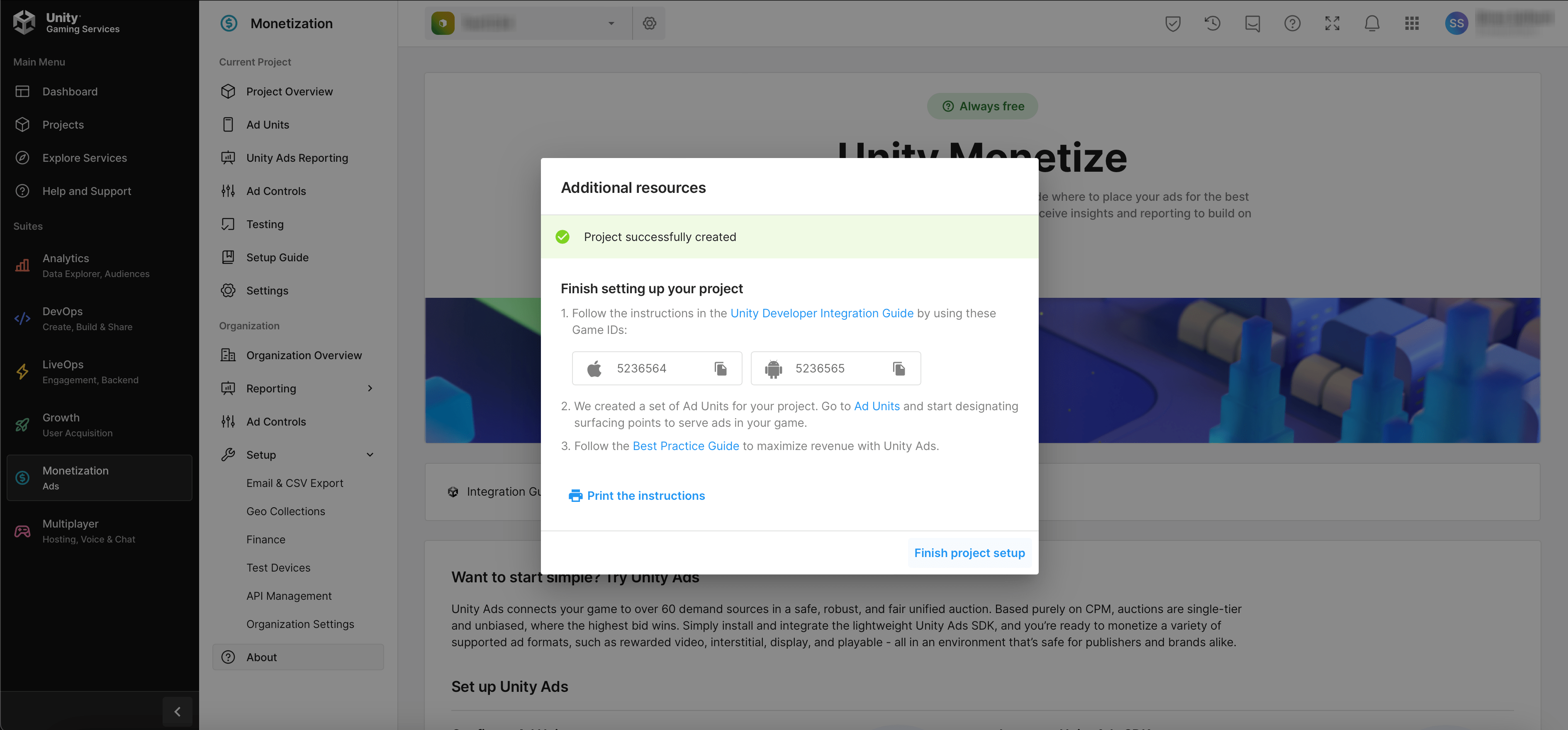
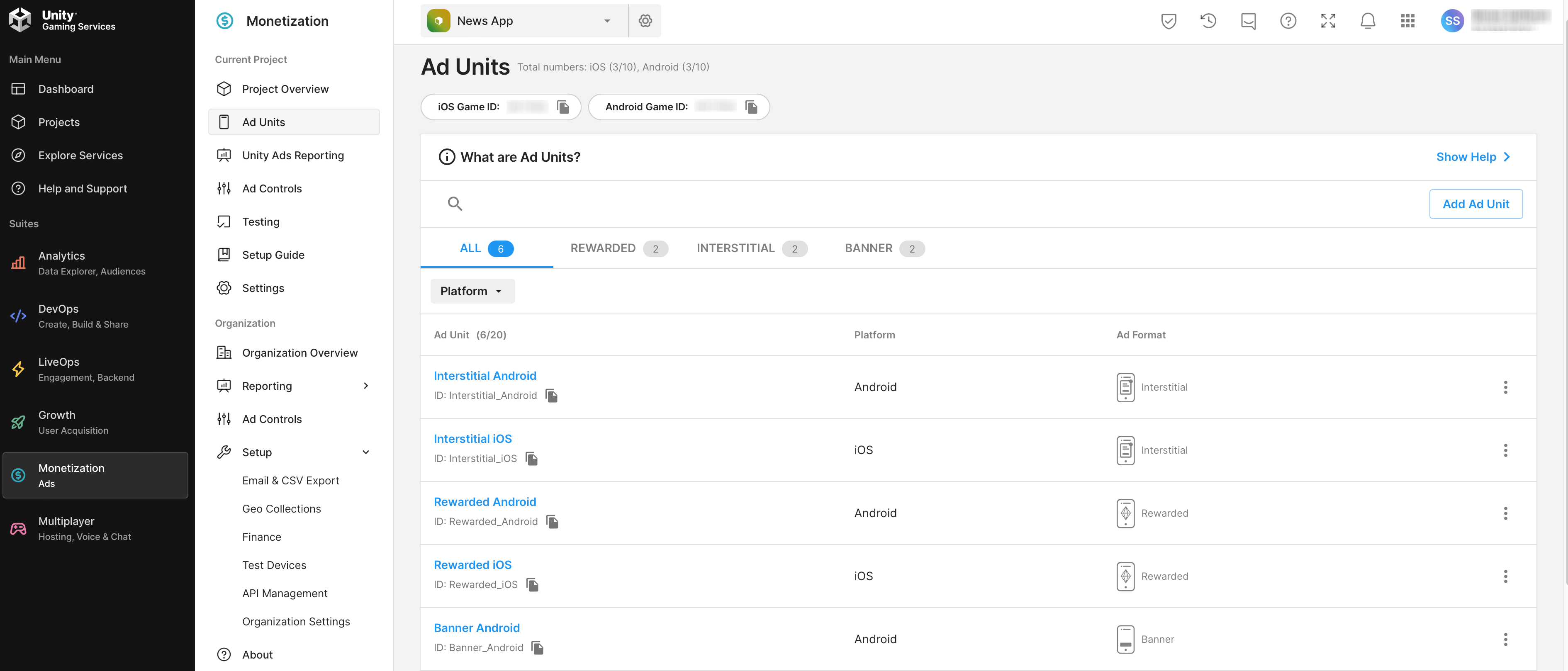
-
Fill Ads Details for Android & iOS @Admin Panel > System Setting > App Settings
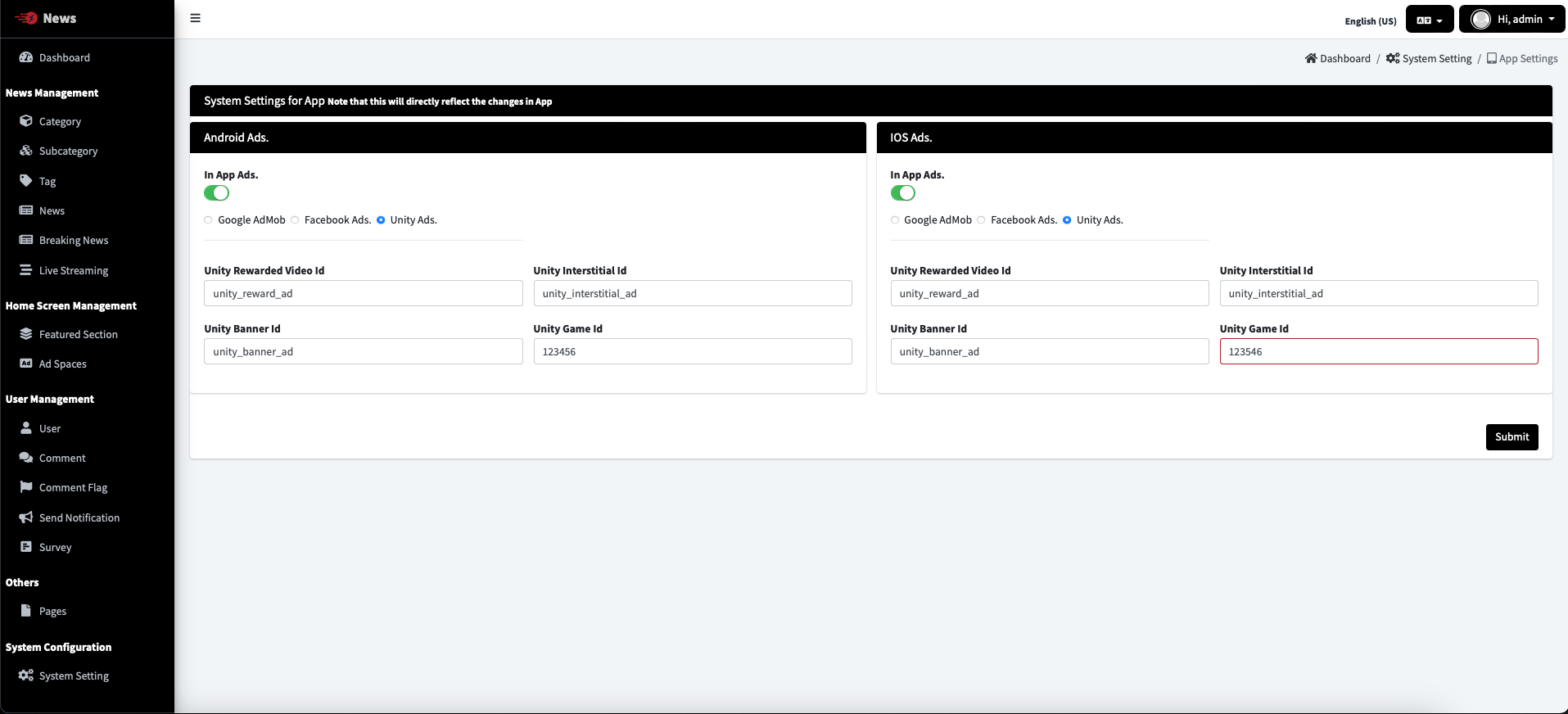
-
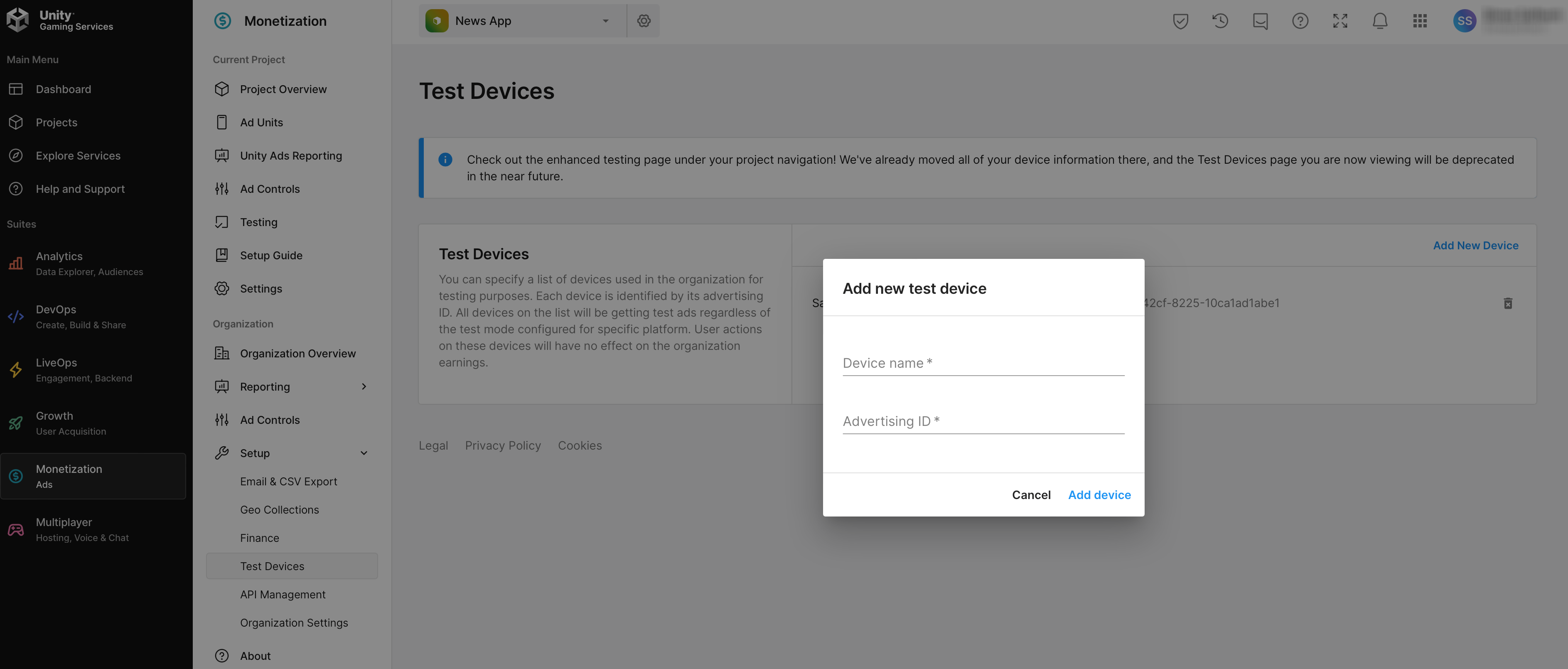
You can Add Test Devices @Unity Ads Dashboard
-
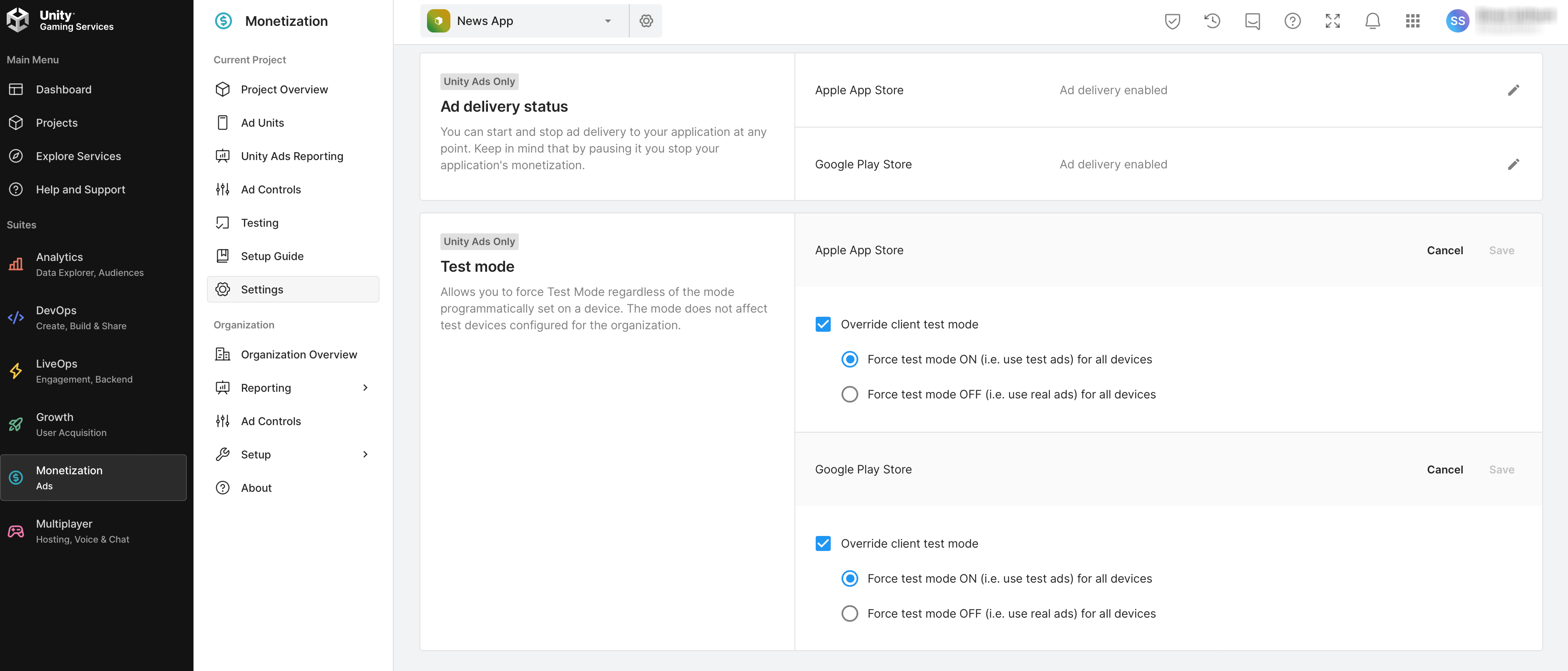
You can Enable Test Mode @Unity Ads Dashboard
-
For Further Unity Ads Help, Follow this Link