Categories
Categories Panel
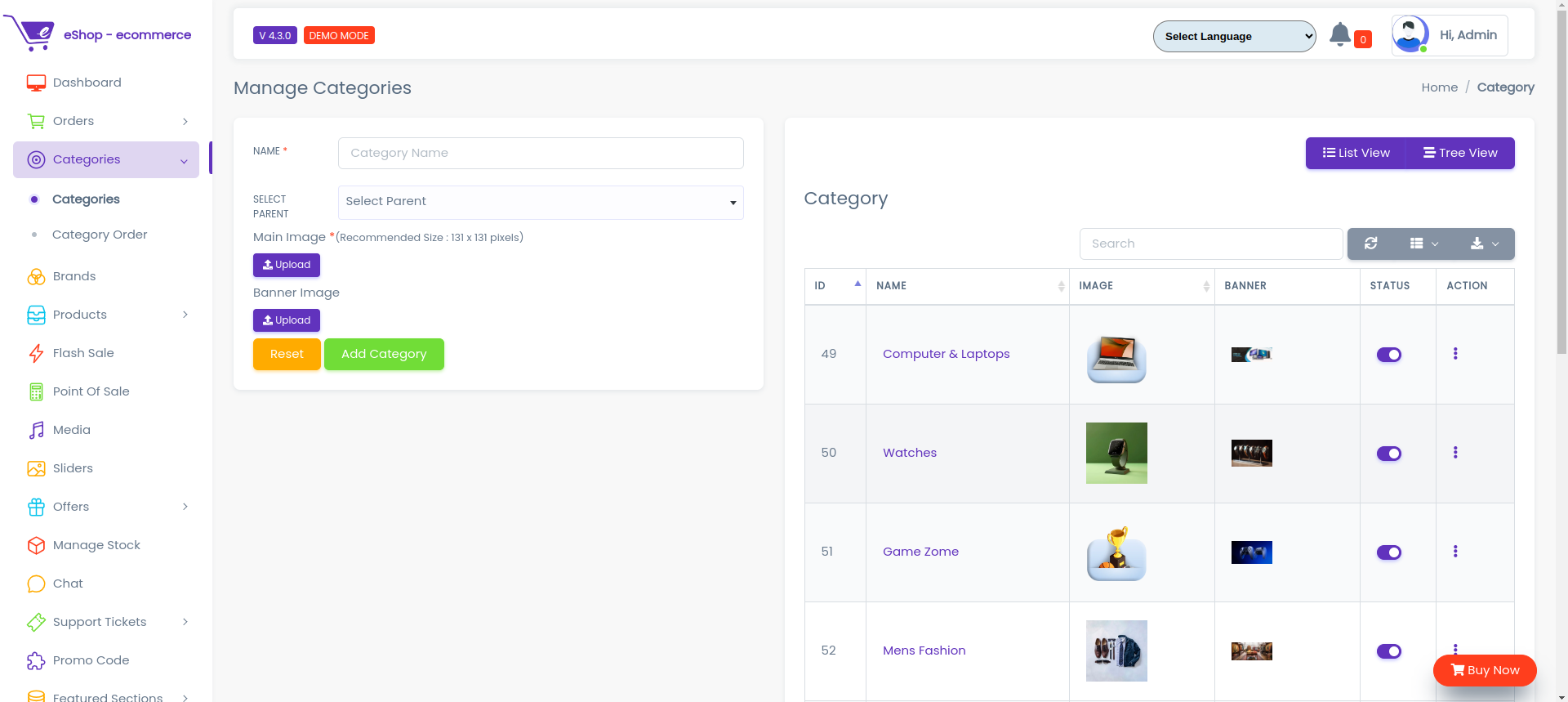
Here all the information related to Categories is display
Actions
- Search Category details
 To search the Category Name or Any other Detail
- Refresh Category list
 To Refresh Category List
- Filters
 Used to filter the Category details according to the criteria
- Edit Category
 Used to Edit the Category details
- Delete Category
 Used to Delete the Category details
- Category Status
 Used to Active And Deactive the Category Status
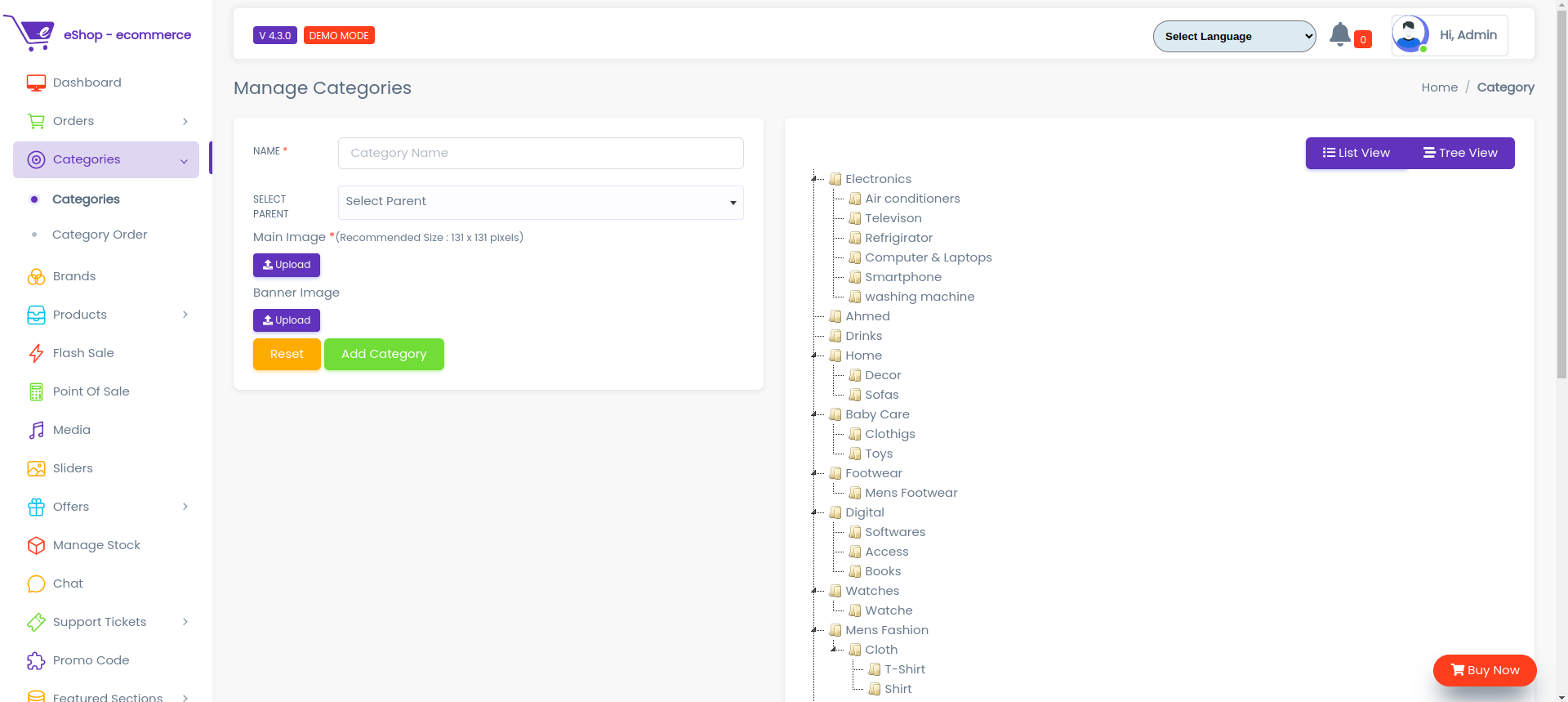
Here all the information related to Categories is display on Tree View
We Can add New categories and delete categories by following Steps :
Step 1:Adding New Category in the Category List
Click on Add Category Tab Present On The Right Side

After Clicking to the New Category tab a new window will be displayed as follows
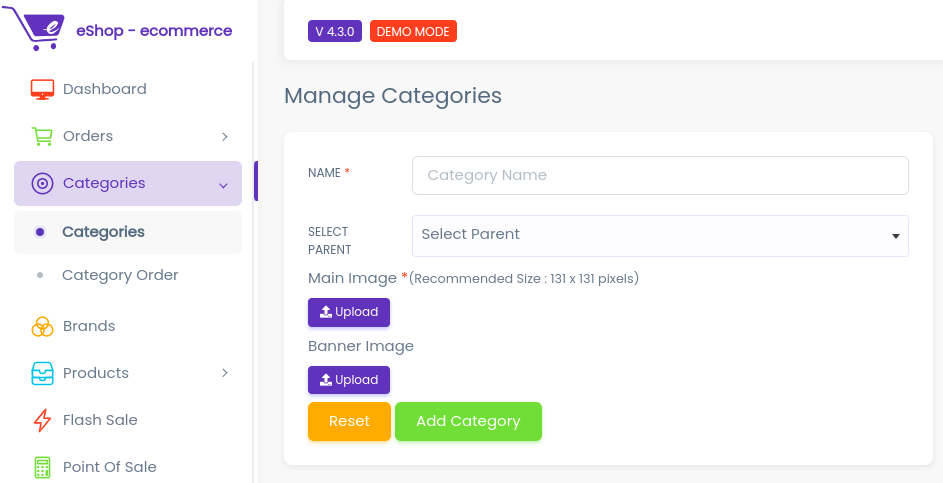
- In Category Name field Enter the Name of the Category.
- In Category tax field Enter the tax in Percentage(%) of the Category.
- To know how to upload image in the form click here.
- Click add Category to add Category or Reset to Reset the form.
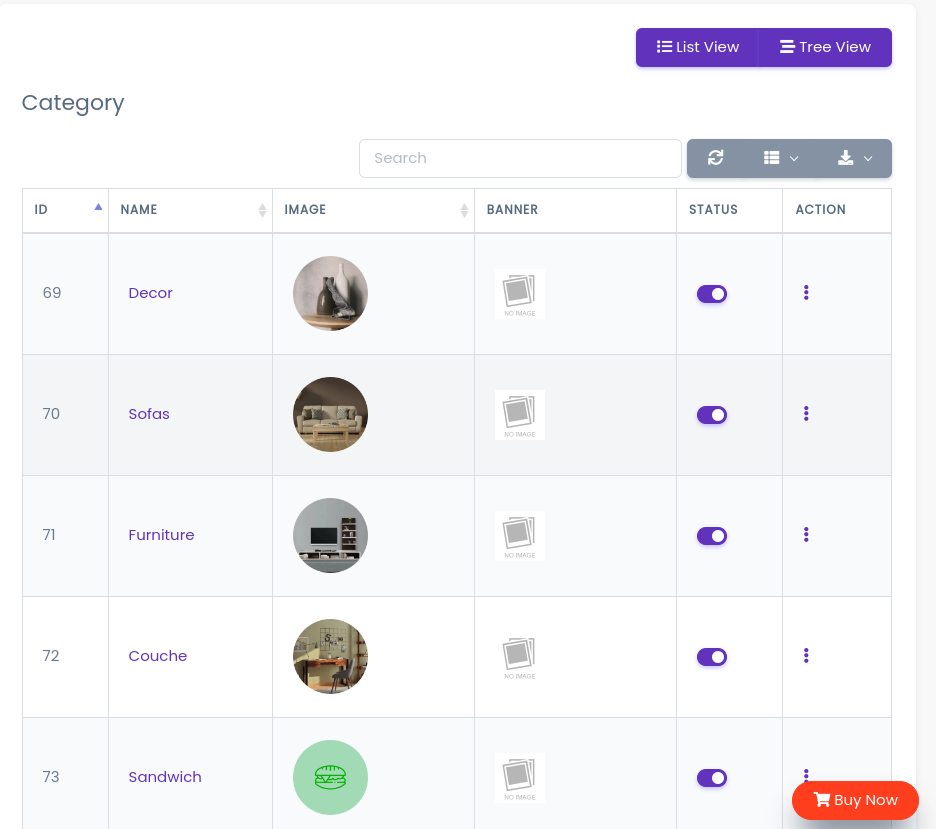 The Category Added Successfully
Step 2:Delete Category from the List
For Deleting category we need to use as explained above under Actions category.