Media Management
Media Management
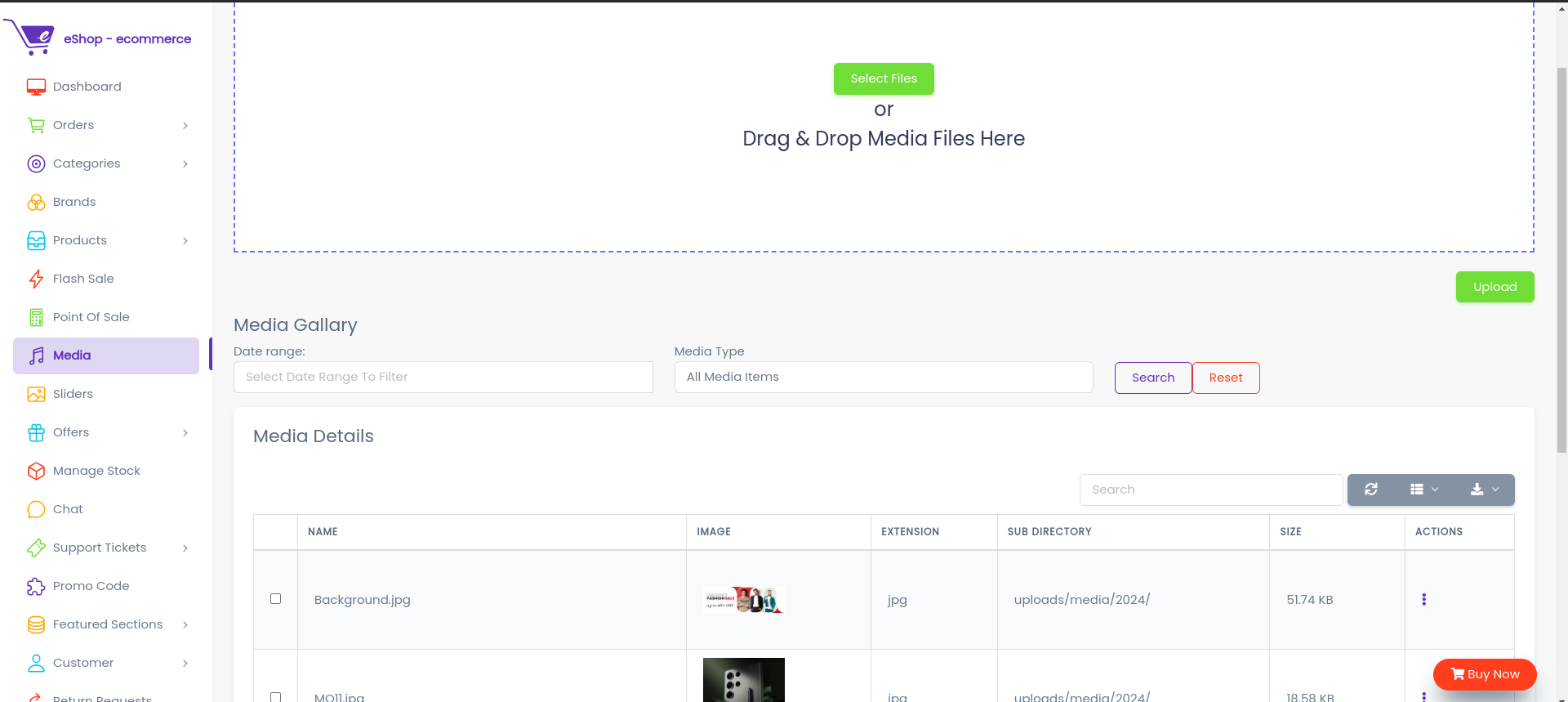
Here all types of images/documents can be uploaded.
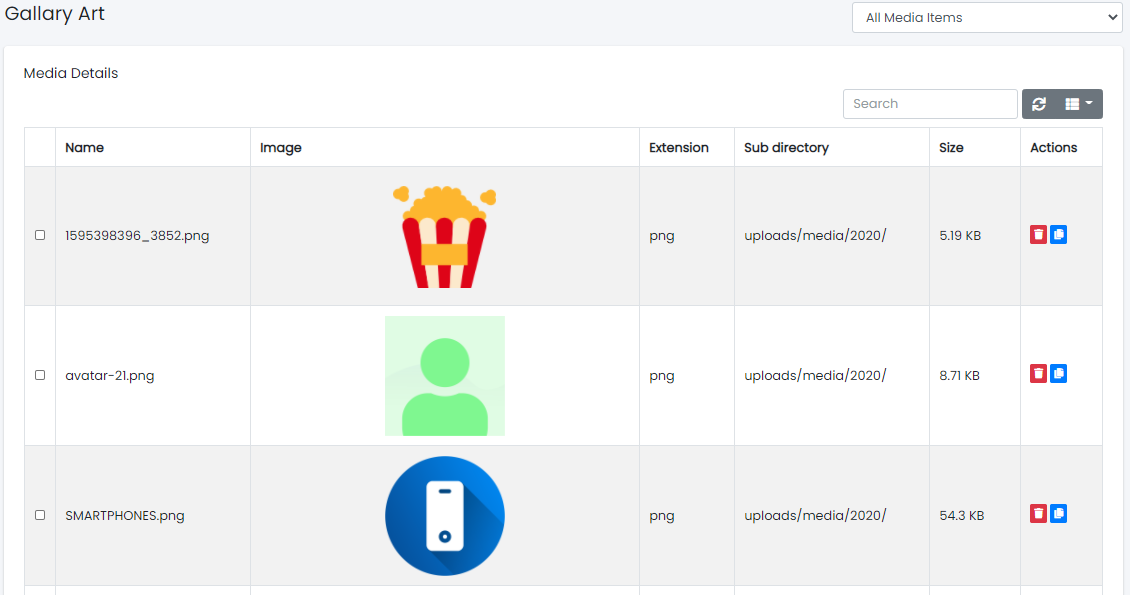
Here all types of images/documents can be viewed.
 Used to Delete the image.
 Used to copy the image path to clipboard.
How to add image in a form
 : This button will appear in forms where image is required .
- After clicking on upload button following dialog box will open
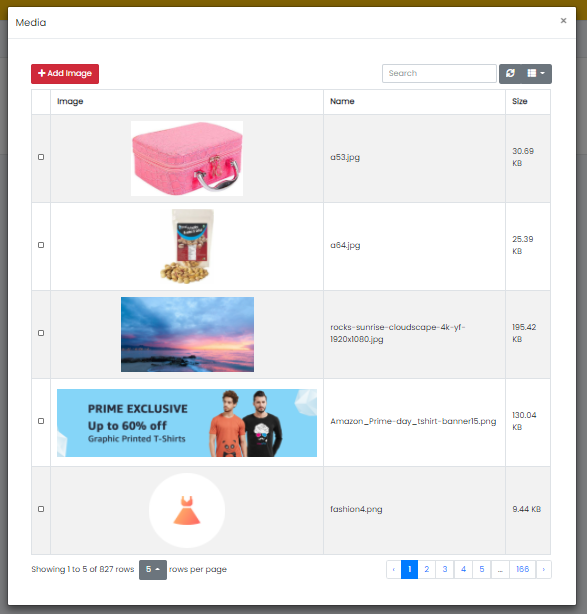
- Now select an image and click on Add Image button
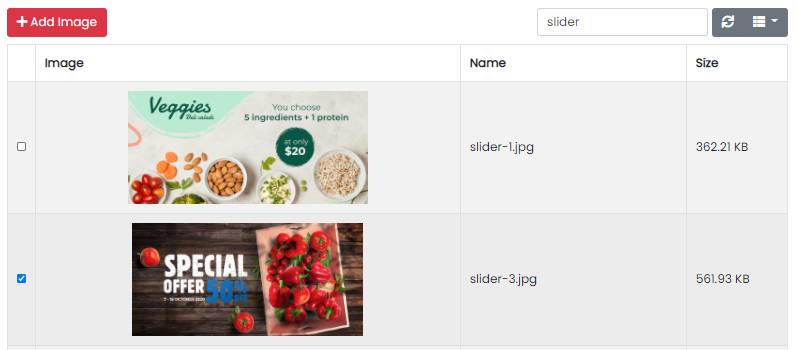
- Image will be added as seen below

That's all. You have successfully added image in the form.