eShop Admin Panel Documentation
Easy To Configure, Setup And Use Our System
Getting Started with cPanel Setup
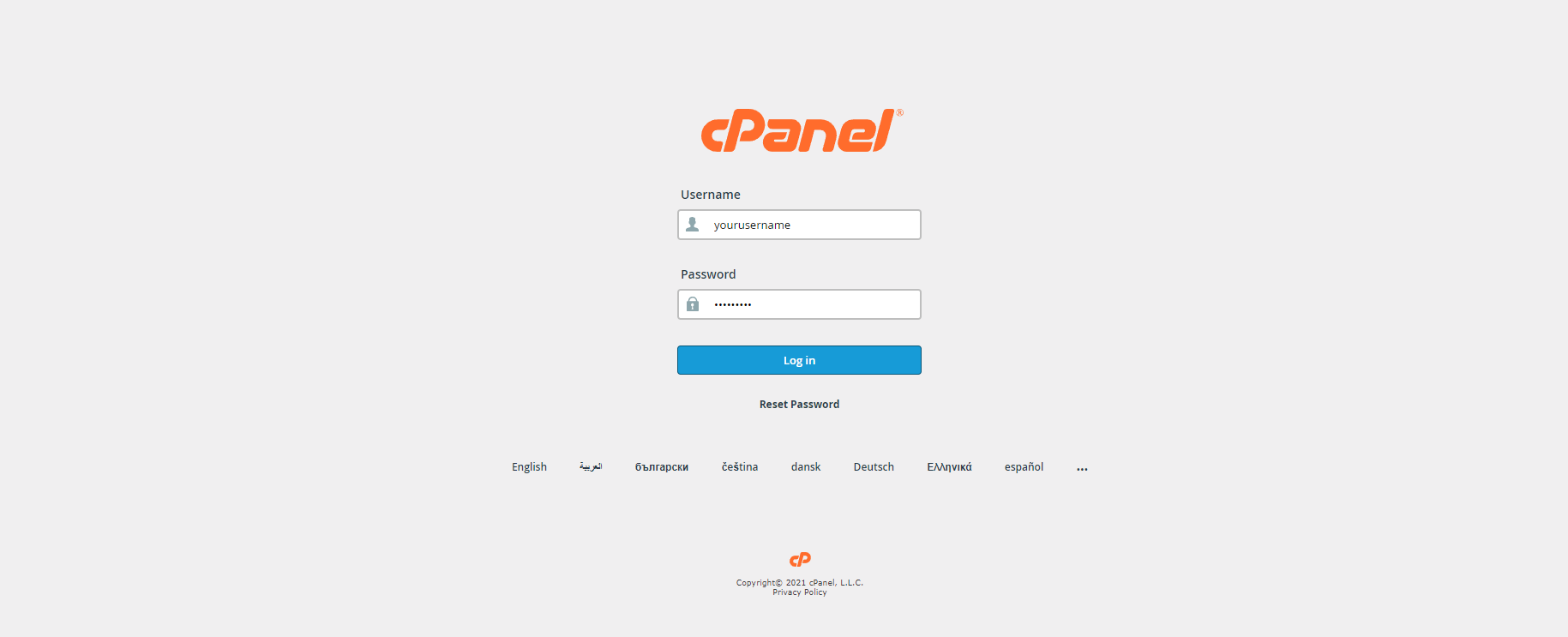
- Login into your cPanel.
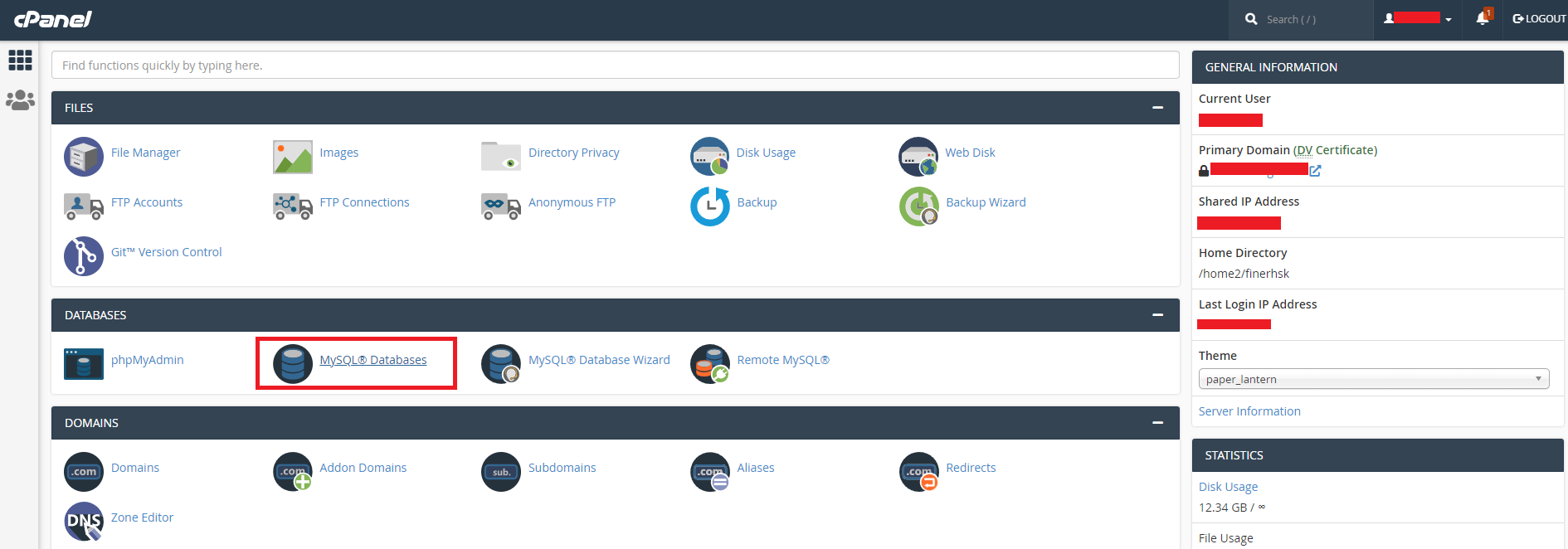
- Go to database in your cPanel
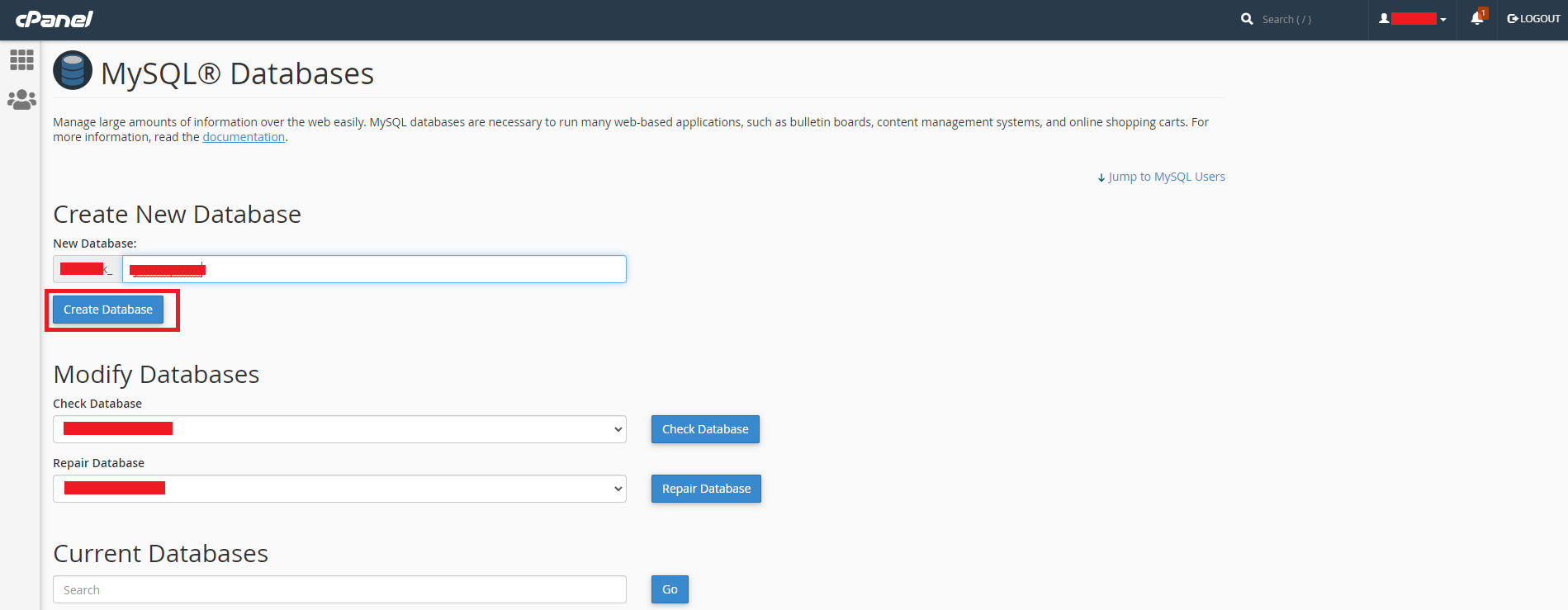
- Enter database name and Create a new database.
- Create Database user.

- Assign Database to the user.

- Open File manager now.

- Go to public_html or public_html/yourDomain.in folder in the file manager, whichever folder your domain points to.
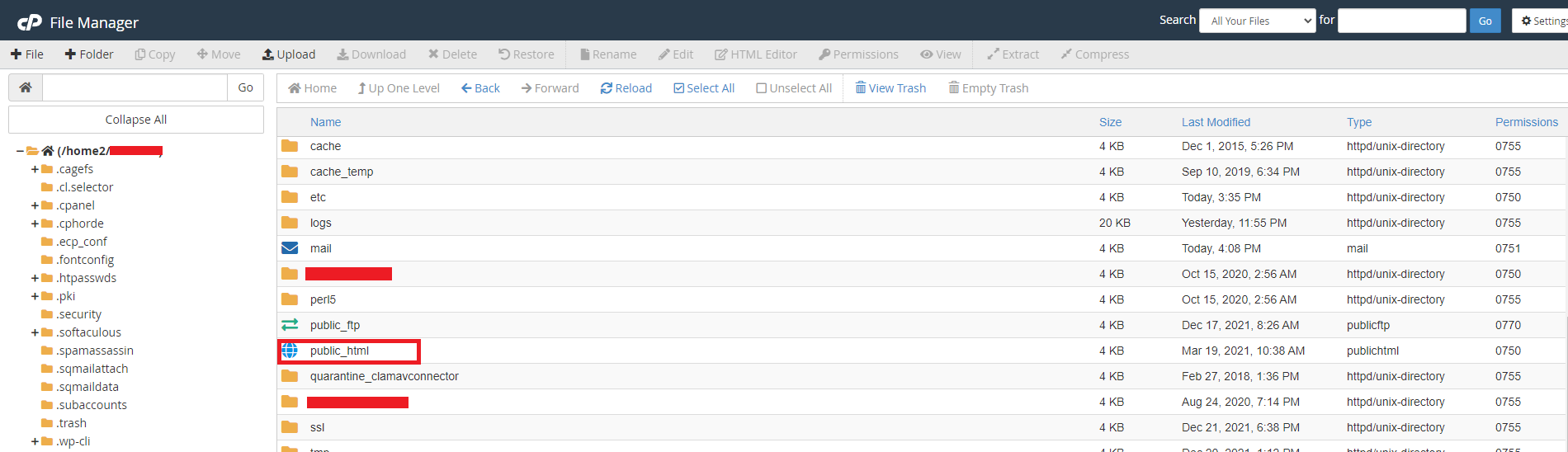
- Upload the downloaded zip in public_html or public_html/yourDomain.in folder.
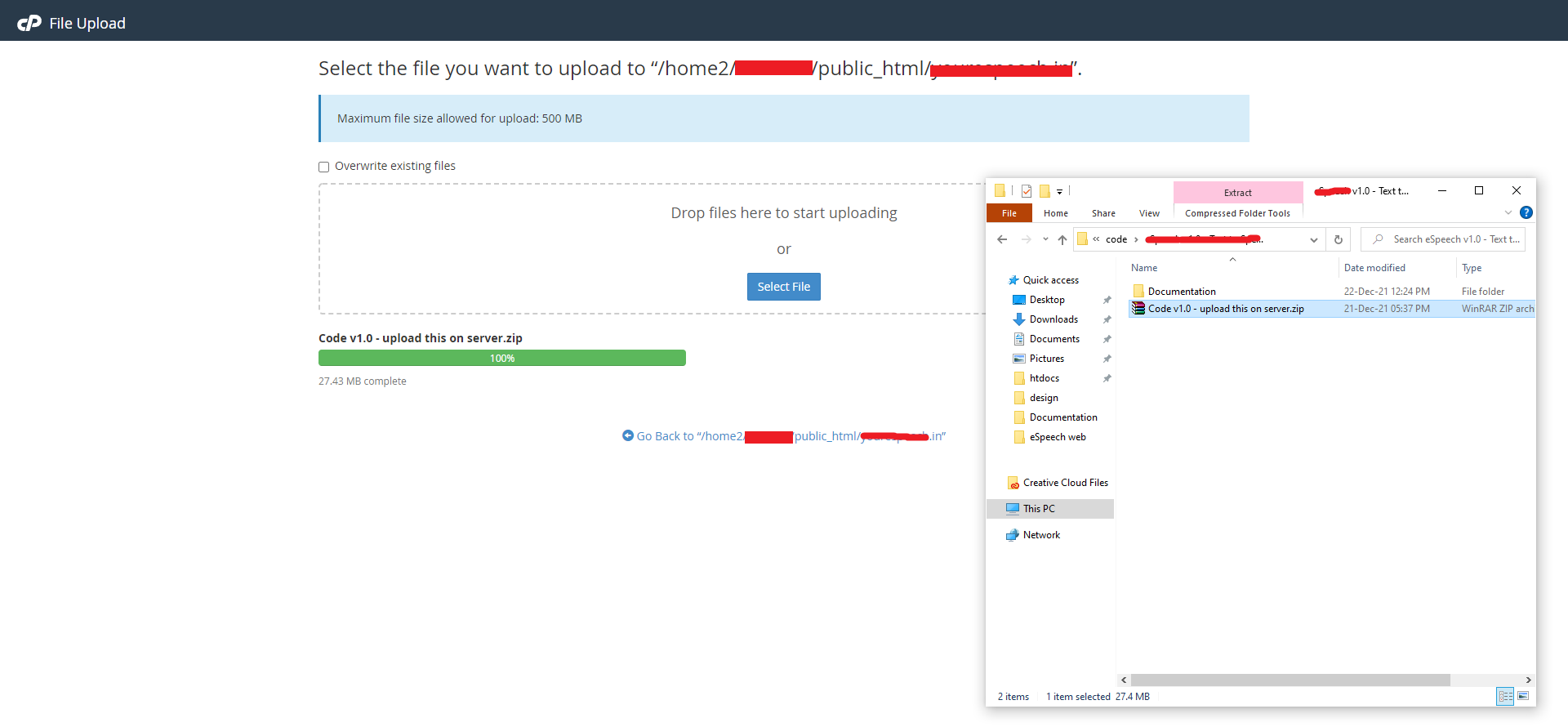
- Unzip or extract the Code vX.X - upload this on server.zip file that you have just uploaded.

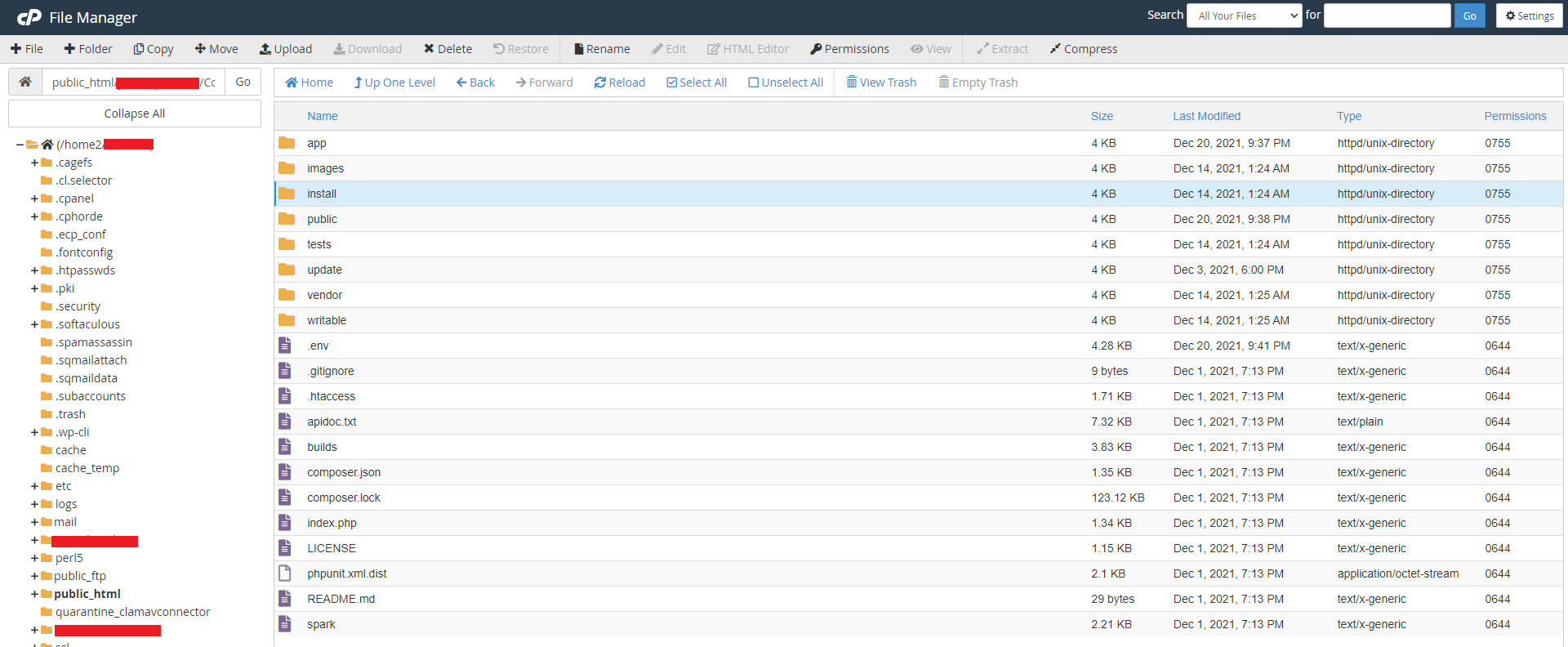
- Verify that all these files are in public_html or public_html/yourDomain.in folder.