Contact Us Page
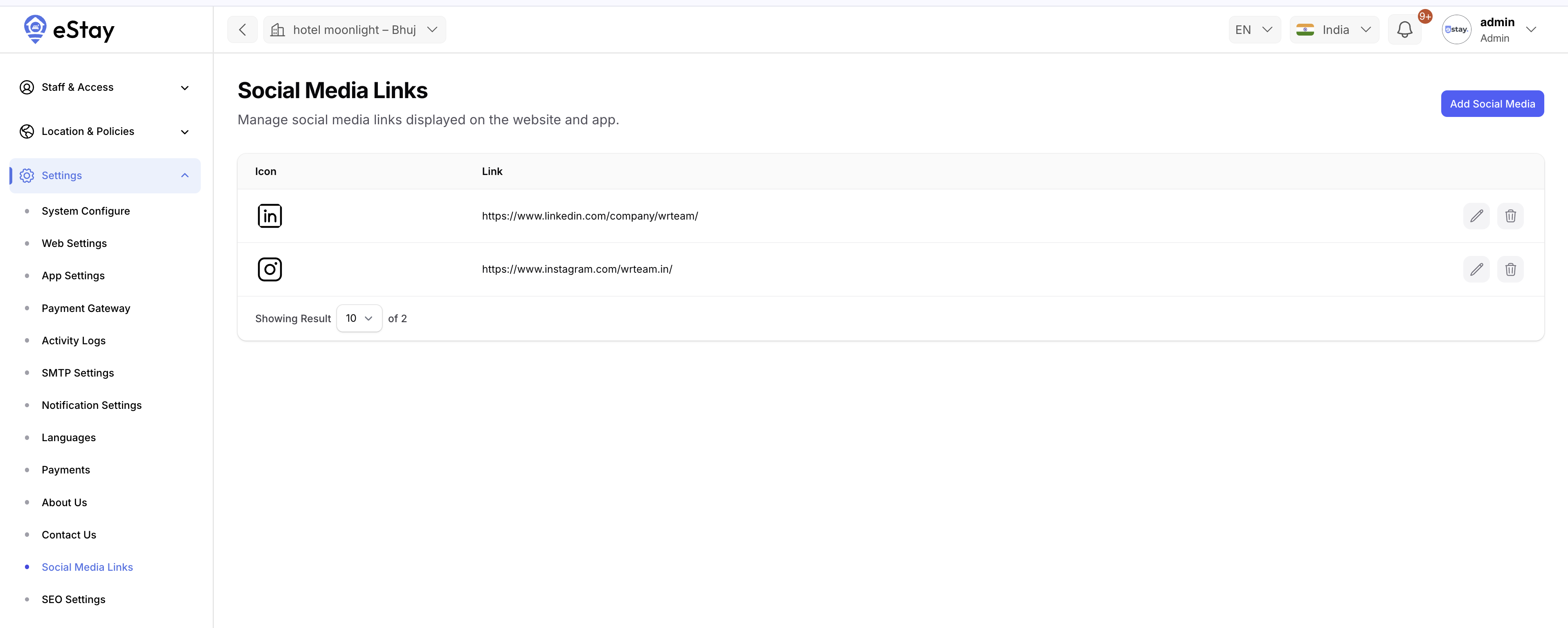
Control the social media icons and links shown on the app's Contact Us screen.
Add Social Media Links
- Log in to the your Admin Panel.
- Navigate to Settings → Social Media Links.
- For each social platform you want to show:
- Upload an icon (PNG / SVG recommended).
- Enter the link (full URL, including
https://).
- Click Save.
The app fetches this list at runtime and renders the icons on the Contact Us page. Each icon opens its corresponding link in the device browser when tapped.