Add Products
Add Product
Adding New Product in the Product List
Clicking to the New Product tab a new window will be displayed as follows
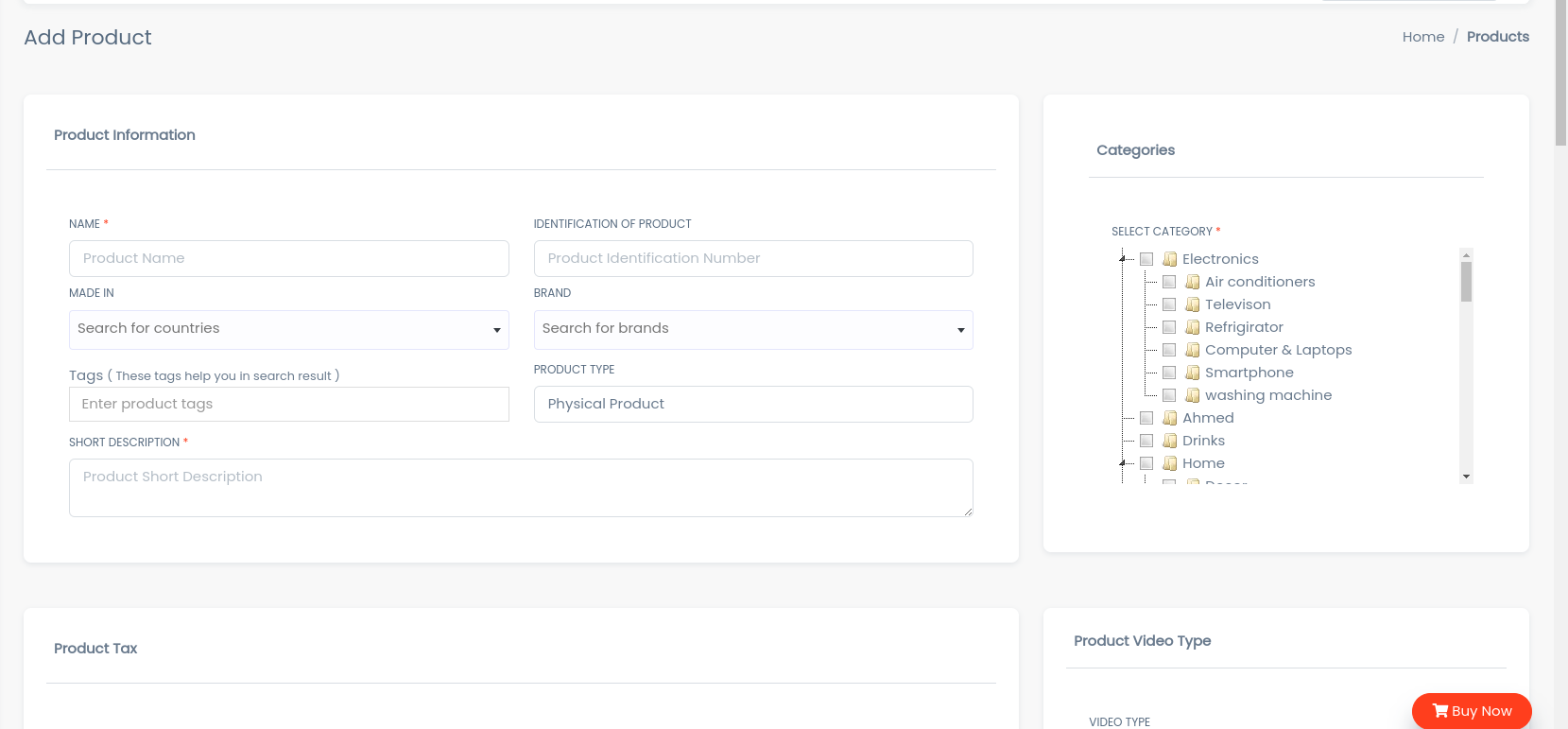
- In Product Name field Enter the Name of the Product.
- In Product Description field Enter the Description of the Product.
- In Tax field Enter the Tax of the Product.
- Select the Indicator(like Veg & Non-veg Type) of the Product.
- In Made In field Enter the Country Of Origin of the Product.
- Select the Category of the Products
- To know how to upload image in the form click here.
- Click add Product to add product or Reset to Reset the form.