Payment Methods
Payment Methods
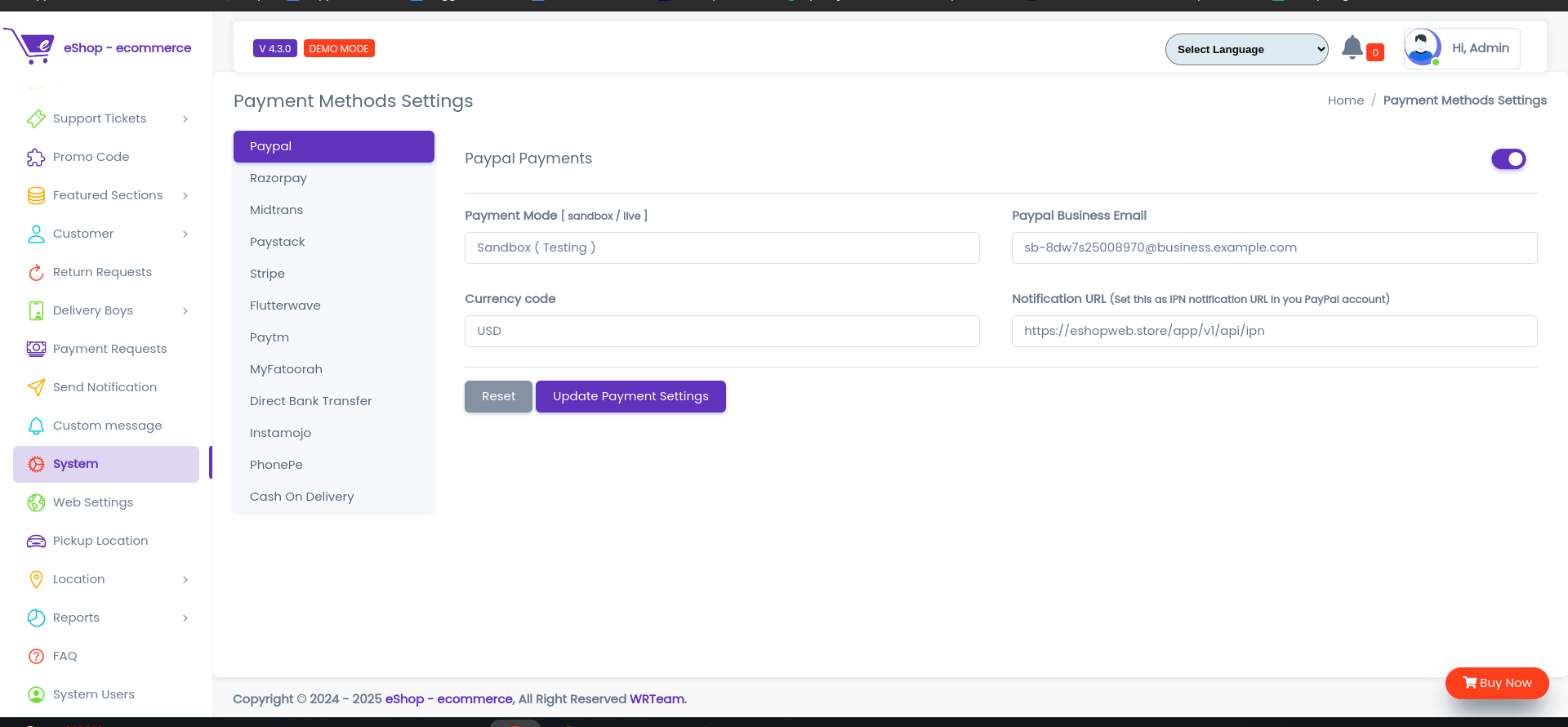
From Here The Payment Methods can be Updated as per requirements
- Paypal Payments: From Here we can update the Paypal Payments
- Payment Mode: From Here we can update the Payment Mode
- Paypal Business Email :
 From Here we can update the Paypal Business Email
 - Currency code: From Here we can update the Currency code
- Notification URL: From Here we can update the Notification URL
PayUMoney Payments
- PayUMoney Payments: From Here we can update the PayUMoney Payments
- Payment Mode: From Here we can update the Payment Mode
- Merchant key: From Here we can update the Merchant key
- Merchant ID: From Here we can update the Merchant ID
- Salt: From Here we can update the Salt
Razorpay Payments
- Razorpay Payments: From Here we can update the Razorpay Payments
- Razorpay key ID: From Here we can update the Razorpay key ID
- Secret Key: From Here we can update the Secret Key
Paystack Payments
- Paystack Payments: From Here we can update the Razorpay Payments
- Paystack key ID: From Here we can update the Razorpay key ID
- Secret Key: From Here we can update the Secret Key
Flutterwave Payments
- Flutterwave Payments: From Here we can update the Flutterwave Payments
- Flutterwave key ID: From Here we can update the Flutterwave key ID
- Secret Key: From Here we can update the Secret Key
- Flutterwave Encryption key: From Here we can update the Flutterwave Encryption key
Cash On Delivery
- COD: From Here we can update the COD
- Click Update Payment Settings to the Update Payment Settings or Reset to Reset the form.