Flutter Doctor Output Error
Flutter Doctor Output Error
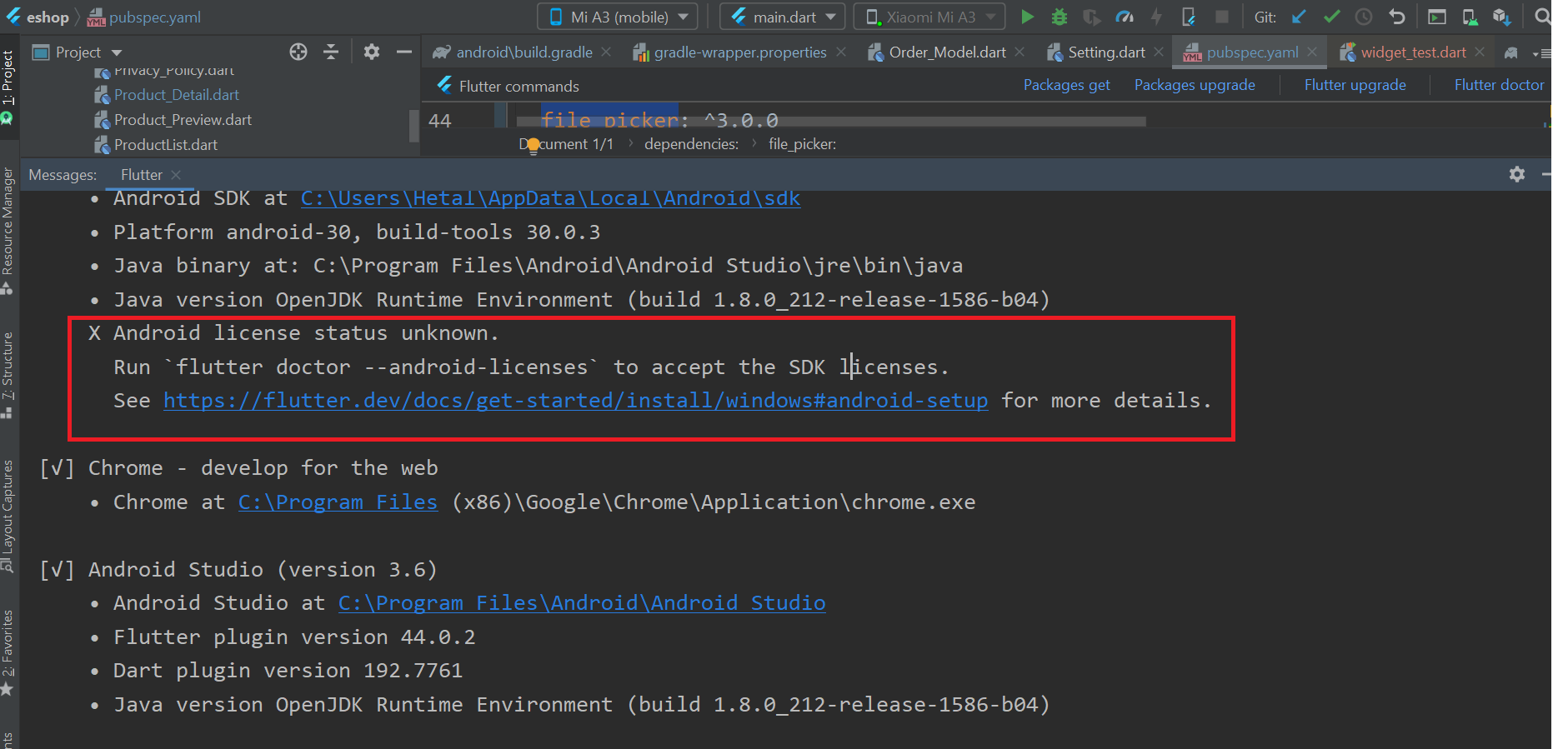
1. If you have run flutter doctor and in flutter doctor if you see below error like licence status unknown.
2. Open Visual Studio Code.
- Open a new terminal in VS Code (
Terminal > New Terminal). - Run the following command to accept Android licenses:
flutter doctor --android-licenses - When prompted, type
yto accept each license. - After accepting all licenses, run:
flutter doctor - The "license status unknown" error should now be resolved.