How to first run project
How to first run project
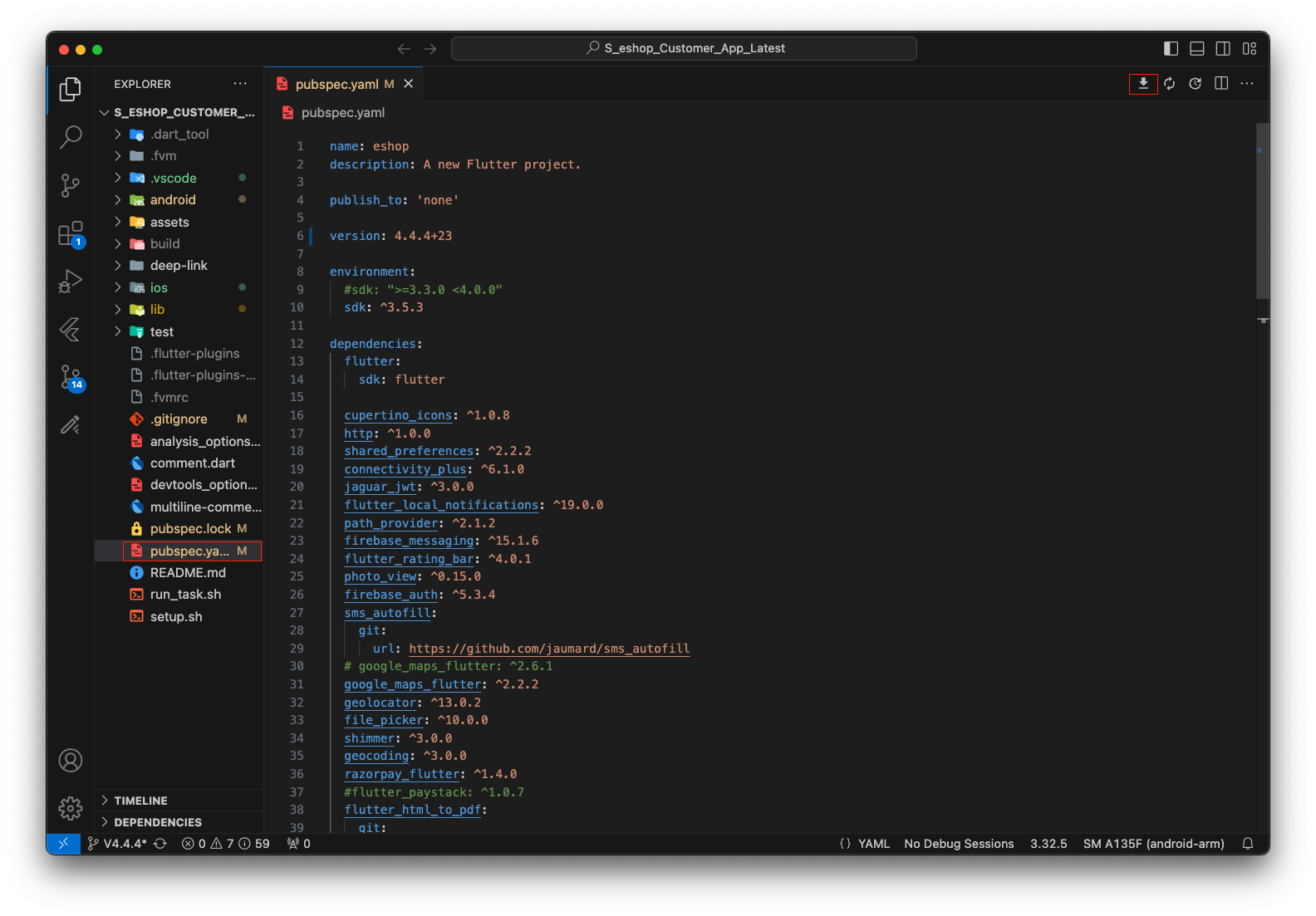
1. You can fetch dependencies by clicking the "Get Packages" button at the top of your pubspec.yaml file, or by running flutter pub get in the terminal. Both methods will install all required packages for your project.
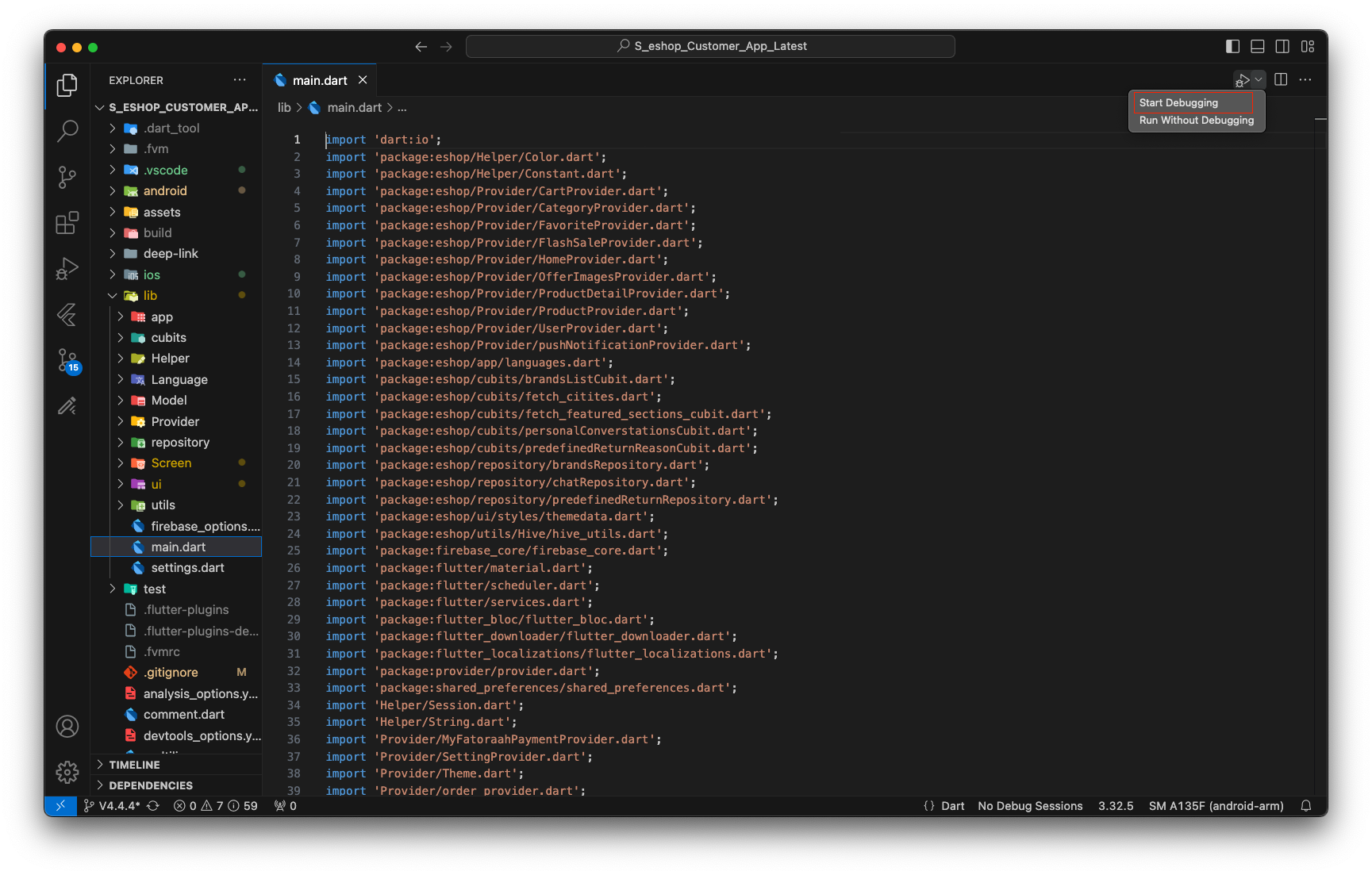
2. After fetching the packages (by clicking "Get Packages" in the upper right of pubspec.yaml), you need to open the main.dart file to get the option for running the app. You can also press F5 as a shortcut to run the app. Then, click the Run button (as shown in the image below) to start your Flutter application on the selected device or emulator.