Client API Management
Client API Keys
Client API Keys serve as the primary authentication mechanism for external applications (such as Mobile Apps or Web Portals) connecting to your system. Each application requires a unique key to validate its requests.
Always assign a unique API key for each distinct client application to maintain granular control and security.
Management Dashboard
Navigate to the Client API Keys section in the admin panel to view and manage your active keys.
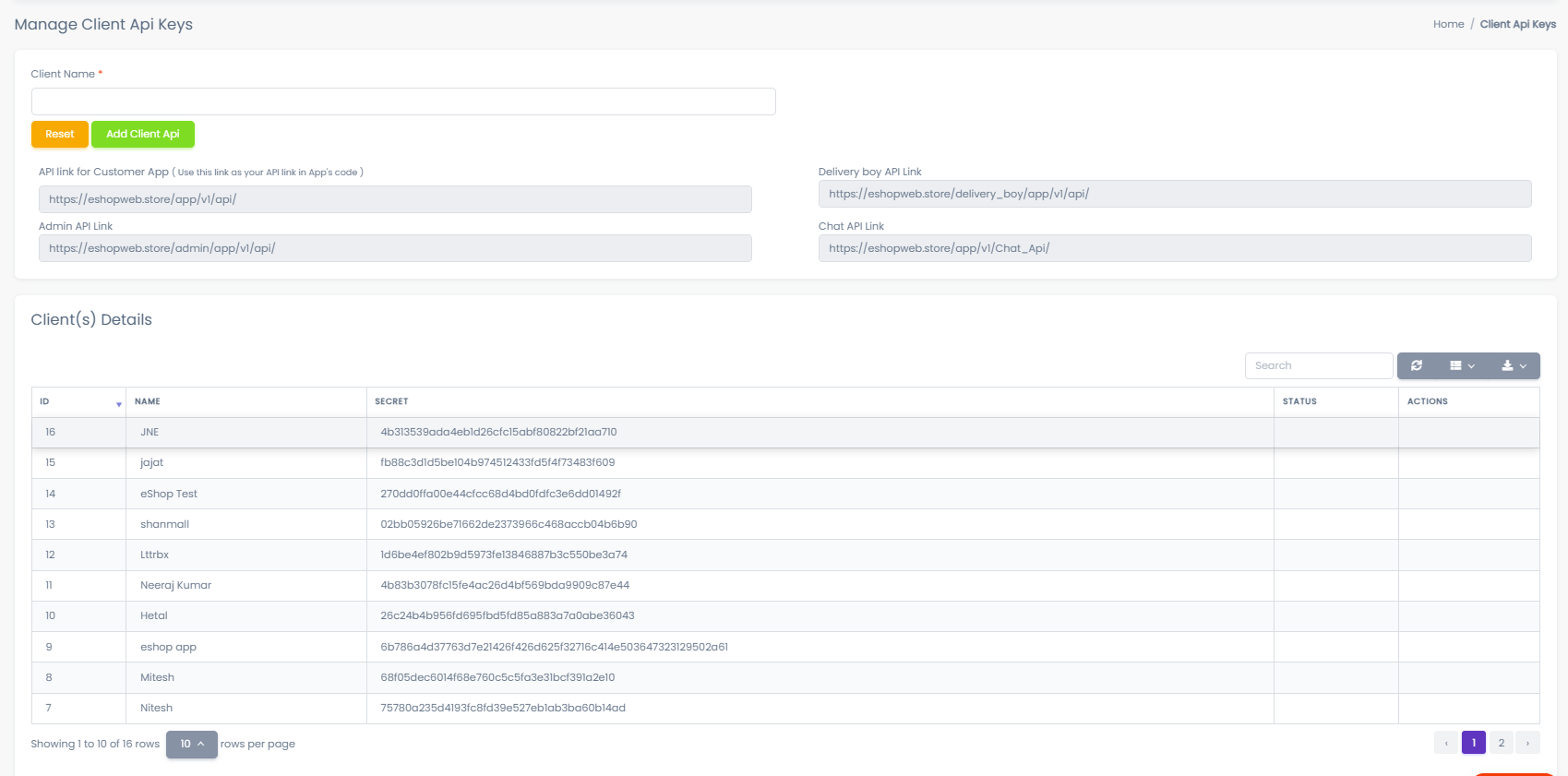
This interface allows you to:
- Monitor active client applications.
- Generate new secure API keys.
- Revoke access for compromised or obsolete keys.
Creating a New API Key
Follow these steps to generate a secure credential for a new client application:
1. Enter Client Name
Provide a descriptive name for the application. This helps you easily identify the key source in reports and logs.
Recommended Naming Examples:
Customer Mobile AppDelivery Partner AppAdmin Dashboard
2. Generate Key
Click the Add Client API button. The system will cryptographically generate a unique API Secret Key.
Secure your API Key immediately.
Store the generated key in your application's secure configuration file (e.g., .env) or a secrets manager. Do not hardcode this key in public repositories.