Common Issue Fixes
404 Not Found Error on Site
If you are encountering 404 Not Found errors on your site (especially when navigating to sub-pages), it is often because the server is not correctly routing requests to your application entry point.
Solution: Add an .htaccess file
You need to add a .htaccess file to your project's root directory. This file tells the Apache server how to handle URLs.
Create a file named .htaccess and paste the following code into it:
Note: After downloading, rename the file to
.htaccess(remove the.txtextension) and upload it to your root directory.
Countries not showing in countries table
If countries are missing, you need to import the SQL file.
- Download the
countries.sqlfile (ensure you have this file from the main package). - Import it into your database's
countriestable. Download countries.sql file
Disable only_full_group_by mode
Disable only_full_group_by mode from your server.
Ask on server support he will help you.
BILLING_NOT_ENABLE issue on the register page
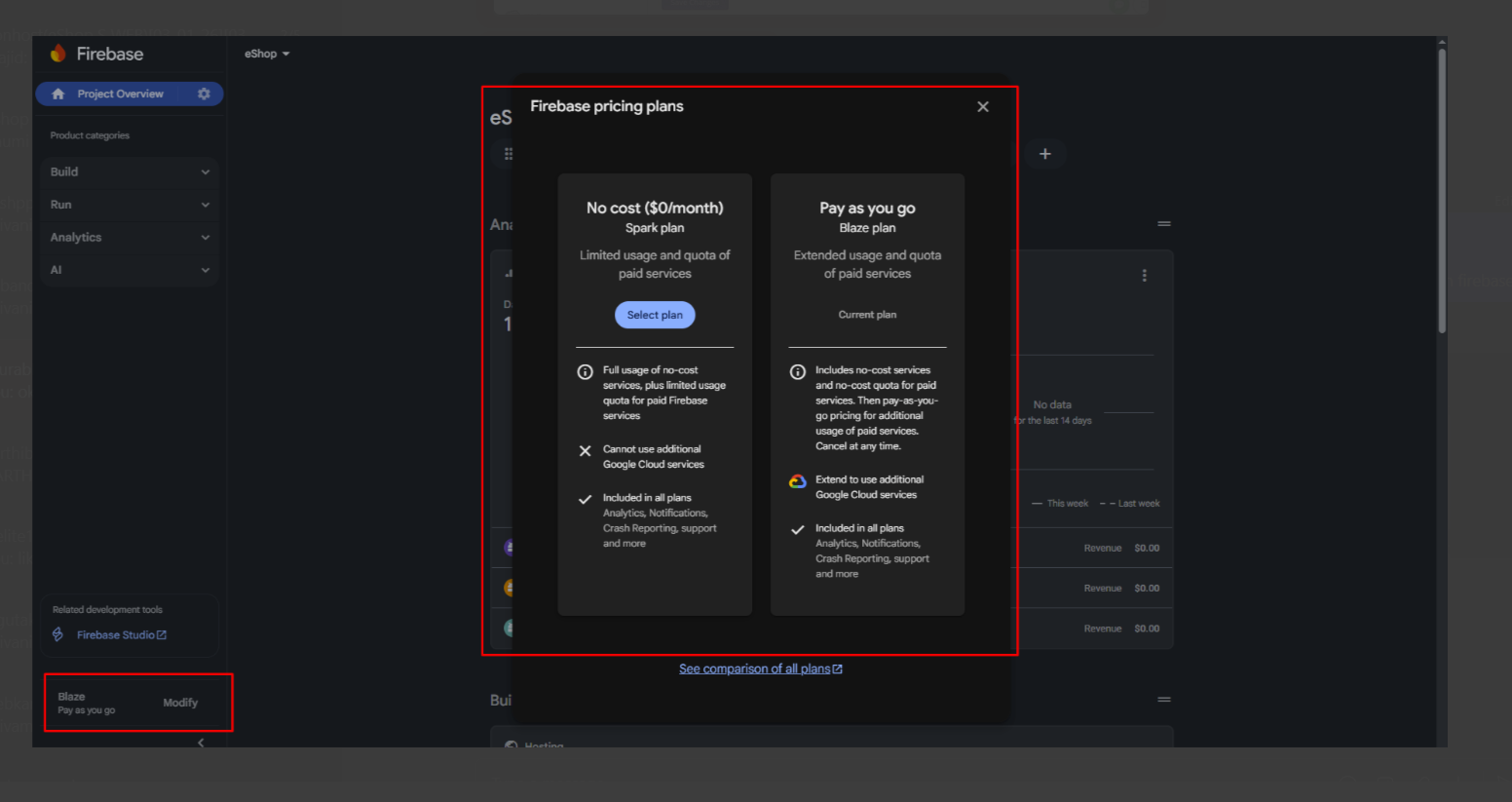
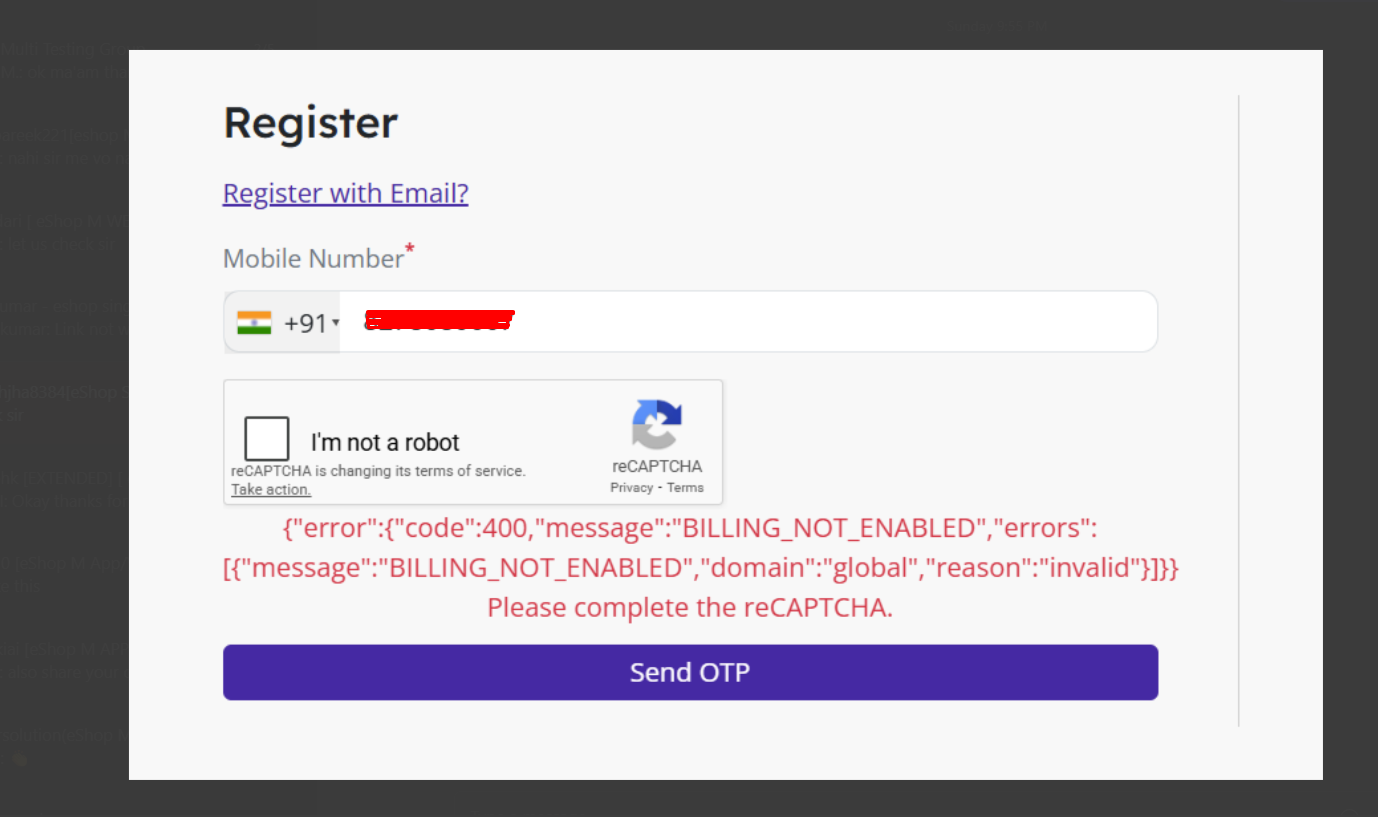 You need to enable the billing from the firebase blaze plan.
solution :
- Go to the firebase console.
- Select your project.
- Go to the billing section.
- Enable the billing.
Categories not showing on Home page
- You must assign a product to the category, or the category must have a child category.
Version not updating through system updater
Increase file_uploads and upload_max_filesize from your server settings.
Hostname not found error while login / register
Go to your Firebase console -> Authentication -> Settings -> Authorized Domains and add your domain name there.
Images not Showing Properly
Enable the GD extention from the server