Dashboard Home
Overview
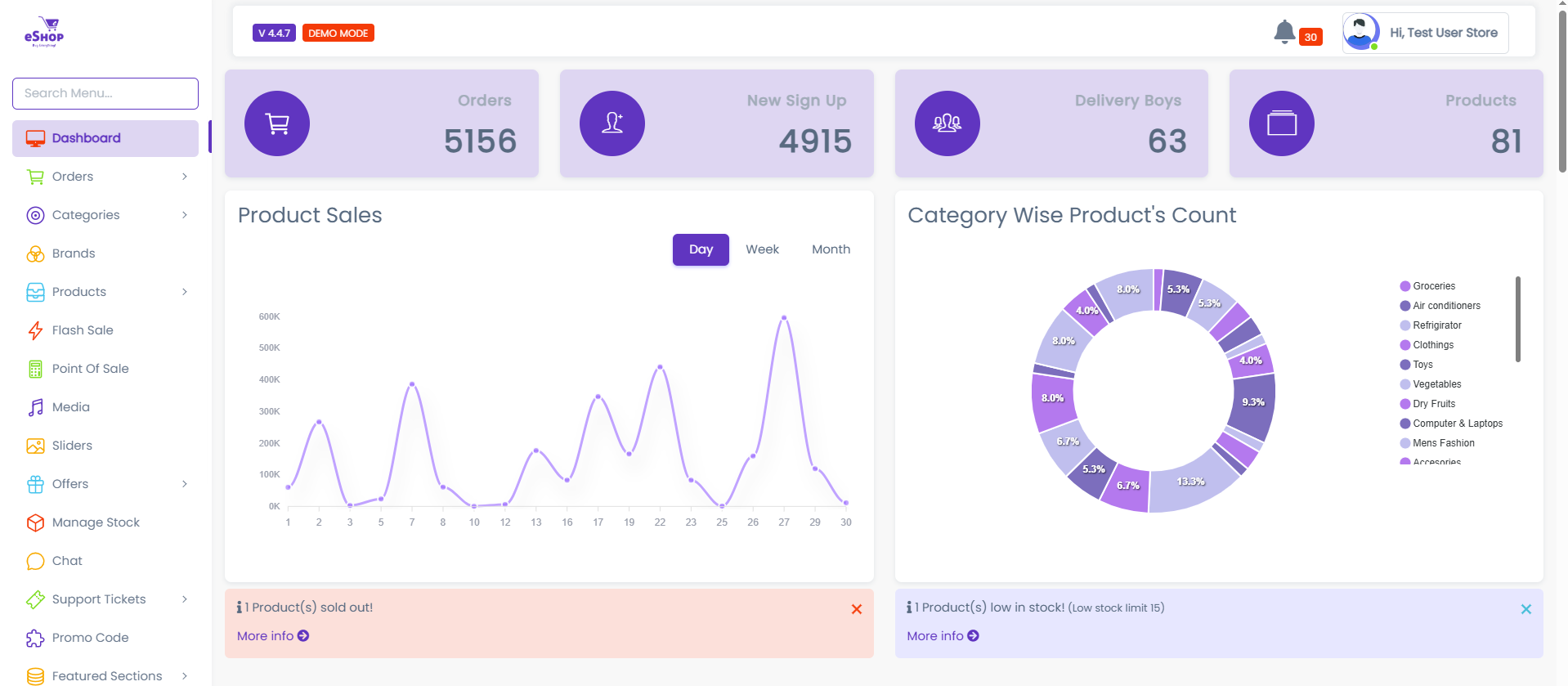
The Home Panel serves as the central command center for your eShop administration. It provides an at-a-glance view of your business performance, key metrics, and quick access to essential management tools.
Key Metrics
The dashboard highlights four critical areas of your business:
- Orders: View comprehensive information about customer orders.
- New Signups: Track new user registrations and growth.
- Delivery Boys: Manage and view information regarding your delivery fleet.
- Products: Access your product catalog and inventory details.
Performance Analytics
Visual charts provide insights into your sales trends:
- Product Sales: Summarizes sales performance over the daily, weekly, and monthly periods.
- Category Wise Product: Displays the distribution of products across different categories.
Theme Customization
You can personalize the look and feel of the admin panel using the customization tools found on the side panel. Options include:
- Visual Style: Toggle borders, adjust text sizes (Body, Navbar, Sidebar, Footer), and enable flat styles for navigation.
- Layout: Configure sidebar indentation and responsive behaviors.
- Color Variants: Choose between various Navbar and Dark Sidebar variants to match your branding preferences.
User Profile Management
The header section provides quick access to your account settings.
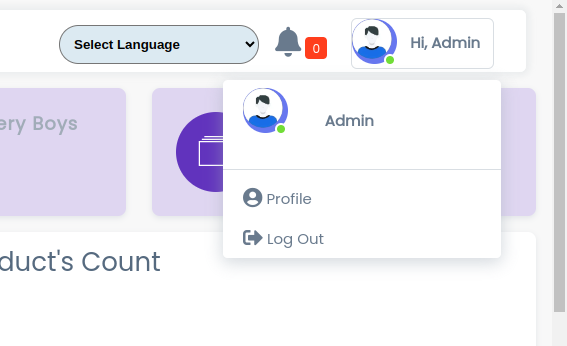
From the profile menu, you can:
- Profile: Update administrator details and account security settings.
- Log Out: Securely sign out of the admin panel.